Video Tutorials
Introduction to Tentaculo in 6 minutes
An overview of the Cerebro module that includes connectors for integrating Cerebro with other software and handles file exchange throughout the workflow.
Introduction to Cerebro in 5 minutes
See the Cerebro interface and explore its key features, including task and report creation, the Gantt Chart, Task Board, and Mirada.
Introduction to Cerebro for a task assignee
In this video, we’ll show you how to get started with Cerebro: install the app and begin working on your first task.
Starting a project in Cerebro
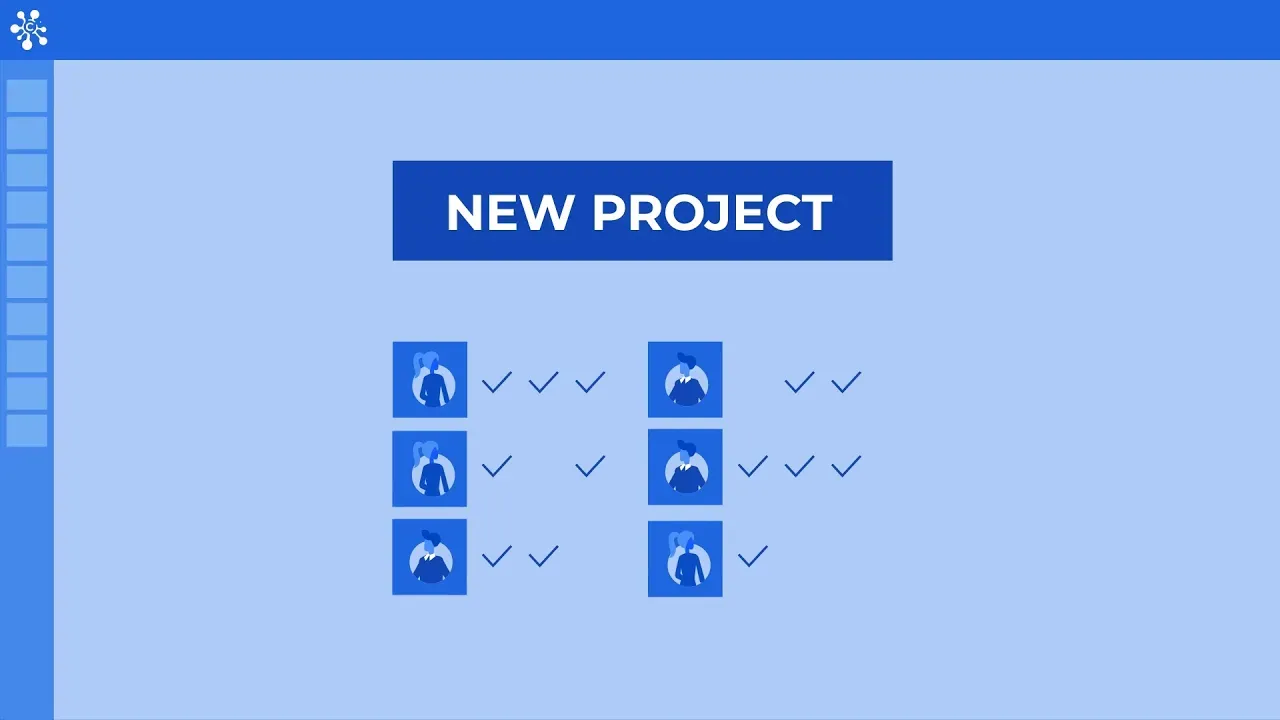
In this video, we’ll look at the Cerebro tools used at the start of a project. We’ll create a new project, add accounts for the team members working on it, and configure task permissions for different types of users.
Exchange of work messages with peer review
In this video, we’ll look at an example of a task discussion between a manager and an assignee in Cerebro and show how Mirada can be used to leave visual and voice feedback.
Project Planning. Creating a Task Structure.
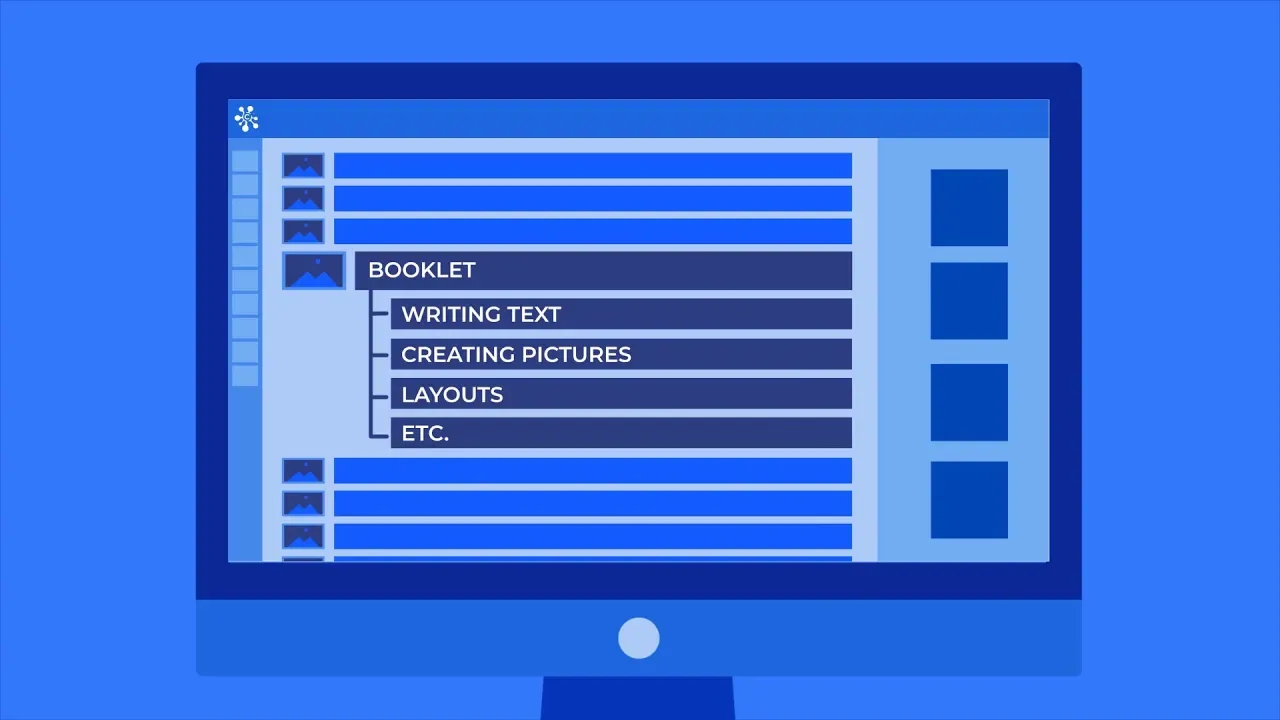
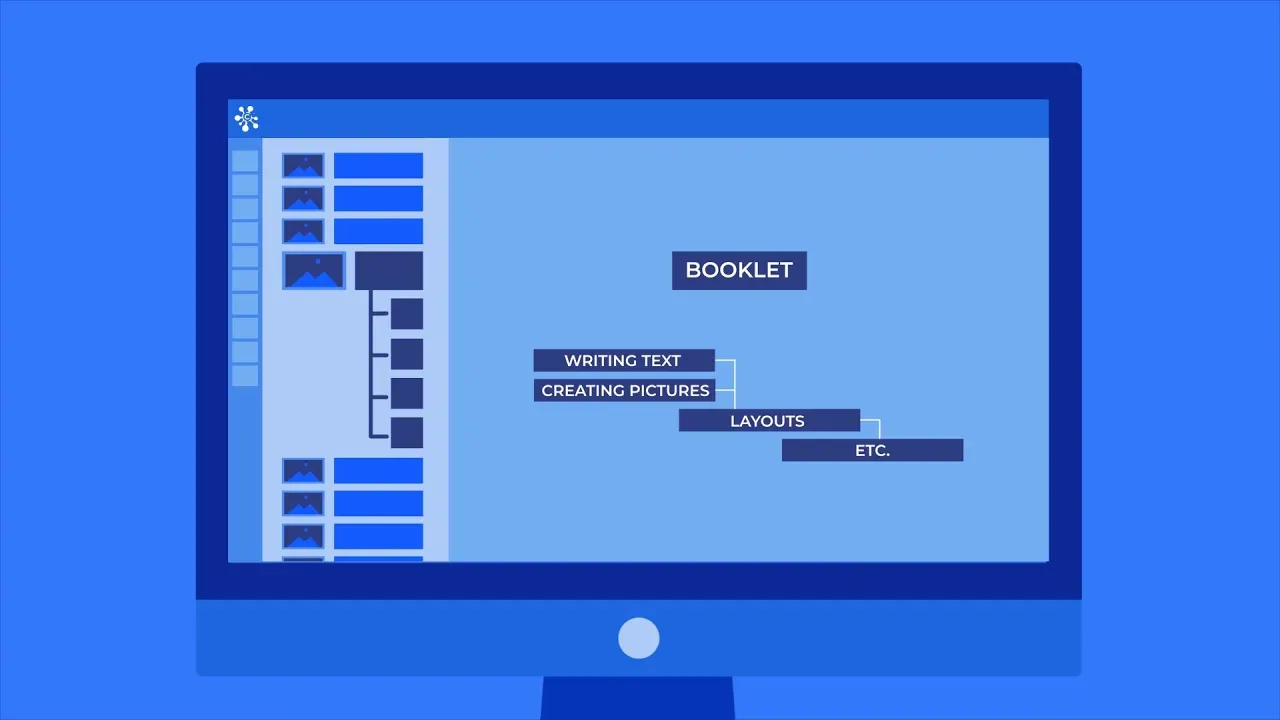
In this video, we’ll explore the tools for creating a task structure within a Cerebro project.
Project Planning. Introducing the Gantt chart.
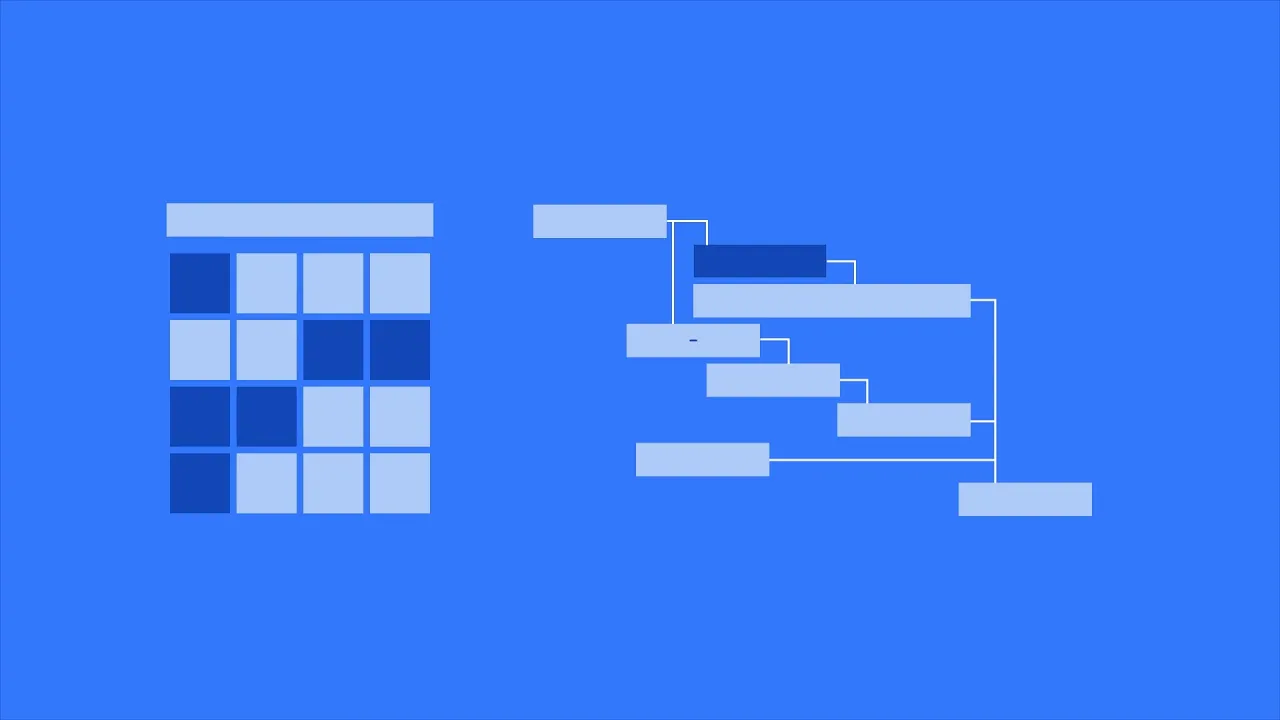
In this video, we’ll learn how to create dependencies between tasks in Cerebro, replicate subtask structures from a template, and use task links.
Project Planning. Timing Parameters of Tasks.
In this video, we’ll create a work schedule in Cerebro and explore the task timing parameters used in project planning.
Project Planning. Task Planning in Cerebro.
In this video, we’ll learn how to assign users to tasks in Cerebro and explore day-to-day planning tools, including the To Do list, calendar, and task planning chart.
Introducing Cerebro Web
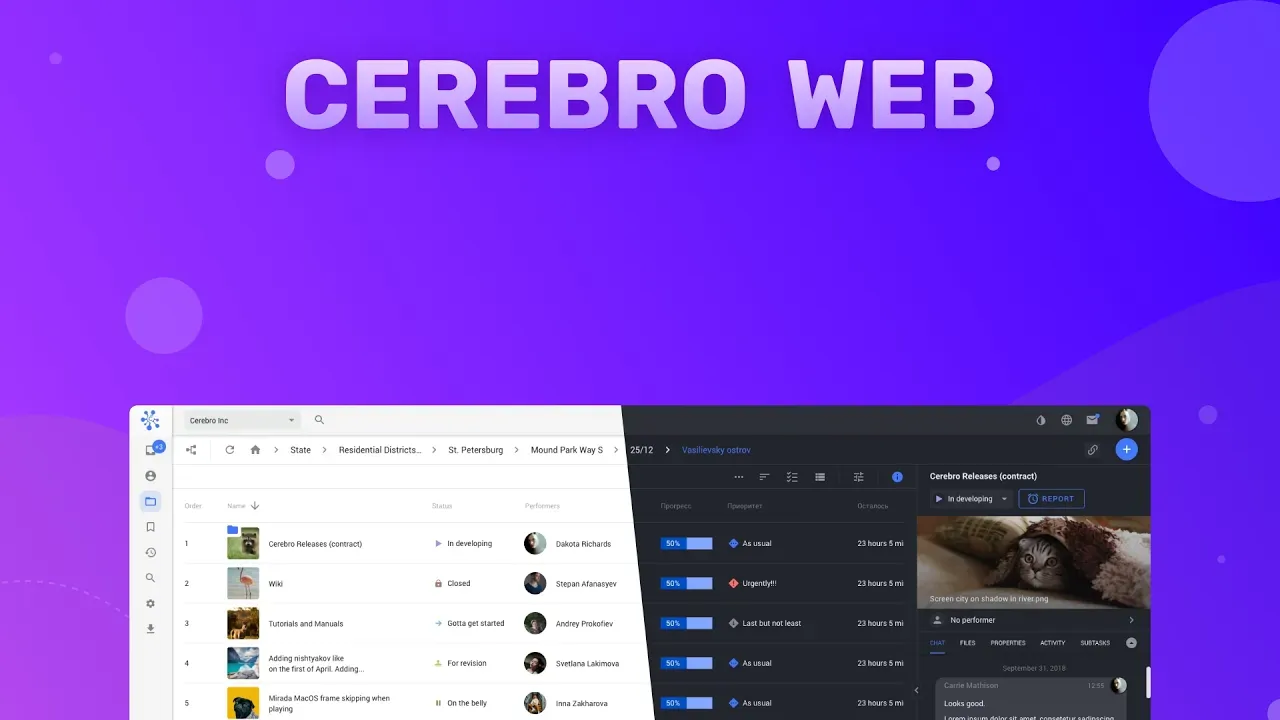
Meet Cerebro Web. Open it in your browser to access Cerebro’s key features without installing the desktop app.
How to Use: My Space Overview
In this video, we introduce Cerebro’s My Space tab, which replaced the Task Tracking tab. See what’s new and explore its features.
How to Use: Mirada Por Parte
A quick look at a new tool in Mirada. Video Scissors lets you record interactive feedback with text, voice, and drawovers.
Cerebro Software Basics: VFX / Animation Industries
In this webinar, we introduce Cerebro and its tools using workflows from the VFX and animation industries.
HSE Art and Design School
We’re launching a new video series. Our first guest is Aleksey Kukharonok, Head of CGI and Visual Effects.
Introduction to Cerebro Webinar
In this webinar, we introduce Cerebro and show how it is used by VFX companies.
Using Cerebro in Bahubali VFX
Learn about the VFX production behind Baahubali and how Cerebro was used in the process. Our guest speaker, Rama Krishna Aravind, Creative Director and Founder of Poco Loco Amusements, shares his experience and key practices from the VFX industry.