Added features:
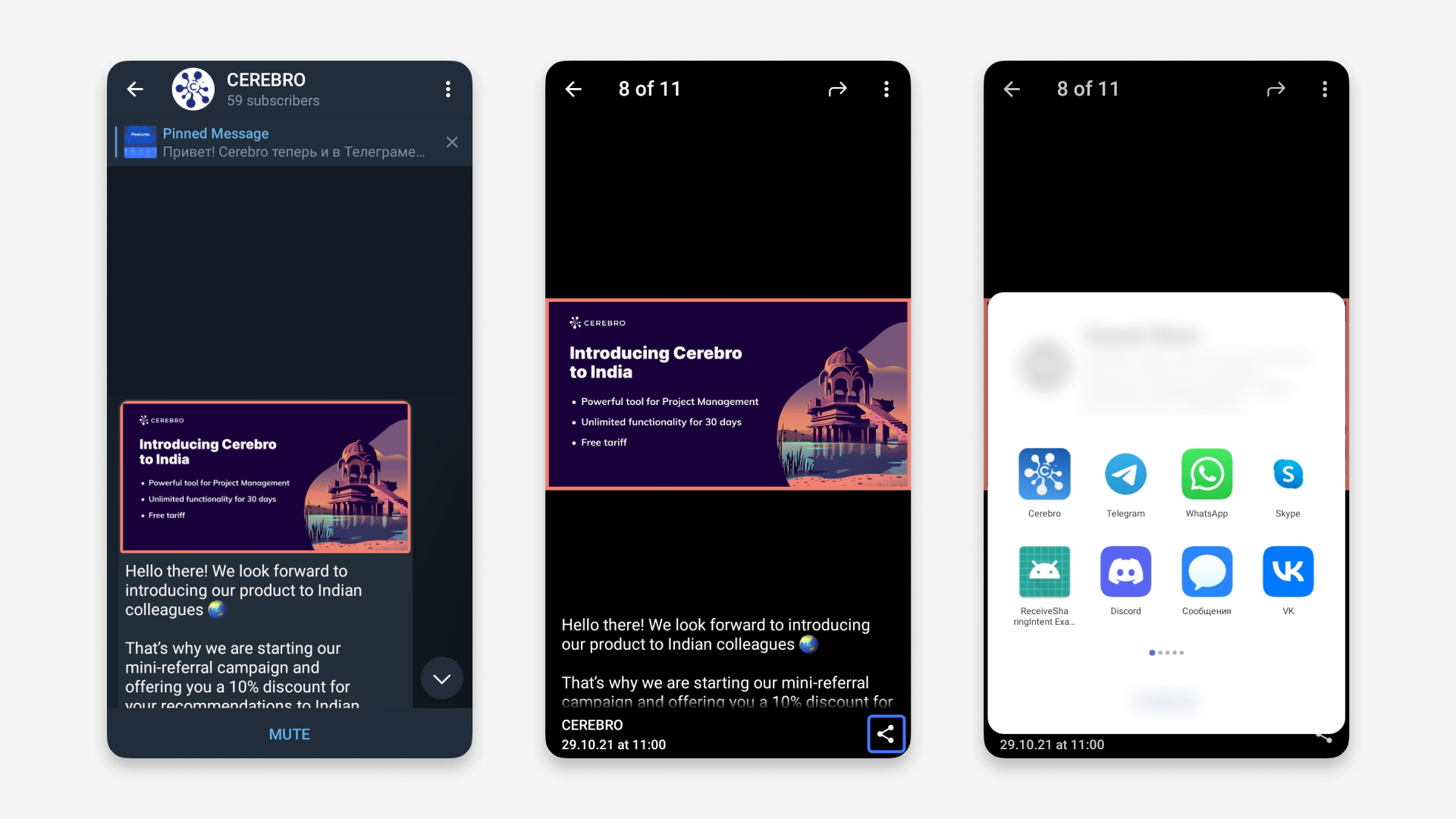
— Transfer files, messages and tasks from Cerebro to third-party apps
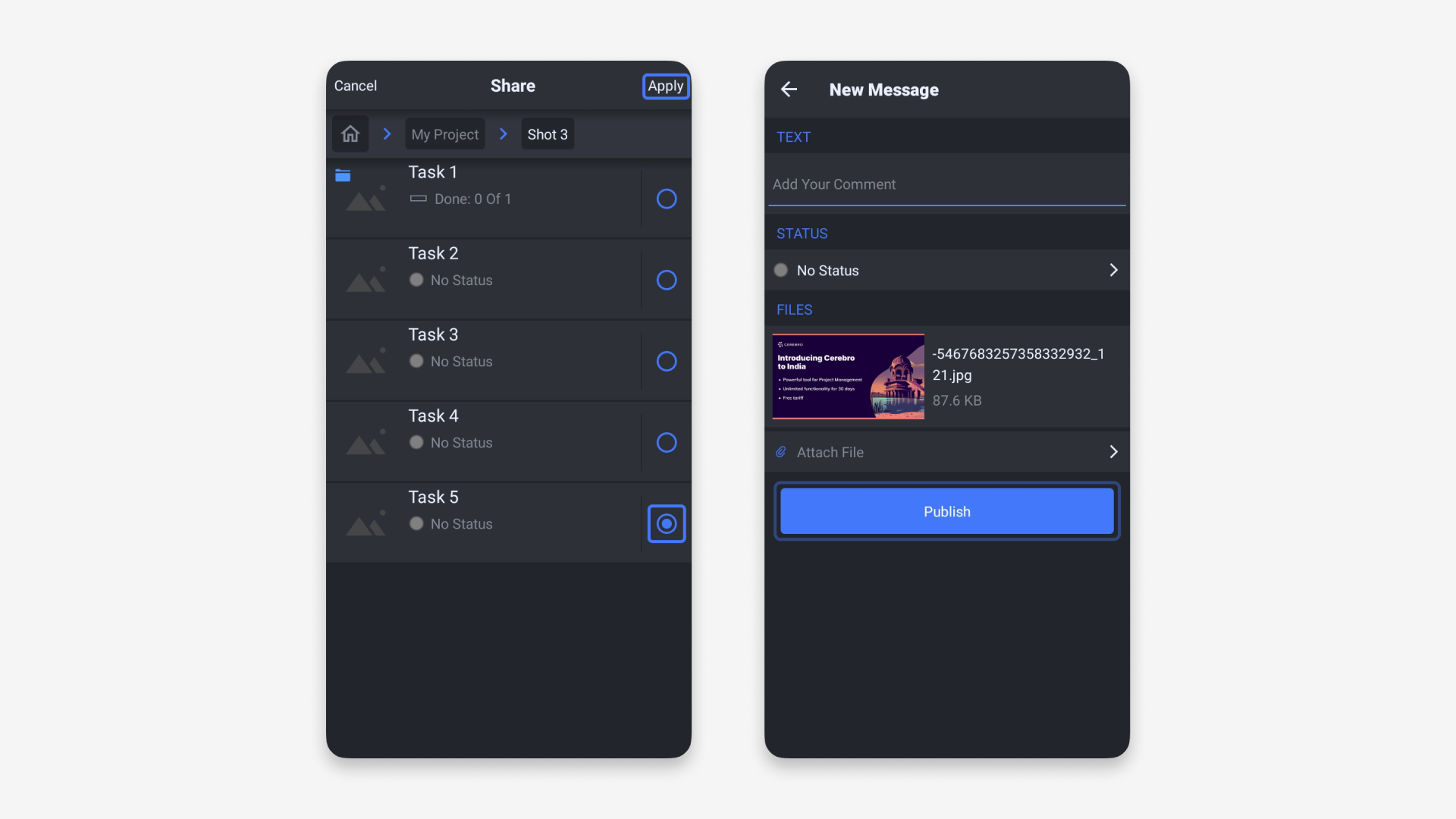
— Transfer files to Cerebro from third-party apps
Exchange files in a few taps — between Cerebro and chats, mail, gallery and other apps.
A tap on the link to a task from Cerebro in any app (chats, mail) will open the Cerebro mobile app.
Formatted messages that were created on a desktop and on the web are displayed in the new version of the mobile app in the same form.
The mobile version now has screen for sending messages to a task. You can write a message, attach files and change task status all in one place.
We’ve corrected the errors discovered in the last version. We’ve fixed the problems related to the Android and iOS system updates.
How we built parallel development, marketing, and sales workflows in a single system — and what we learned from using…
Working with tasks in many ways in Telegram, extanded fuctionality in My Space, In and Out points for loop playback…
This update brings more ways to visually organize tasks and quickly access important information.