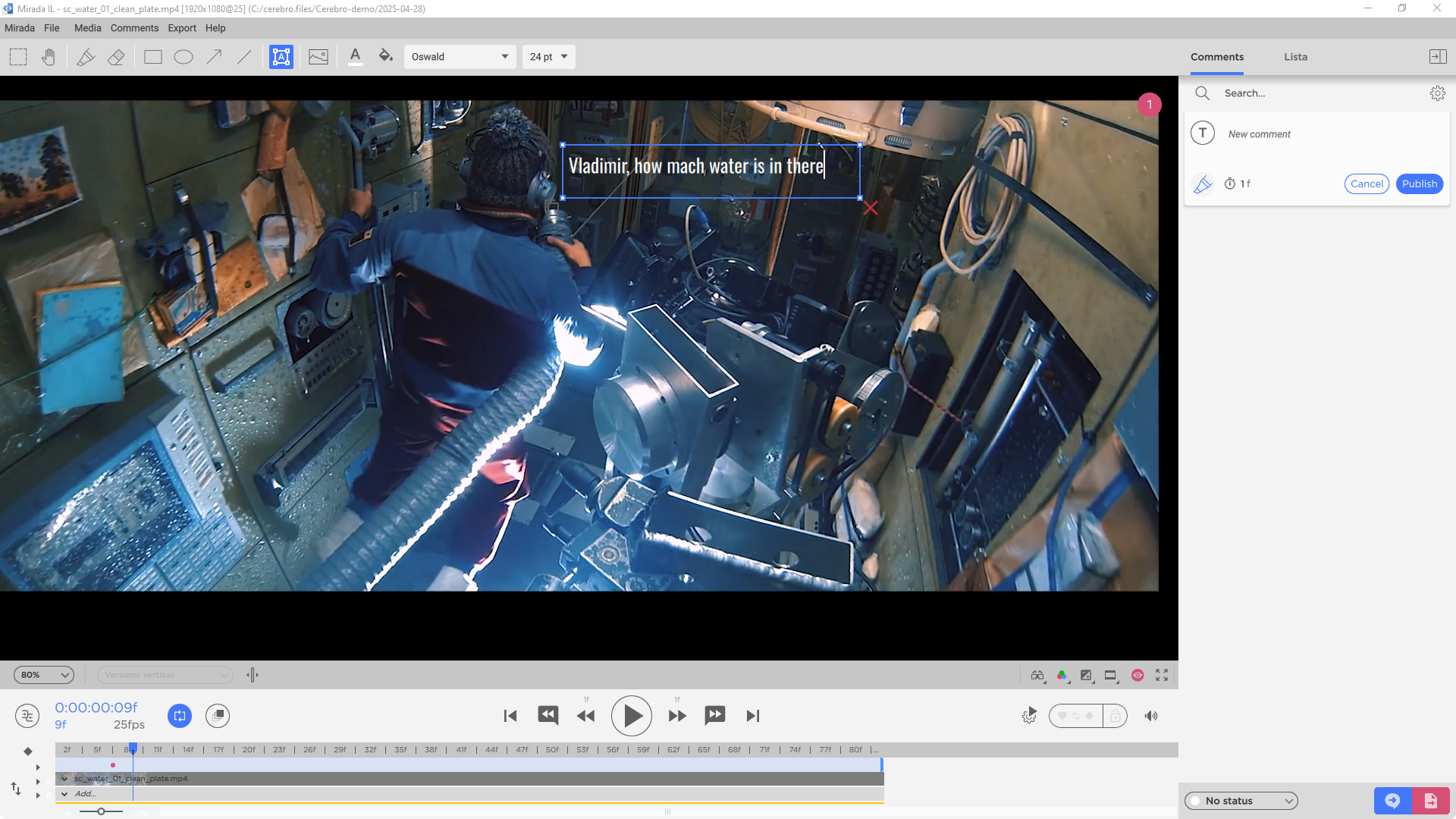
You can now add explanatory notes directly onto any visual content.
Add text comments directly over images and videos — this helps to accurately highlight elements that require attention. The review process becomes more visual and improves communication within the team.
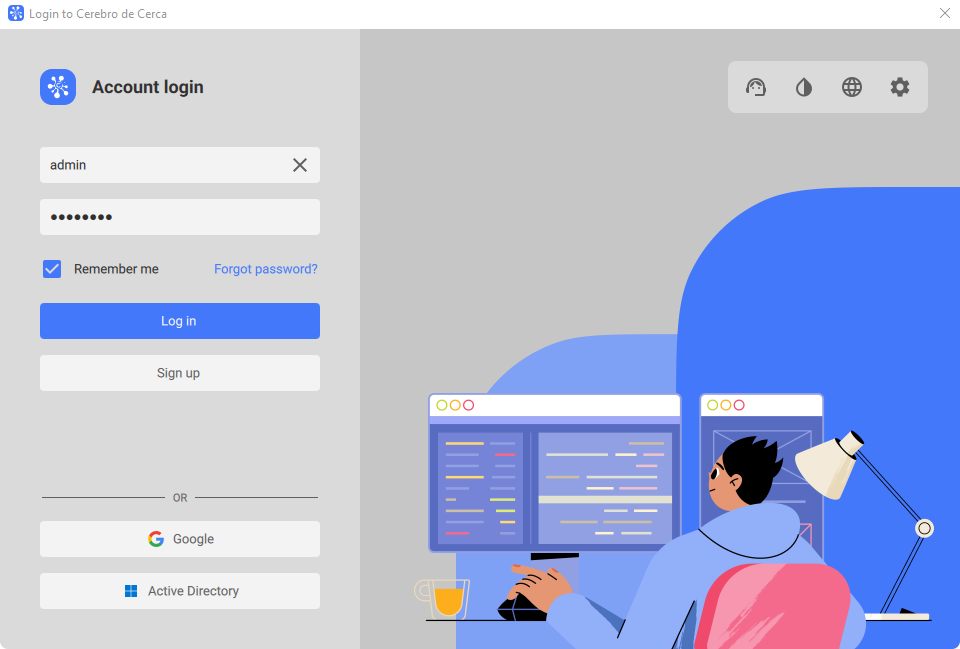
We have updated the login window to make it more modern and user-friendly.
This will simplify the onboarding process and help users better navigate the login procedures.
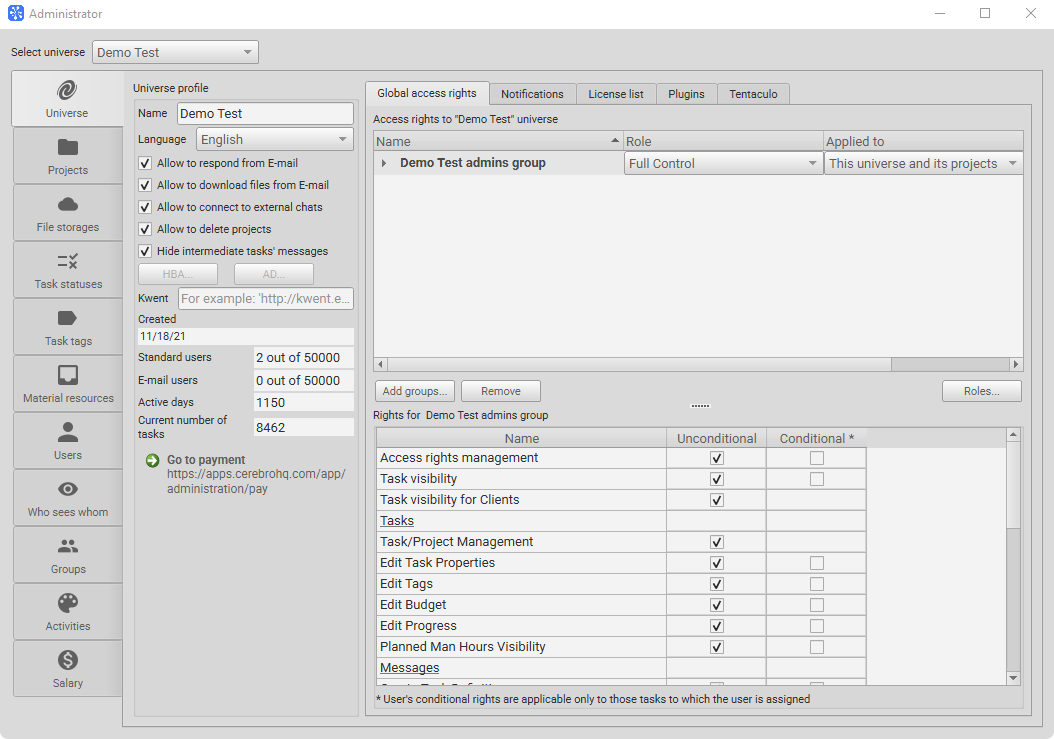
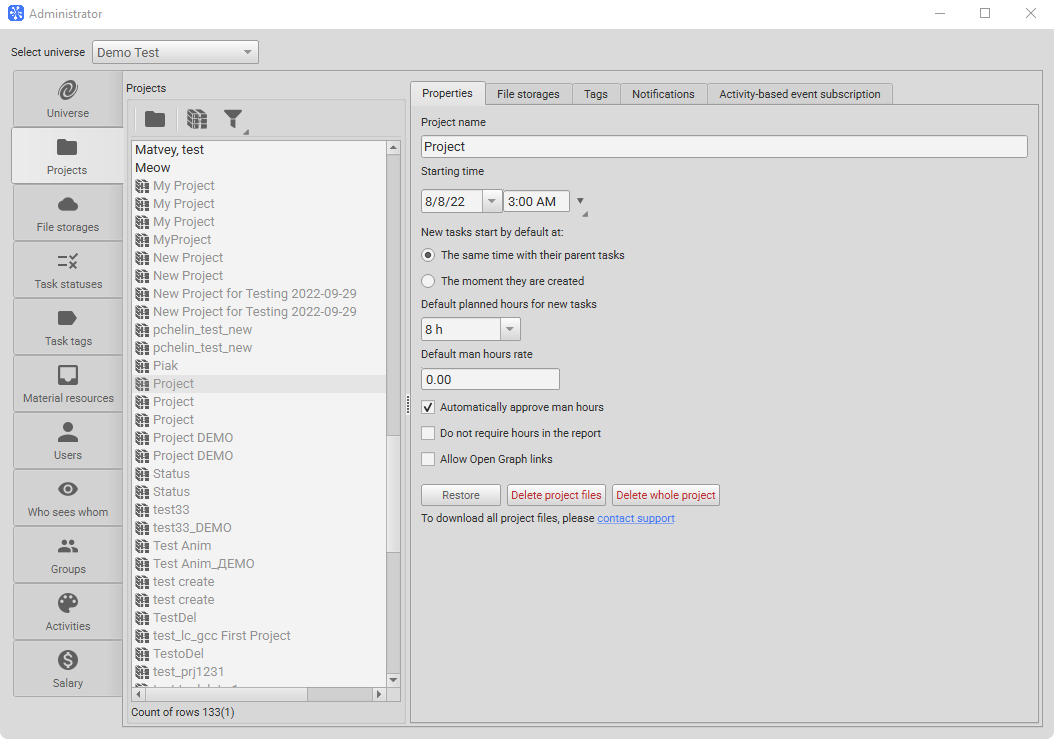
We have added the ability to permanently delete projects along with their files, without the possibility of recovery.
Deletion is available only for archived projects when the corresponding permission is enabled in the universe settings. After submitting a deletion request, the project can be restored within 30 days.
This feature helps maintain order in the system and free up storage space.
How we built parallel development, marketing, and sales workflows in a single system — and what we learned from using…
Working with tasks in many ways in Telegram, extanded fuctionality in My Space, In and Out points for loop playback…
This update brings more ways to visually organize tasks and quickly access important information.