Cerebro Web User Profile – Cerebro
Categories Cerebro

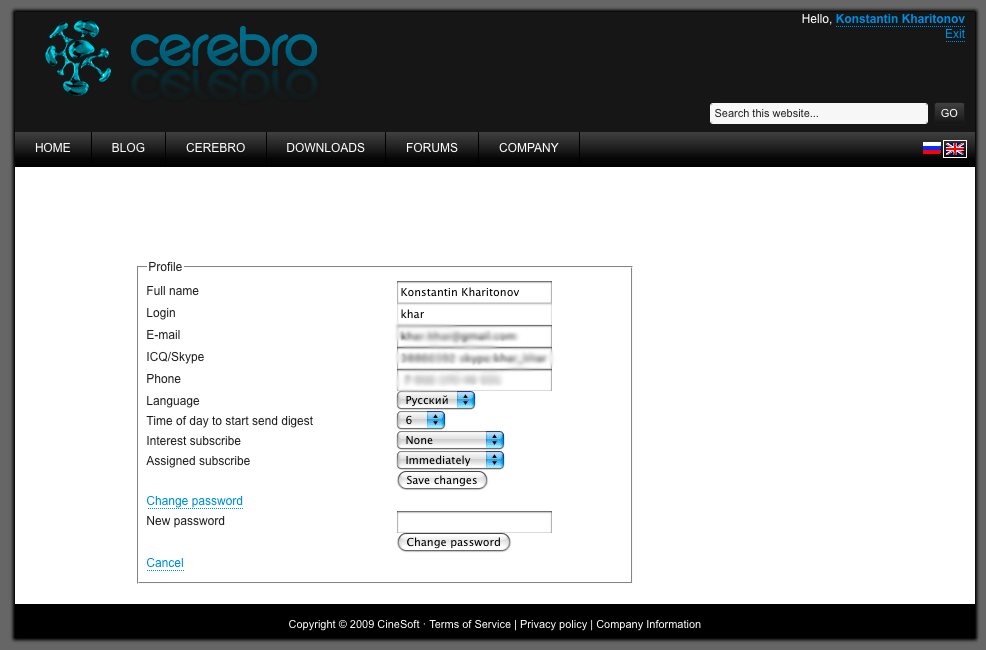
Cerebro Web User Profile

Follow us

Now in site you can login in Cerebro and change you profile or get new password. It’s easy, all you need is just to find Sign In link, located at the top-left corner of the site and type-in your credentials.

Click on the screenshot to take a closer look.

Share

Recent Posts

Schedule Display in the Plan, Automatic Plugin Installation, Updated Page Interface

This release is not only about updates, but also about our warmest wishes for the upcoming New Year!

3 weeks ago

PAPATON Studio Case Study

We spoke with Nikita Tikhonov to learn how they have successfully worked with dozens of freelancers for years and what…
1 month ago

General settings, file cache, multi-login in Tentaculo

A bunch of new features for desktop, Mirada and Tentaculo

3 months ago