Cerebro is a project management and collaborative software. It was designed for marketing departments, construction companies, VFX and animation studios, as well as architectural buro.


Solutions




COMPANIES USING CEREBRO
Cerebro is used by more than 180 companies all over the world.




























FEATURES
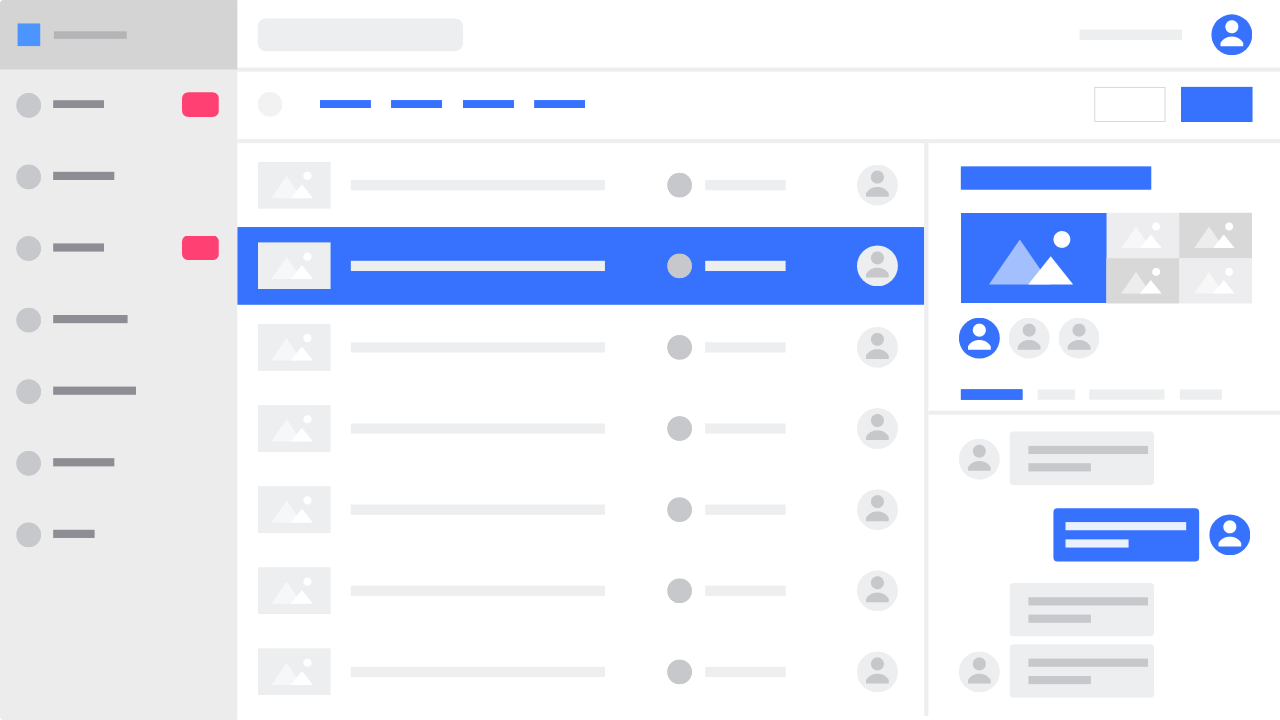
A powerful project management system featuring a unique toolset for collaboration on visual content

Work anywhere
Whether at home, at the office, or onboard an airplane — as long as you’re online, you can work on your projects! Cerebro offers dedicated servers around the world, desktop and mobile applications, interface in all major languages, and even a built-in translator, enabling you to get the job done from any place on the planet.

Manage complex projects
Cerebro is a perfect choice for any company working with visual materials. Take advantage of unlimited task nesting depth; create new projects from scratch or using one of a multitude of templates; use tags to categorize any project elements.

Plan and schedule
Set deadlines, assign tasks to team members and track real-time project progress. Visualize task dependencies using Gantt charts, manage your staff through team and individual calendars, and access financials of your project in a single click.

Collaborate
Take advantage of Cerebro’s communication tools to streamline end-to-end development, from asset creation to customer feedback. Some of its further features are personal task lists, task distribution across teams and individuals, internal messaging, and even visual annotations for any working materials.

Store and share data
Whether you have a million tiny source files or a dozen files a terabyte each, with Cerebro you won’t have to worry about data transfer or storage. With dedicated servers around the globe, a synchronization system and built-in file exchange module, your team can collaborate as though they were working in the same office, even from halfway across the world.

Keep track
There’s no need to study Excel reports to get an overview of your project: all metrics are available in real time, whether you use our standard KPIs or create your own custom indicators. Any criteria can be taken into account to assess the progress of the project as a whole or by user. And if you do need those Excel reports, just export any statistics to a file.
CLIENT REVIEWS

We use Cerebro in ScreamSchool for uploading and watching the media files that are made during our course. Our teachers have the opportunity to prepare them in advance, and our students are able to log on to our server, play through all the necessary materials, upload their own work and immediately let their teacher know that everything is ready. This is a maximum of interactivity. To be honest, I’ve never seen anything like this anywhere. Even on SIGGRAPH and other exhibitions decisions were made during video-conferences, but not due to such a two-way interactive process. Emphasizing the opportunity of remote education and keeping interactive is our know-how in a sense.
Sergey Tsiptsin
General Director

Cerebro was a great asset when it came to keeping project on track. During the entire three months of production, we worked with our Moscow team and a team in the UK to generate 3-D assets, live shootings with green screen, and take aerial helicopter footage. The challenge was to keep the entire production organized and make sure that all tasks were assigned to the correct people. Cerebro really helped us greatly because we were able to assign tasks, put things on a time line, visually see progress, were able to immediately access production files and provide real-time feedback with effective communication.
Hideki Kawata
CG artist at Transparent House

The implementation was no problem. I think the entire launching process took less than a week. Training takes an average of a couple of hours. This is what made it appealing in the first place. At the moment, for example, Cerebro is very actively used by our product department, where media content as such is virtually nonexistent.
Alex Duk
«PIK Group»

We used Cerebro to manage the project as there was no other way to cope with such a flow of information, on-set materials and files flying to and from.
Julia Huene
VFX Coordinator at MainRoad|Post

As Cerebro is very user friendly, the team got accustomed to the interface within a week.
Himakumar Kilari
VP Post Production at Prasad Group

Cerebro allows us to effectively distribute human and time resources, plan the production process, track task fulfillment and keep up with the whole project production process. Cerebro has a flexible structure that allows, if necessary, us to add new task types and change old ones. You can easliy see the productivity of each separate employee, using the User Stats option. The Project Stats function allows you to evaluate the level of project completion. A major plus of the program is the opportunity of working with remote users and the opportunity of working out of the office.
Elena Chugunova
Project manager at “Petersburg” animation studio
Workflow Integration
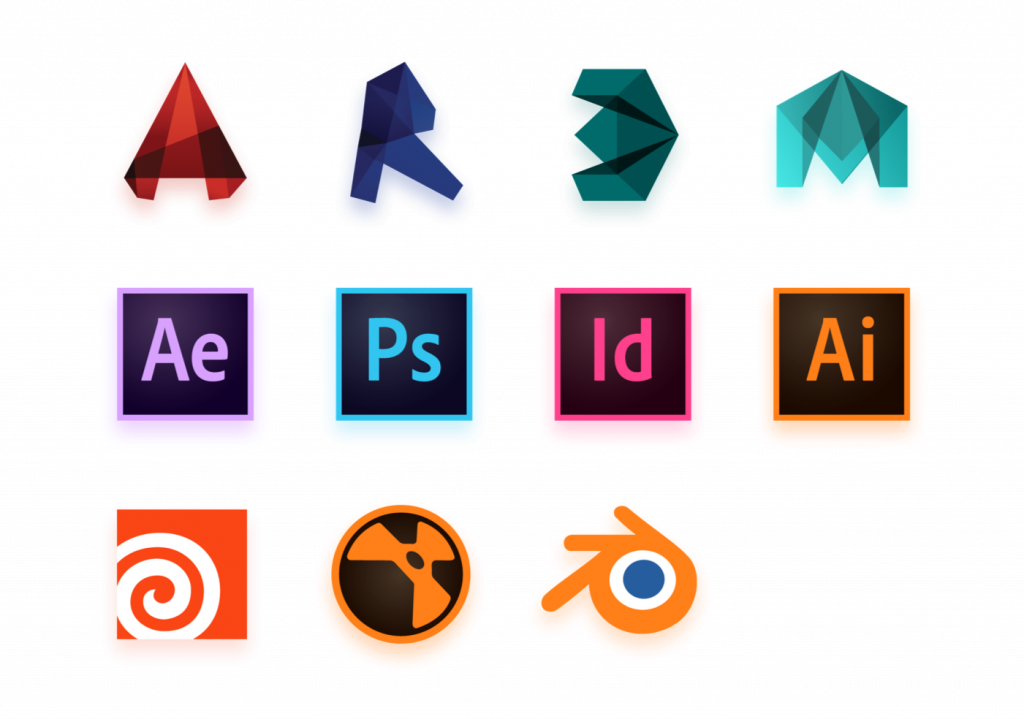
Cerebro is integration-ready out-of-the-box, without a single line of code. Our proprietary plugins enable you to work on any task directly from your production software package.
Any additional features you may need can be easily added using Cerebro’s client and server APIs.
Start using Cerebro
Sign up for 30-day free trial:
- Up to 50 users
- 50 GB cloud storage space
- Unlimited number of tasks
- No credit card required

Resources




NEWSETTLER
New Cerebro releases and case studies
Какой-то текст ошибки
By clicking Submit button, I agree with Privacy Policy