Wiki formatting & video, resolved comments in Mirada, large playlists
Wiki: Formatting and Multimedia
We’ve fixed several text formatting issues and introduced new capabilities for working with Wiki pages.
Markdown Editing
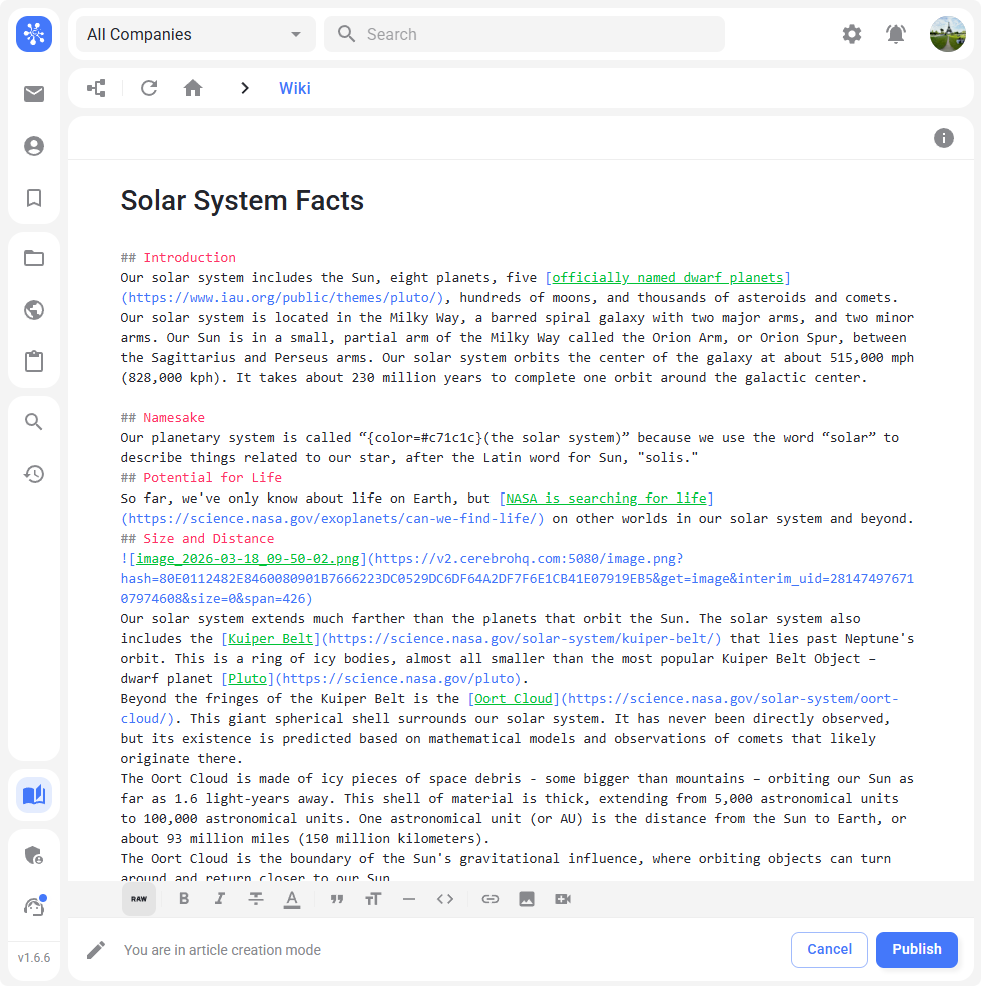
You can now edit content in raw Markdown format. This mode displays all markup symbols and gives you more precise control over page formatting.
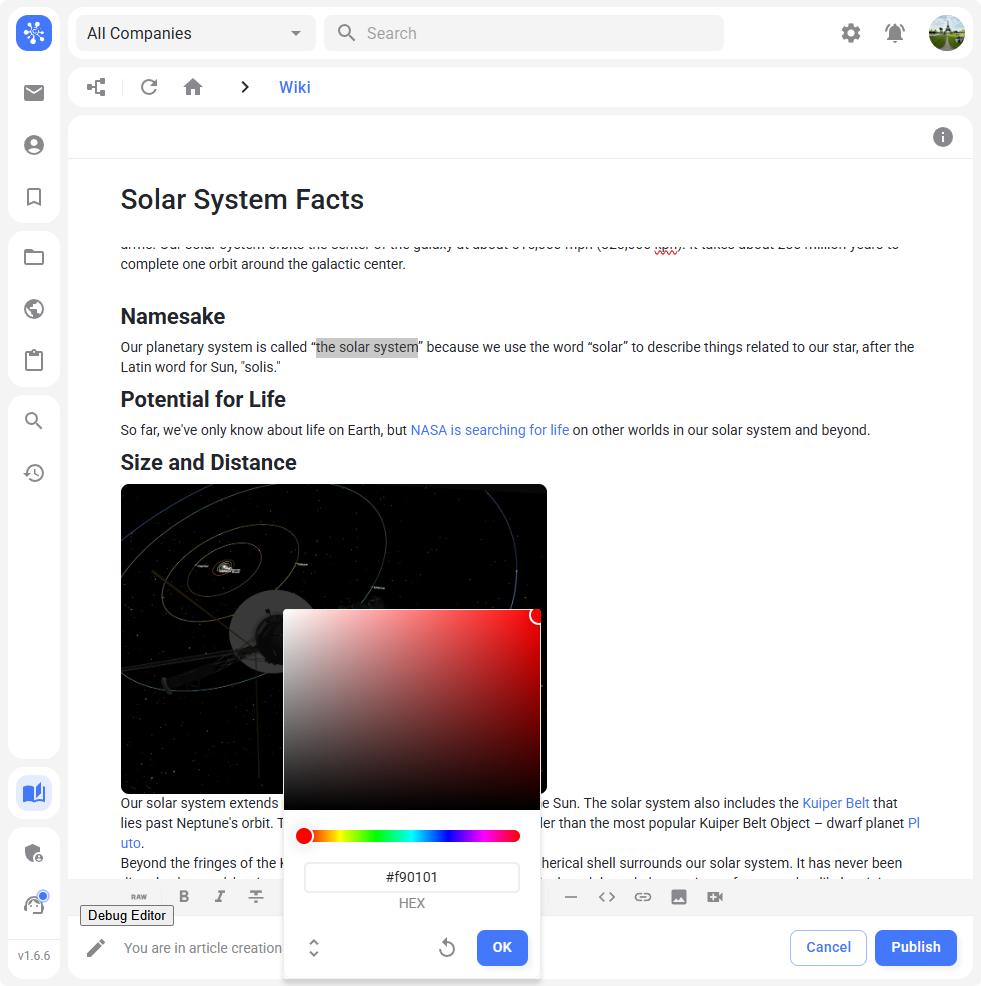
Text Color
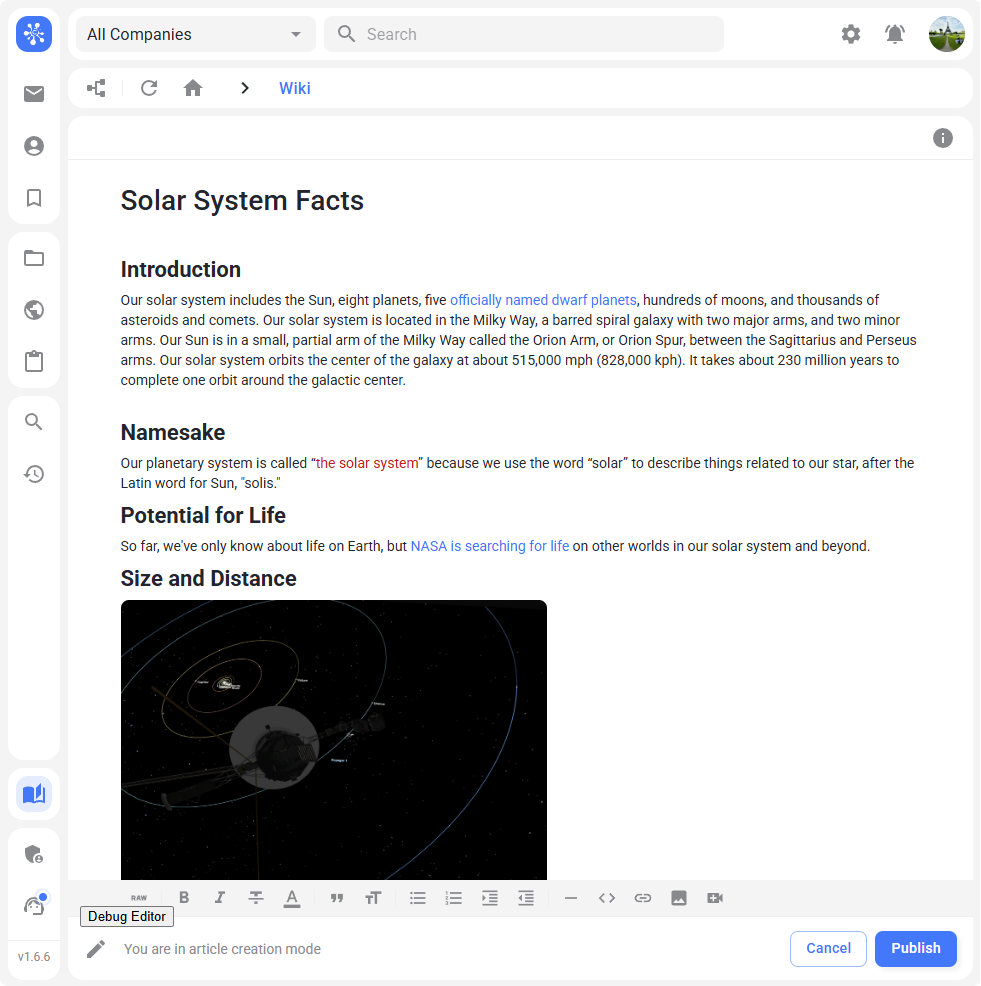
You can now change text color. Please note that different styles use different color schemes, so use this feature carefully.
Multimedia
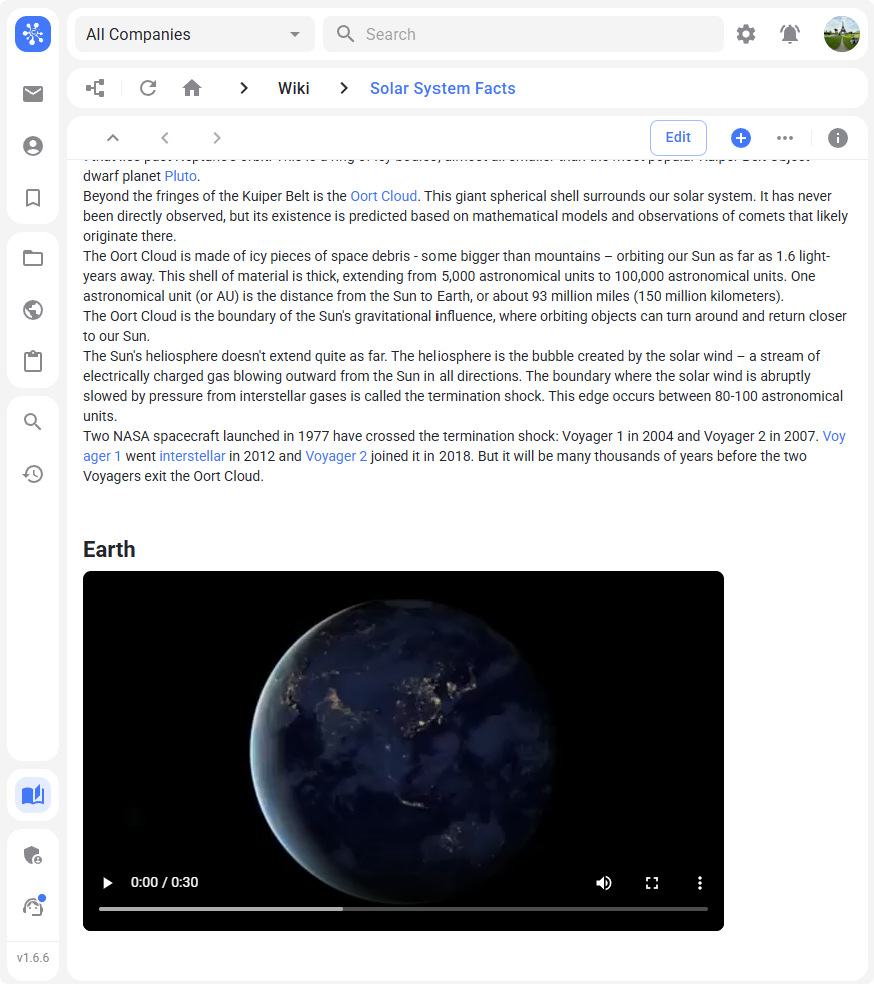
Video embedding is now supported. Wiki pages can now include not only text and images, but also video content.
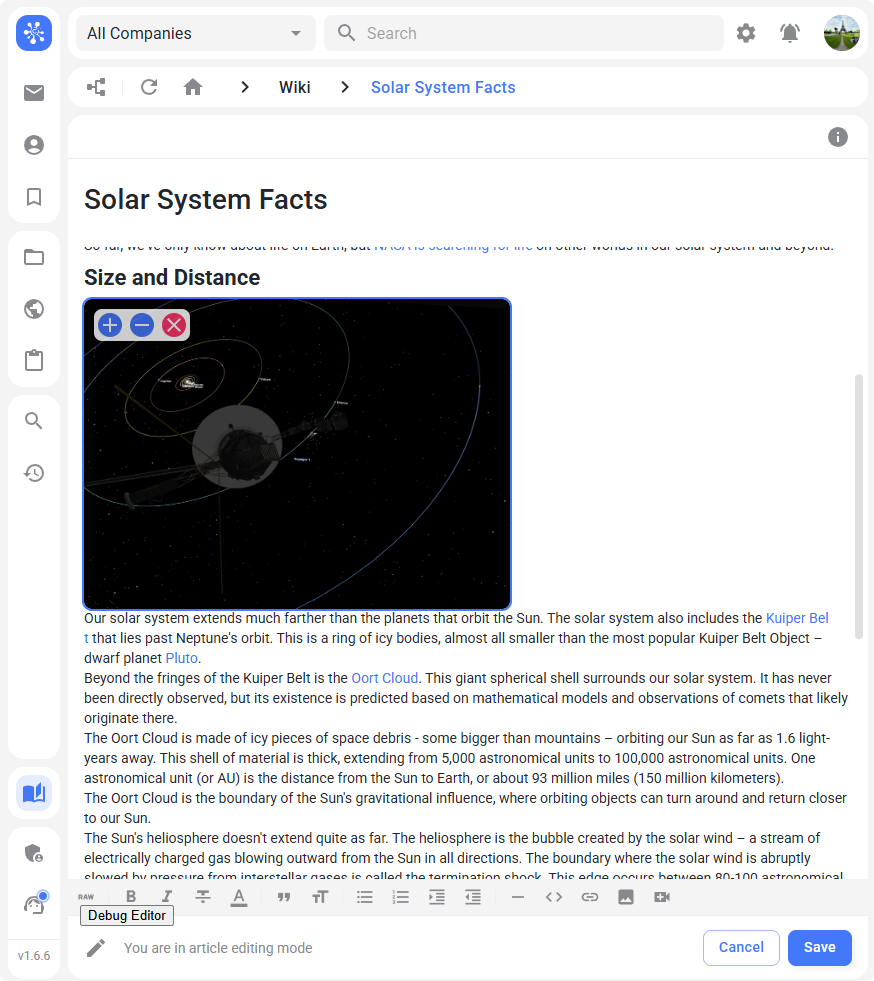
You can also resize images and videos directly in the article — either using UI controls or by specifying exact dimensions in RAW mode. These features are already available in the message editor and web version, and will soon be added to the desktop version.
Mirada
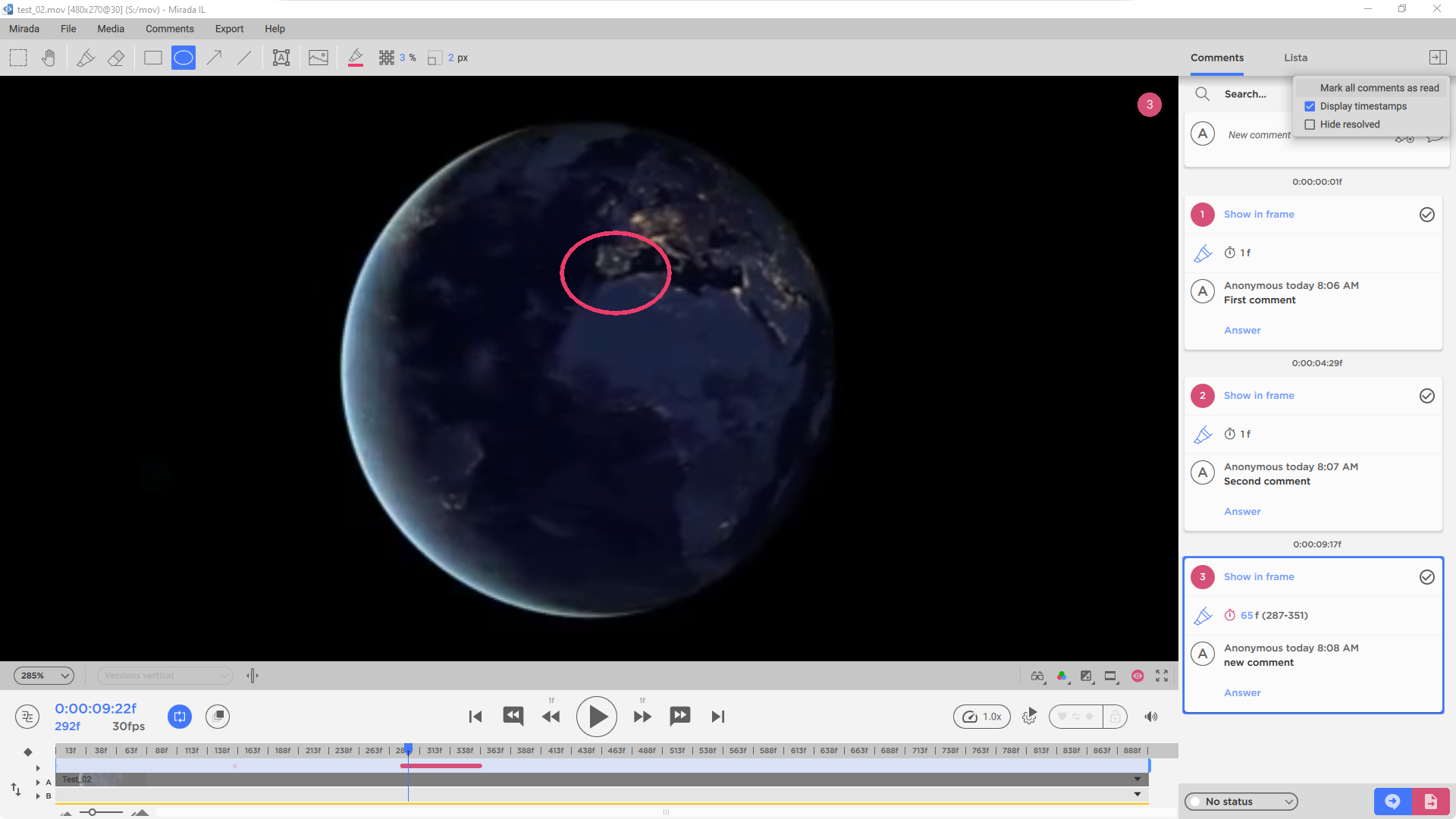
Resolved Comments
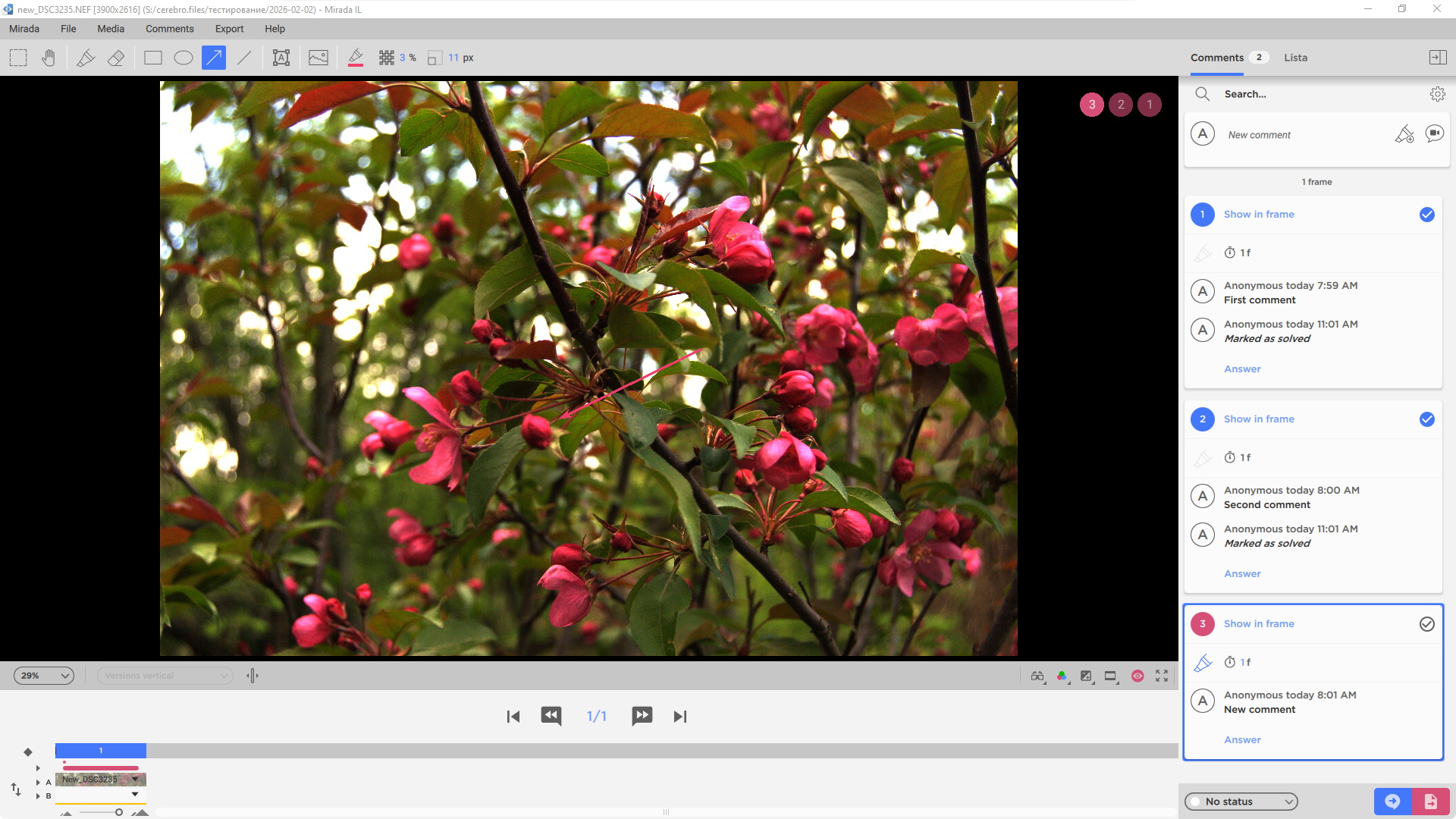
You can now mark comments as resolved, making it easier to track feedback.
Timecode Display
In the comment list, you can now switch between frame numbers and timecodes.
Export to Editing Software
Text comments with timecodes can now be exported via OpenTimelineIO (OTIO), an open standard for editorial workflows.
This allows you to transfer comments directly into:
- DaVinci Resolve
- Adobe Premiere Pro
- Final Cut (via supported formats)
- other OTIO-compatible tools
Performance
Large Playlist Playback
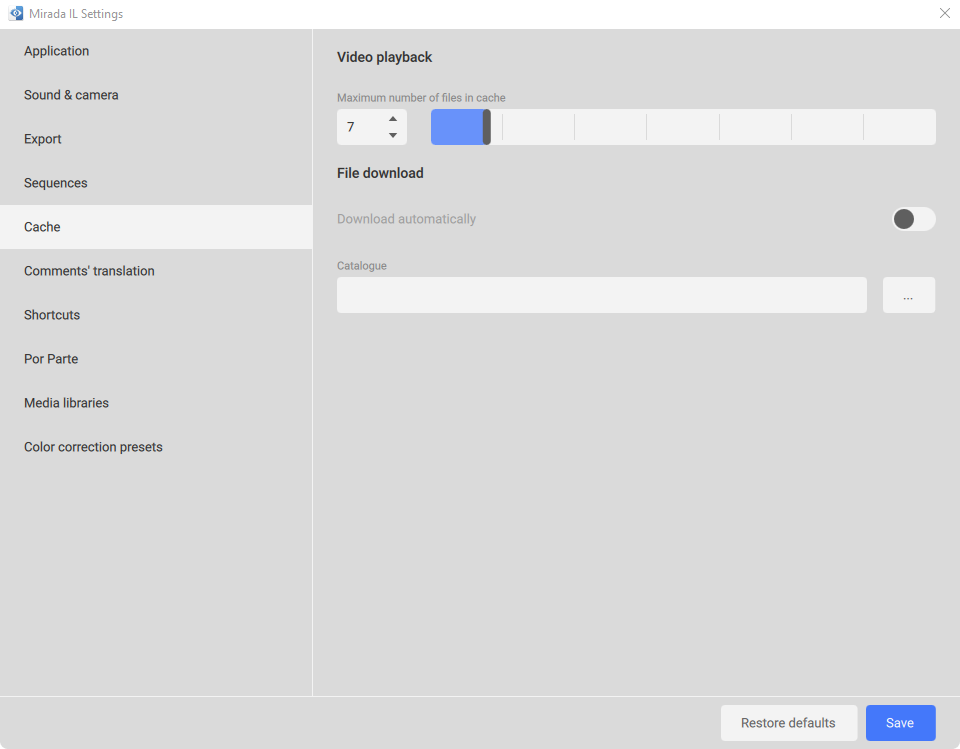
We’ve added video caching for smoother playback of multiple videos in a playlist. This ensures seamless viewing when working with large playlists.